
Azurade Online
Editor
A free photo editor right in your browser: cropping, text, shapes, filters, and layers. Ready-made sizes for marketplace listings, Instagram, and Stories. No signup or download required.
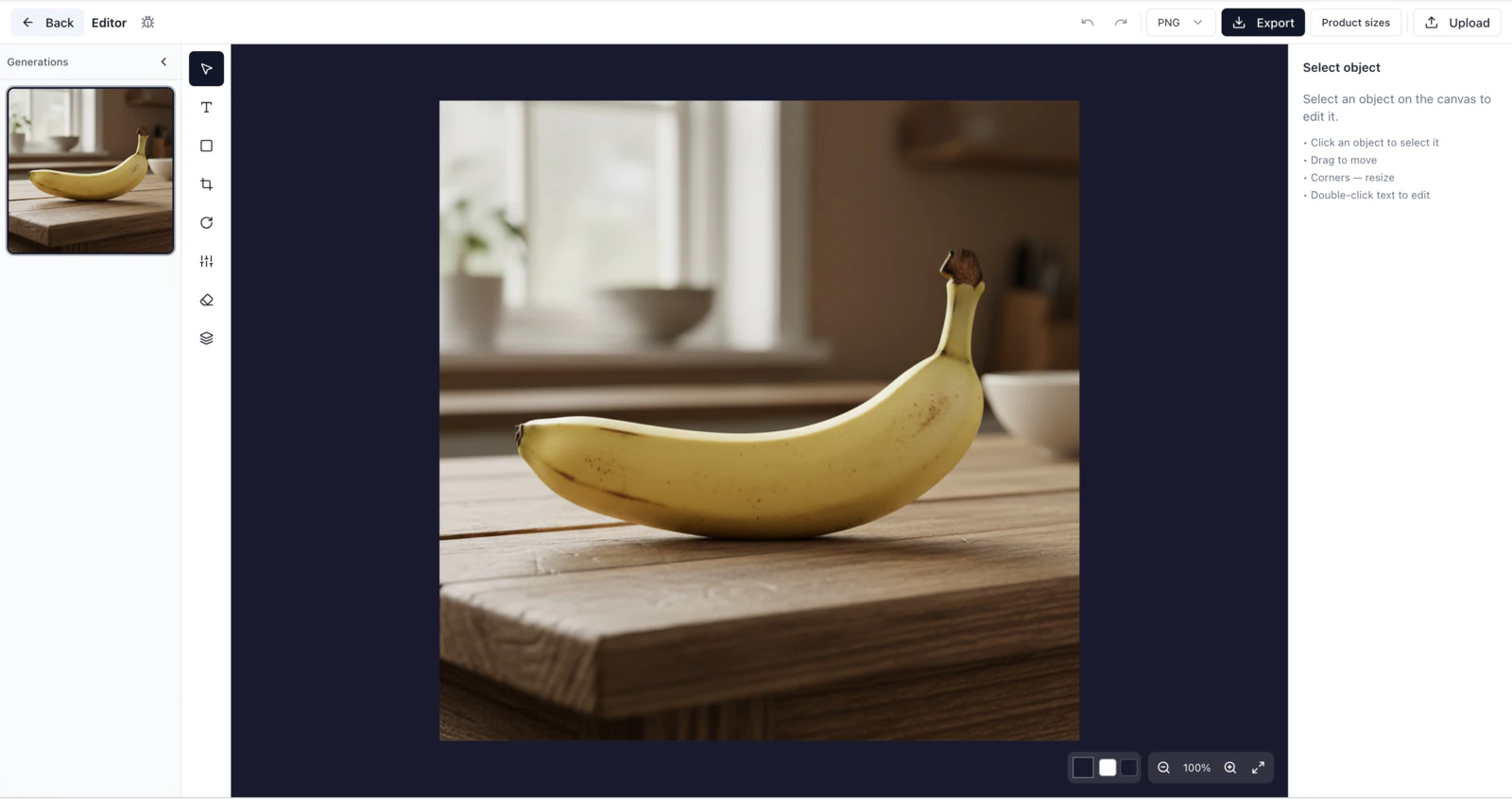
Everything you need to edit
Azurade is a simple online photo editor with the basic tools you need to quickly put together a product listing, post, or cover.
Shapes
Rectangles, circles, triangles, stars, and lines, all with adjustable fill, stroke, and opacity. Add geometry to product listings or posts.
Text and captions
Add text with adjustable font, size, color, and alignment. Handy for headlines on marketplace listings and social posts.
Cropping
Crop images to ready-made proportions for marketplaces and social media. Supports free-form cropping and 1:1, 3:4, 9:16 presets.
Filters
Brightness, contrast, saturation, color balance: quick adjustments with no need to install Photoshop.
Rotate and flip
Rotate an image by 90° or any custom angle, and flip it horizontally or vertically in a couple of clicks.
Layers
Work with layers: add multiple images, reorder them, lock and hide the elements you need.
Ready-made sizes for marketplaces and social media
No need to memorize size requirements. Just pick a preset, and the editor sets up the canvas for that platform instantly.
How to use the editor
Three simple steps and you'll have a finished image on your computer.
Open the editor
Go to Azurade AI and open the online editor right in your browser. Nothing to download.
Upload an image
Drag a product photo or picture into the editor. Pick the canvas size you need, for example 2000×2000 for Amazon.
Edit and download
Add text, shapes, and filters, crop and rotate. Download the finished image as PNG or JPG.
Frequently asked questions about the Azurade editor
Everything you need to know about the free Azurade AI online image editor.
Try the Azurade editor right now
Open the online editor and prepare an image for your product listing, post, or story in just a few minutes.
Open the editor