Gemini "You've reached your image generation limit until...": image and video limits explained
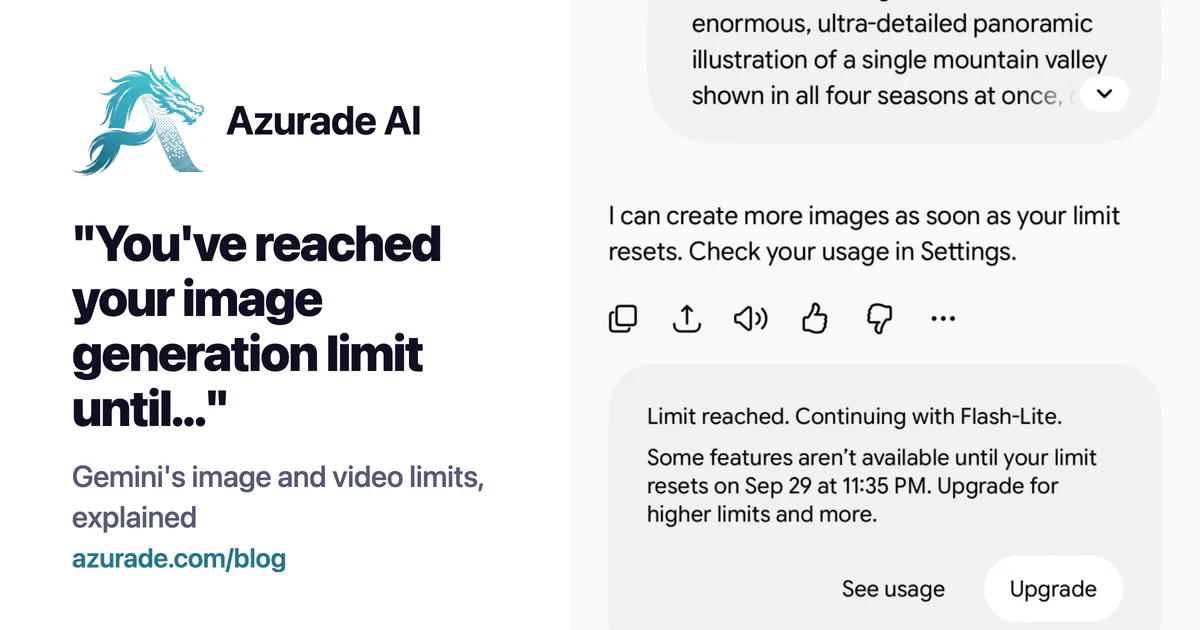
When the Gemini app runs out of image or video generations for you it tells you when to come back, and sometimes that date is days away. The wording depends on when you hit it: people on the Google Gemini help forum have posted "limit until" messages with reset times like "15 Jun, 15:36" and "6 Apr, 17:40", and when we ran out on September 29, 2026 Gemini answered with a different sentence and a "Limit reached" card.
"You've reached your image generation limit until..."#
This one means your Google account has used its image allowance in the Gemini app, and new images (Nano Banana 2 on the free plan) are blocked until the date and time shown, as in "You've reached your image generation limit until 6 Apr, 17:40". Chat still works.
"I can create more images as soon as your limit resets. Check your usage in Settings."#
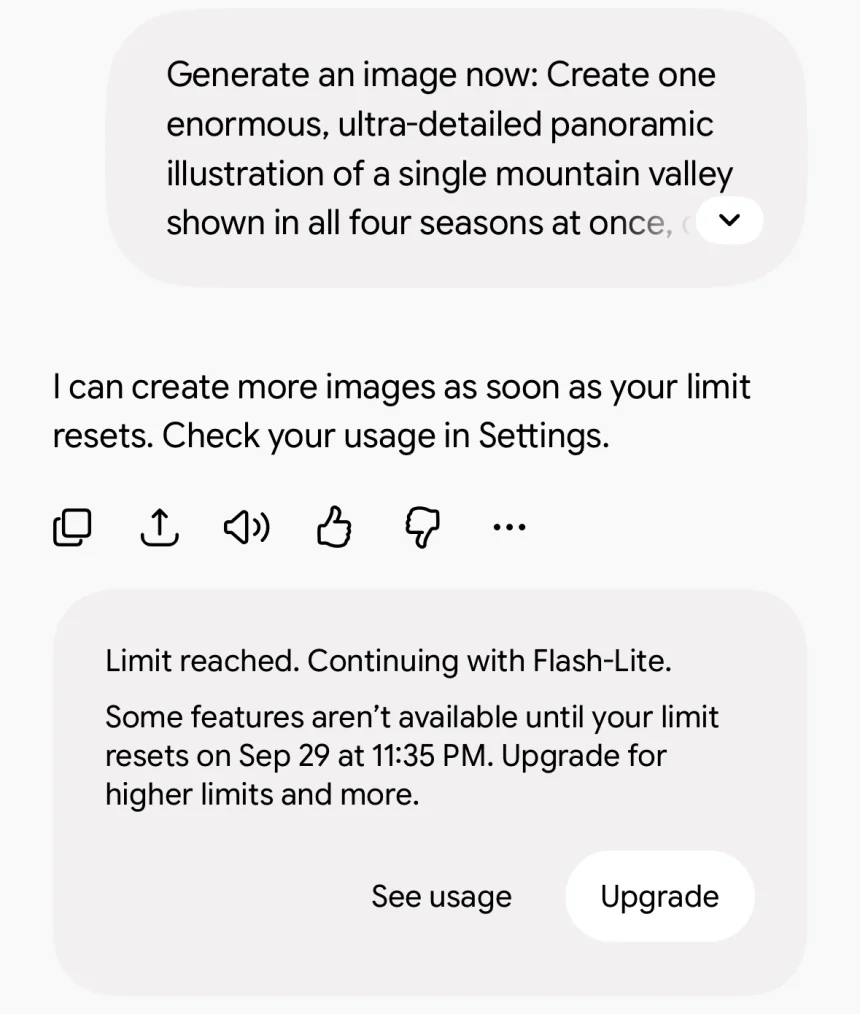
This is what Gemini said instead of drawing when we asked our free account for one more image on September 29, 2026, somewhere around 20 to 40 images in (we didn't keep an exact count), and under the reply it put a card with the exact reset time:
"Limit reached. Continuing with Flash-Lite."#
The rest of the card read "Some features aren't available until your limit resets on Sep 29 at 11:35 PM. Upgrade for higher limits and more." We hit the limit at 7:58 PM, so the reset was less than four hours away, which fits the 5-hour refresh described below. Gemini kept answering in the same chat on Flash-Lite even though the account has no paid plan, and the card has two buttons, See usage and Upgrade.
"You've reached your video generation limit until..."#
The video message only appears on paid plans, because Gemini without a Google AI plan can't make videos at all. It means you've used the Veo allowance that comes with AI Plus, AI Pro or AI Ultra, and video generation is paused until the time in the message.
How Gemini's limits work since May 2026#
Google changed the Gemini app limits on May 17, 2026. According to its help page "Gemini Apps limits & upgrades" (checked September 29, 2026), your usage refreshes every 5 hours until you reach a weekly limit. That explains the long waits: when the date in the message is several days out rather than a few hours, you've hit the weekly cap and the 5-hour refresh won't help.
The limits are compute-based, which means Google counts the complexity of your prompt, the models and features you use and the length of your chat, and media generation uses more of your allowance than text. Google publishes multipliers instead of image or video counts. Without a plan you get the standard limits, AI Plus gets 2x the standard limits, AI Pro 4x, and AI Ultra 5x or 20x the AI Pro limits depending on the tier. Image generation with Nano Banana 2 is on every plan, redoing an image with Nano Banana Pro starts at AI Plus, and video generation starts at AI Plus too. The page says a subscriber who reaches a limit can keep chatting on Gemini Flash-Lite, and our free account was switched to Flash-Lite the same way, but images and video still wait for the reset.
Nano Banana Pro daily limit and the old daily numbers#
Before May 17 Google's page gave daily numbers, and most guides still quote them. The copy of the page archived on March 27, 2026 listed up to 20 Nano Banana 2 images a day without a plan, 50 on AI Plus, 100 on AI Pro and 1,000 on AI Ultra. Redoing images with Nano Banana Pro had the same 50, 100 and 1,000 a day on the paid plans and nothing on the free one, video was 2, 3 or 5 a day with Veo 3.1 on Plus, Pro and Ultra, and all of it reset daily. The current page has no daily numbers at all, so a Nano Banana Pro daily limit you read about today is the pre-May one
What you can do about it#
- Wait until the date in the message. If it is a weekly limit, that can take days.
- Upgrade your Google AI plan. A higher plan multiplies the allowance, and the 5-hour and weekly structure stays the same on every plan.
- Run the same models somewhere that charges per generation, with no refresh window.
Nano Banana and Veo 3.1 on Azurade, without a weekly cap#
Azurade AI runs Google's Nano Banana 2, Nano Banana Pro and Veo 3.1 (Fast and Quality) on one credit balance. There is no 5-hour window and no weekly limit, the only limit is how many credits you have, and a generation that fails is refunded automatically. What you give up is the chat: you write the whole prompt for each image or clip and attach reference images, up to 15 for Nano Banana and 1 to 3 for Veo 3.1 (one starting image, a first and a last frame, or three references).
A 1K Nano Banana 2 image costs 4 credits on Azurade, 2K costs 6 and 4K costs 9. A Veo 3.1 Fast clip costs 30 credits and a Quality clip 125. Credits come in packs, 100 for $3.99 or 1,000 for $29.99, no subscription needed, and they never expire, so a week you don't generate anything costs you nothing. More about the model on the Nano Banana 2 page.
Questions about Gemini generation limits#
Why does Gemini say "until" a date days from now?#
You've reached the weekly limit. The 5-hour refresh only works until the weekly limit is used up, and after that the date in the message is the next reset.
Why did Gemini stop me after only a few images?#
The limit is measured in compute, and detailed prompts, heavier models and a long chat all use more of it than a quick request. People on Google's help forum have reported the image limit arriving earlier than expected since at least January 2026.
Can free Gemini make videos?#
No, video generation starts at the Google AI Plus plan, per Google's own limits page.
How many images does Gemini allow per day?#
Since May 17, 2026 Google doesn't publish a number, only the multipliers above. Before that its page said up to 20 images a day without a plan, and on September 29, 2026 our free account made roughly 20 to 40 before it hit the limit.
Is Nano Banana on Azurade the same model as in Gemini?#
It is Google's Nano Banana 2 and Nano Banana Pro, called one generation at a time. The Gemini app adds a conversation around the model, Azurade gives you the model with a prompt box, reference images and resolution settings.
Last checked in the Gemini app, against Google's Gemini limits page and its March 27, 2026 archived copy on September 29, 2026