
Free online tools
Every tool here is free and works on your images inside the browser, so files never go to a server, and you can use them without an account or a usage limit.
None of the tools on this page cost anything or send your files anywhere. The paid part is image and video generation in the Azurade AI studio, in credits from $0.02 an image, and those credits never expire.
JPG to PDF and PDF to JPG
Put several photos into one PDF, or turn a PDF's pages back into JPG images.
Merge PDF
Join several PDF files into one document in the order you set, with no loss of quality.
Delete Pages from PDF
Open a PDF, mark the pages you don't need and download the document without them.
Split PDF
Pull the pages you need into a separate file, or break a document up into single pages.
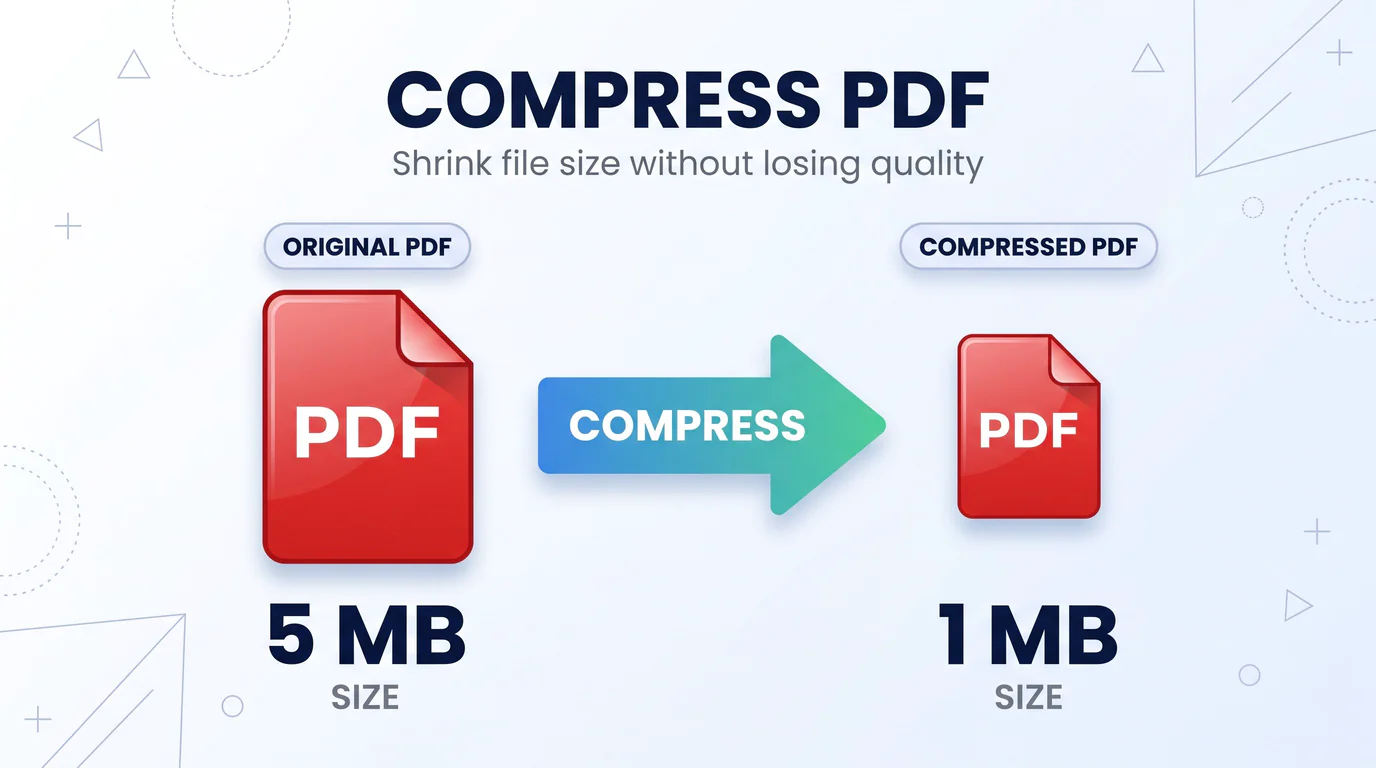
Compress PDF
Make a PDF small enough to email or upload, at one of three compression levels. Scans and photos shrink the most.
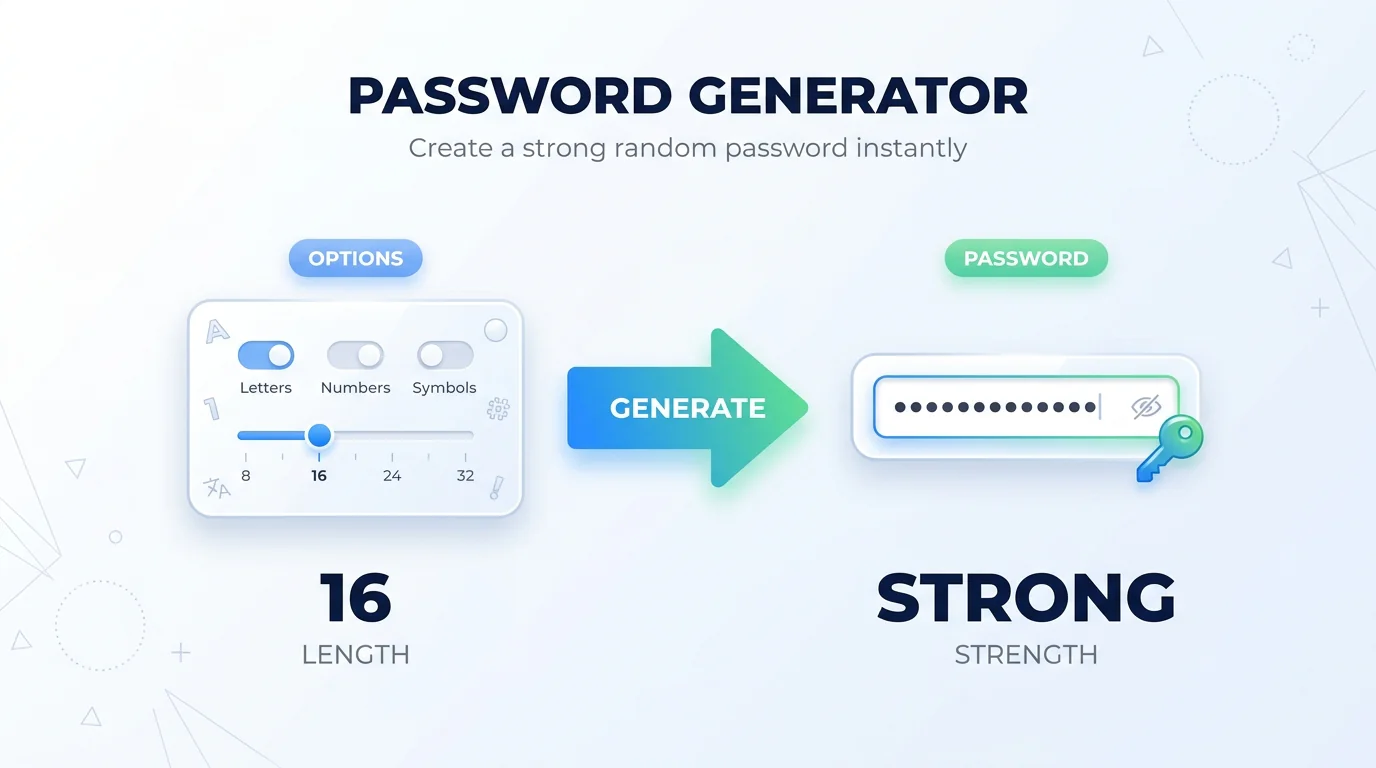
Password Generator
A strong random password of any length, generated in your browser, with a choice of character sets, a strength meter and one-click copy.
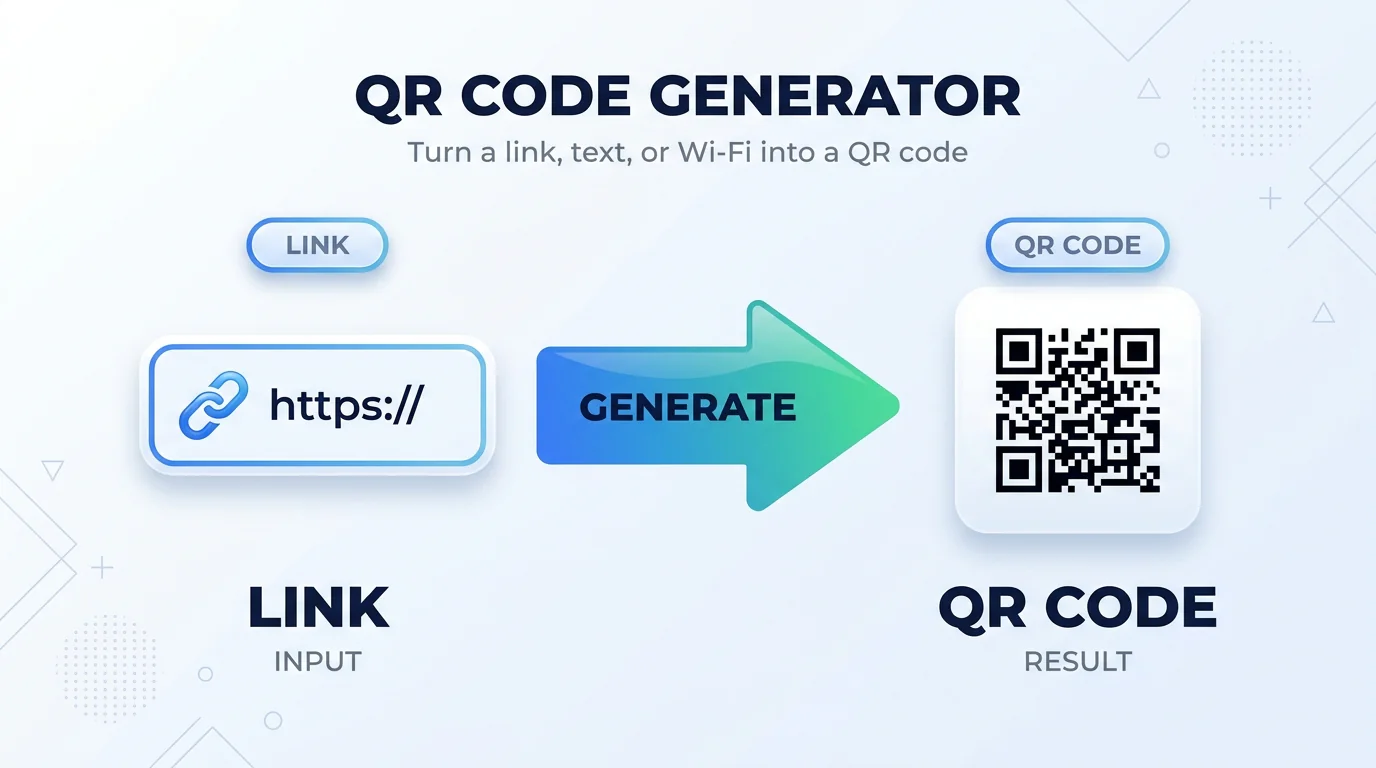
QR Code Generator
A QR code for a link, a business card or your Wi-Fi, in the color and size you want, saved as PNG or SVG.
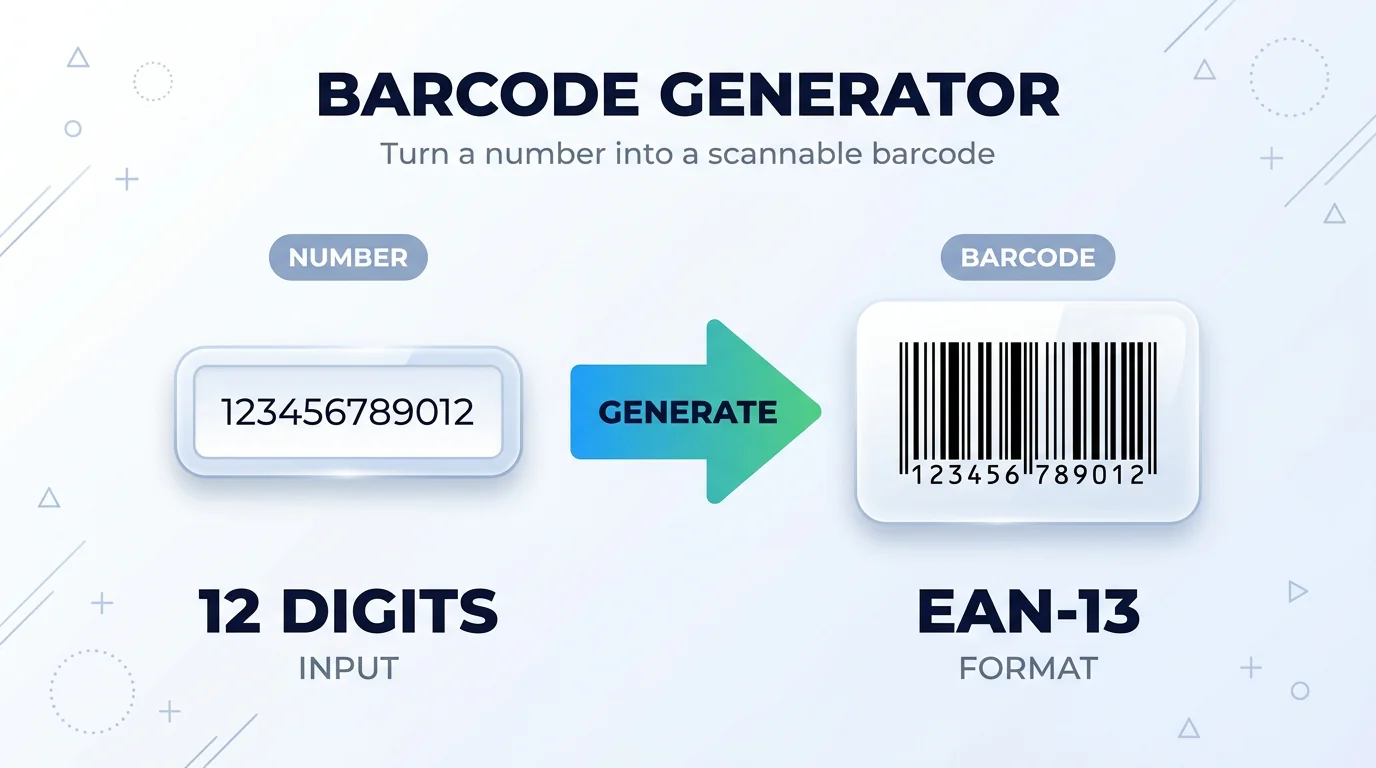
Barcode Generator
EAN-13, Code 128, UPC and other barcode formats for labels or product cards, downloaded as PNG.
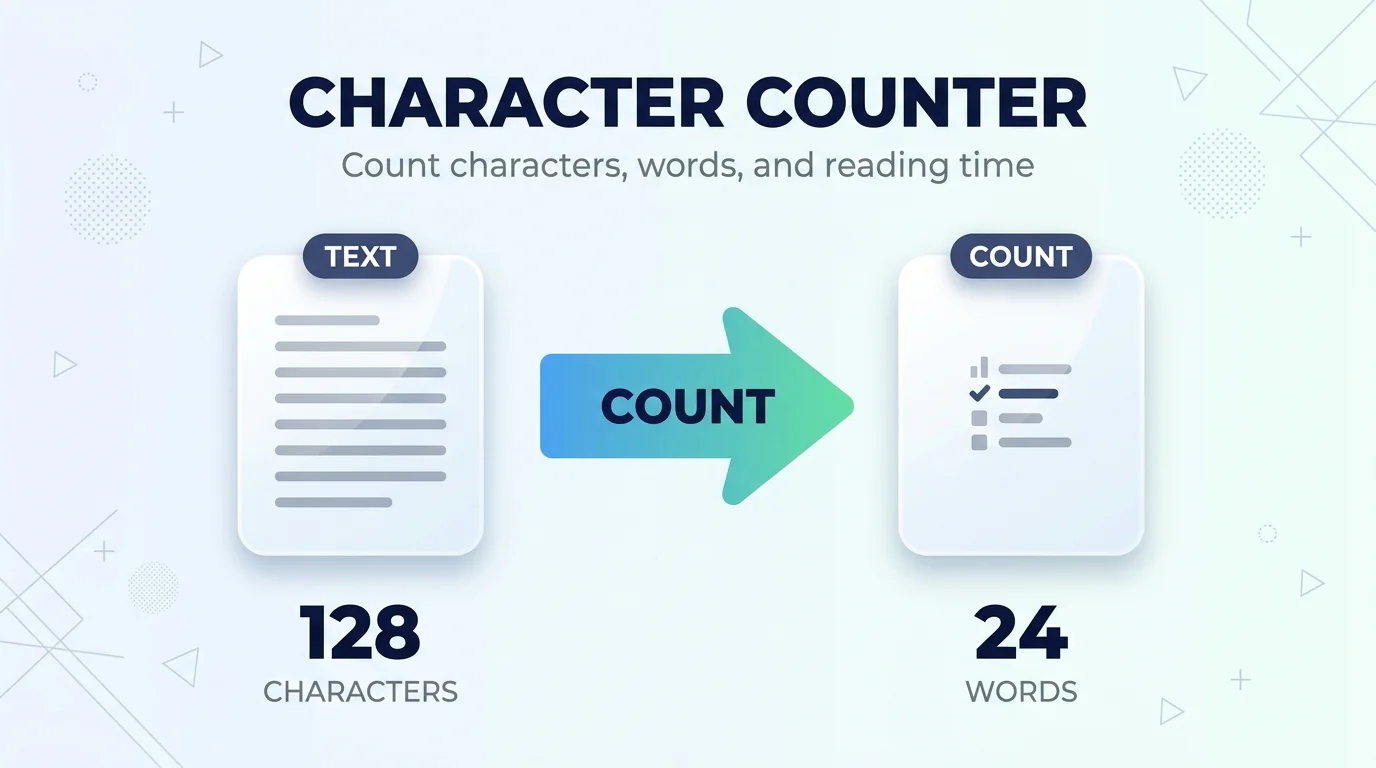
Character Counter
Counts characters with and without spaces, words and lines, and shows reading time and the limits for posts and SEO.
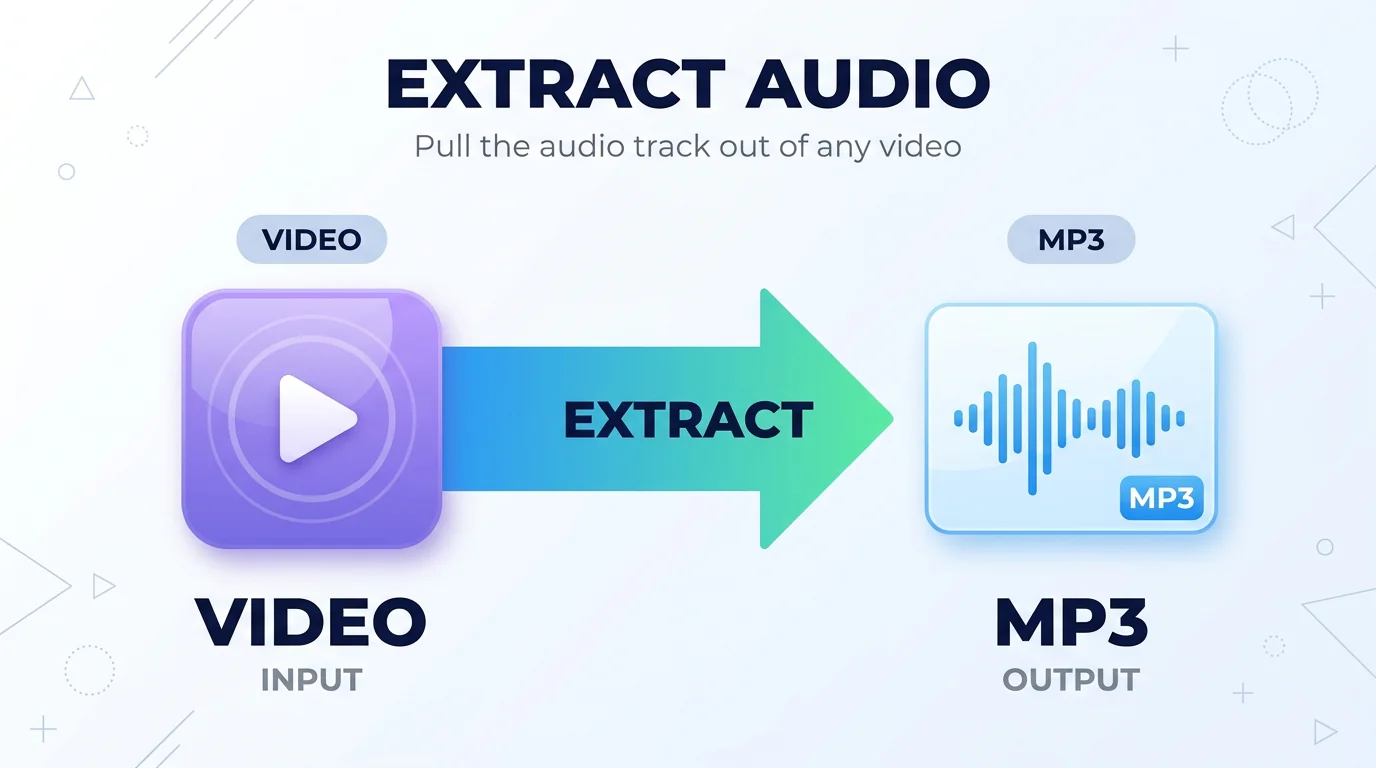
Extract Audio from Video
Save the audio track of a video as MP3 or WAV. There is no re-encoding, so it usually takes a few seconds.
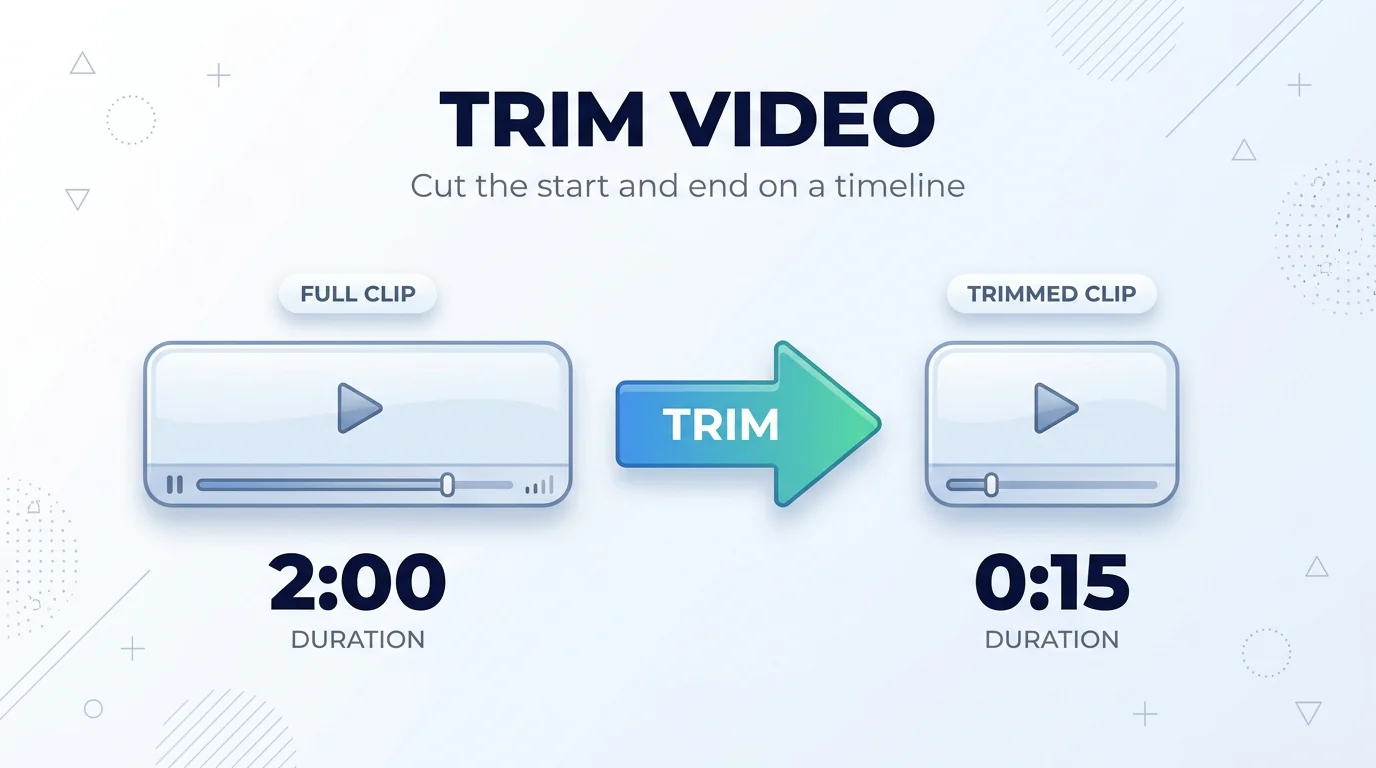
Trim Video
Set the start and end on a timeline and cut. Nothing is re-encoded, so it is close to instant, and no watermark is added.
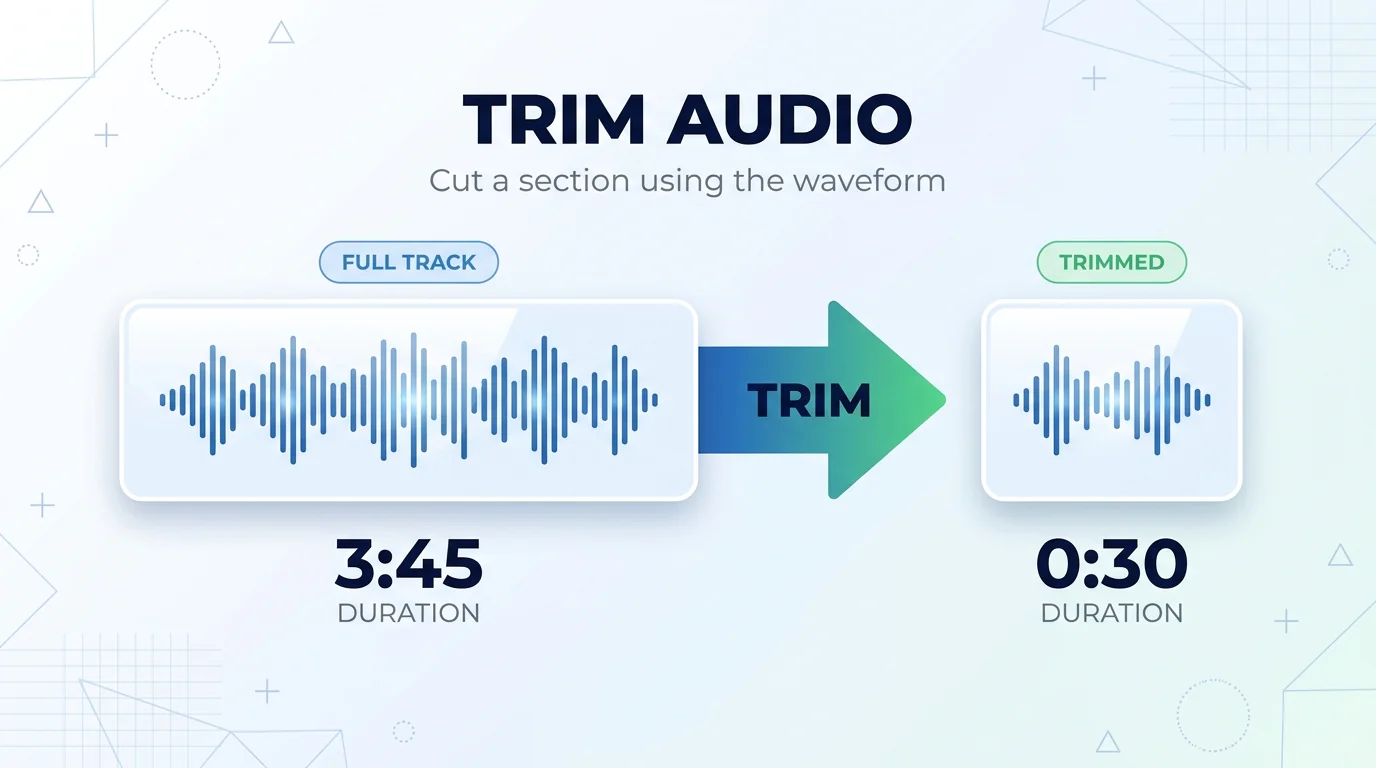
Trim Audio
Cut a section of a song on its waveform, or take the music out of a video, with a smooth fade in and out.
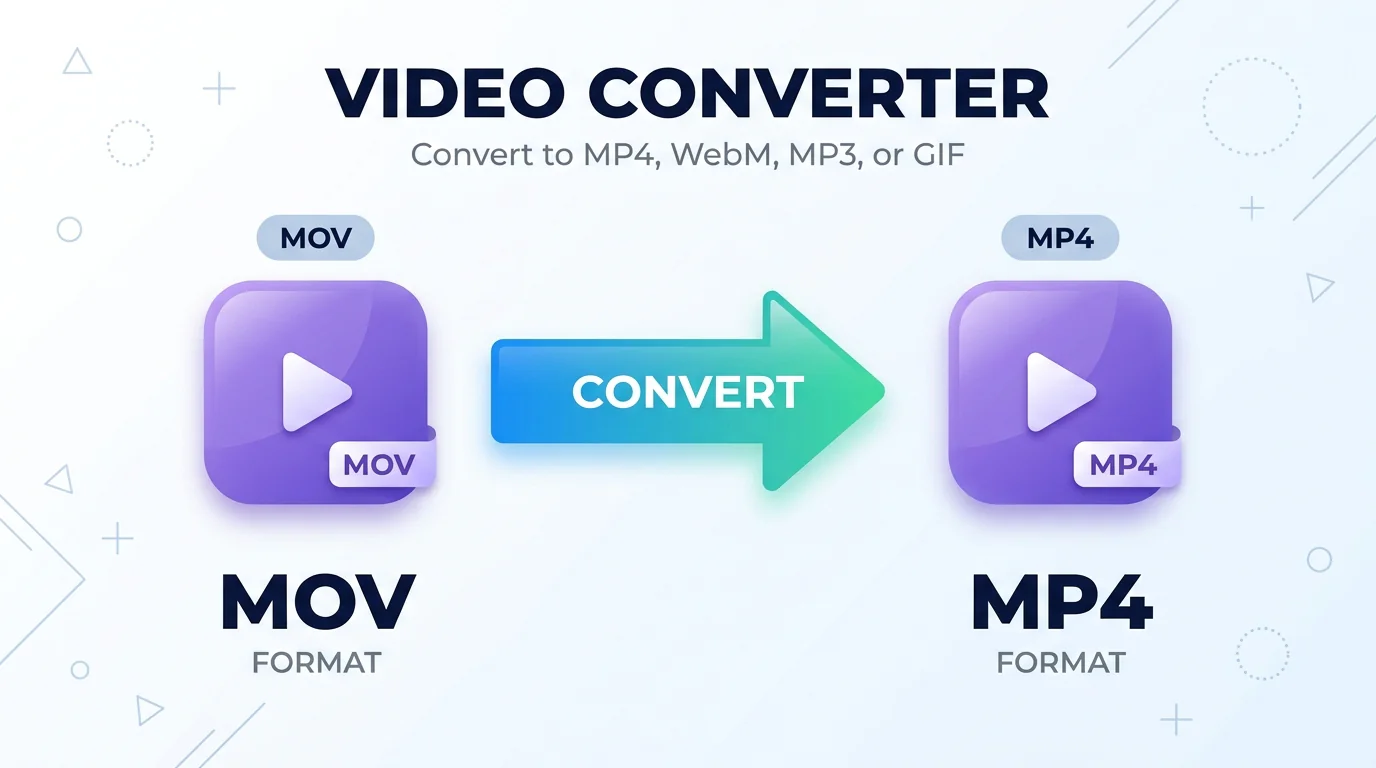
Video Converter
Convert video to MP4, WebM, MP3 or GIF. An iPhone MOV usually becomes MP4 without re-encoding.
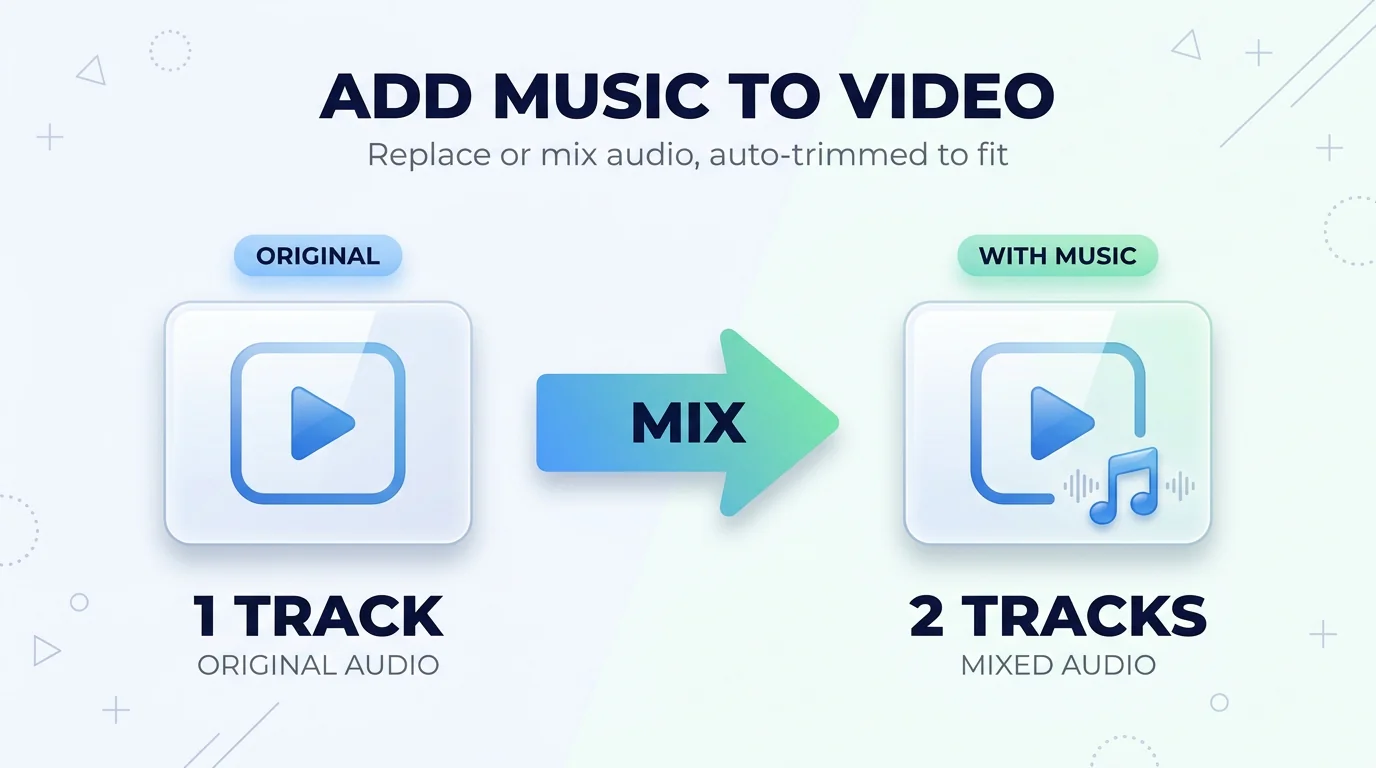
Add Music to Video
Replace the sound or mix in your own track with a separate volume for each, and the music is trimmed to the video's length.
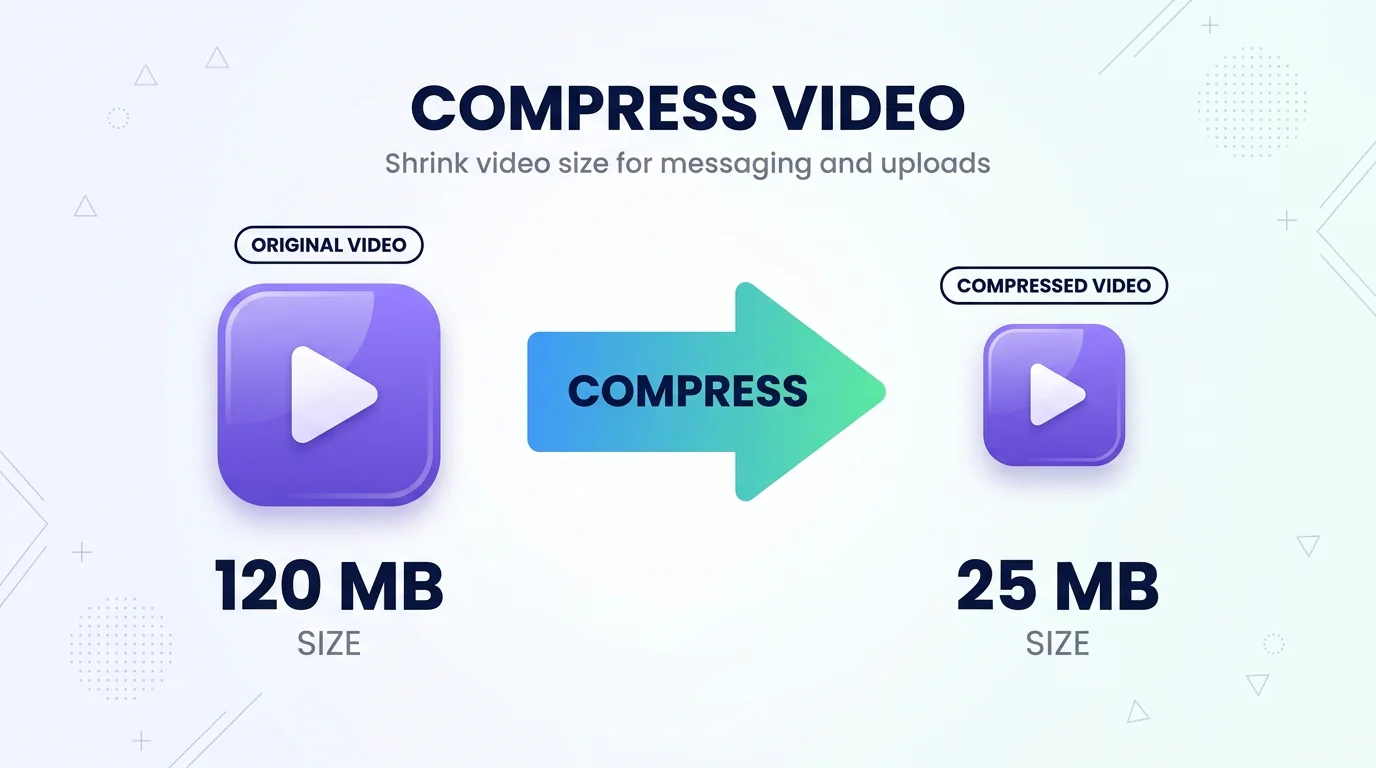
Compress Video
Shrink a video for a messaging app or an upload at one of three compression levels, without a watermark.
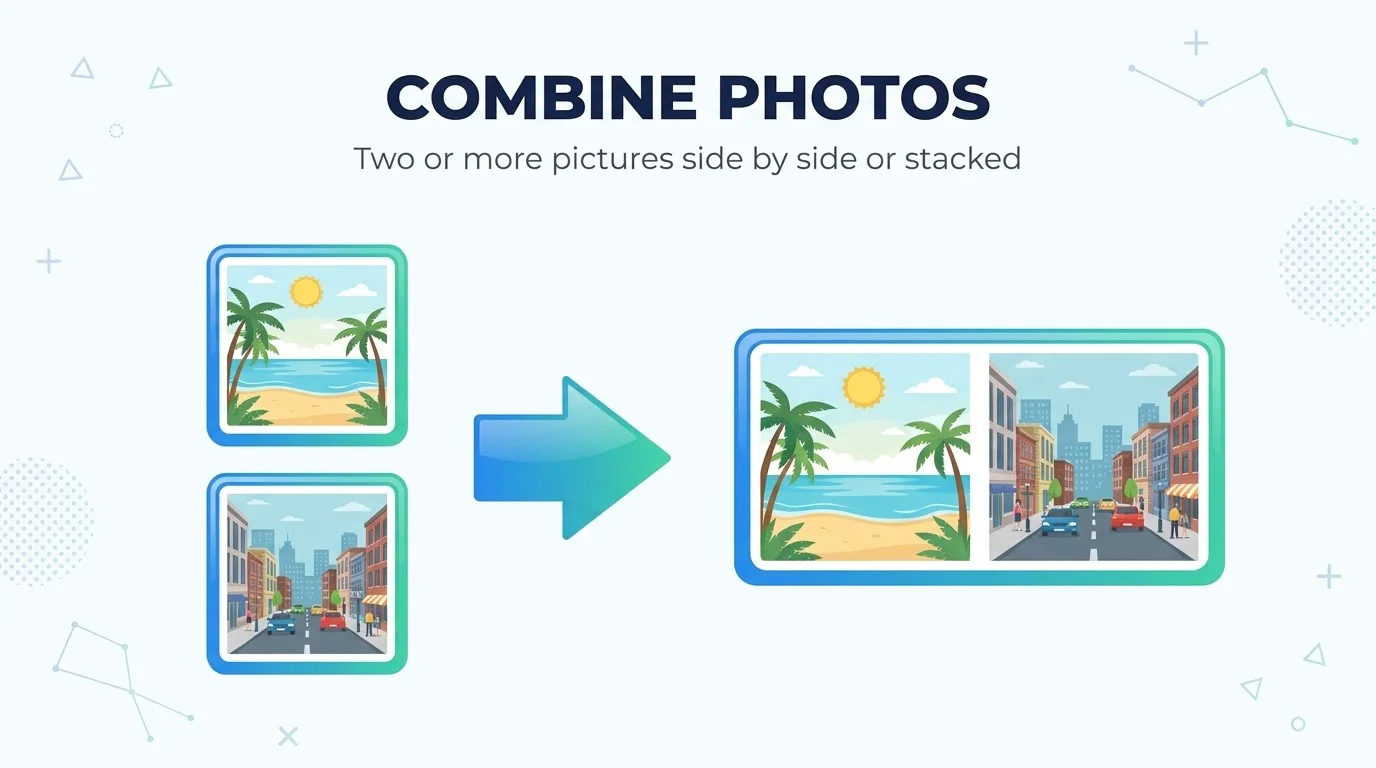
Merge Photos
Join two or more images into one, stacked vertically or side by side, with a choice of spacing and background.
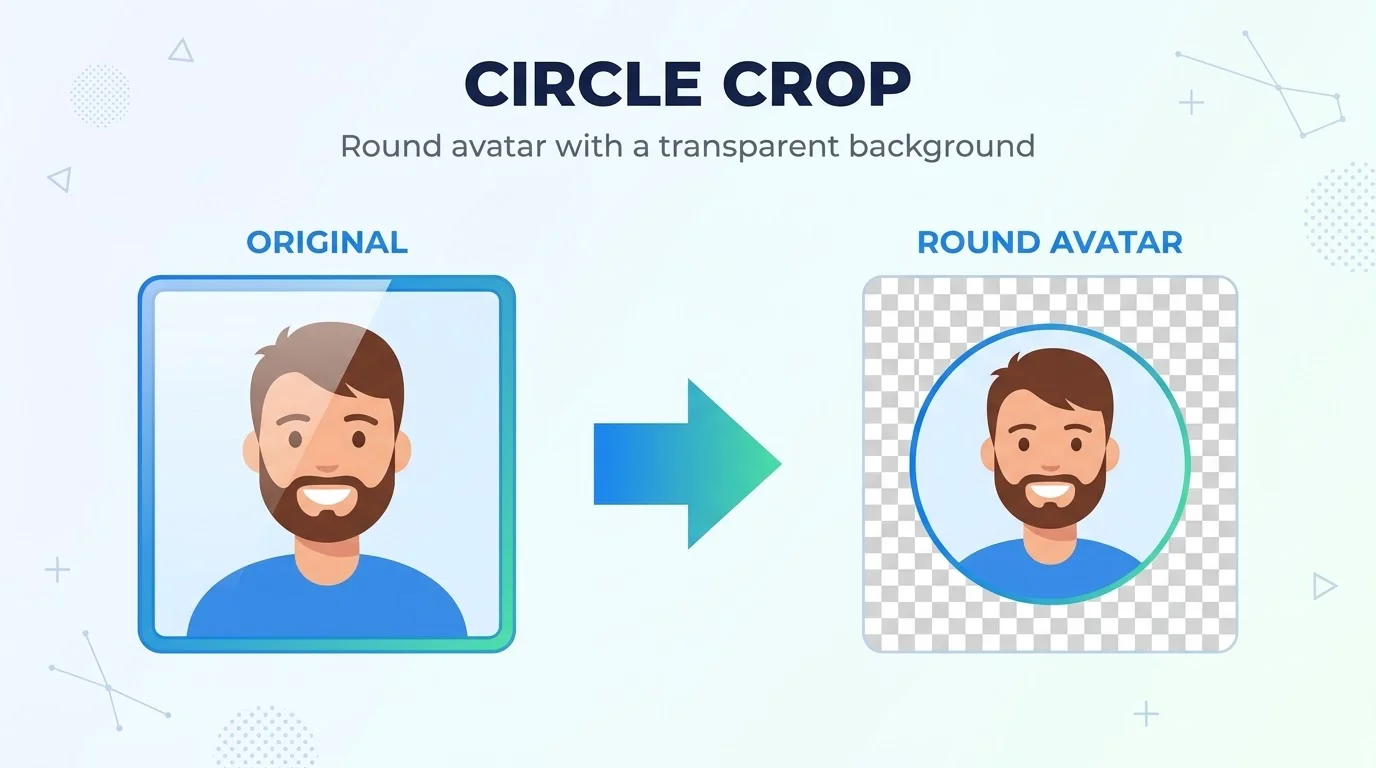
Photo to Circle
Cut a photo into a circle for an avatar, with a border, a transparent background and adjustable scale and position.
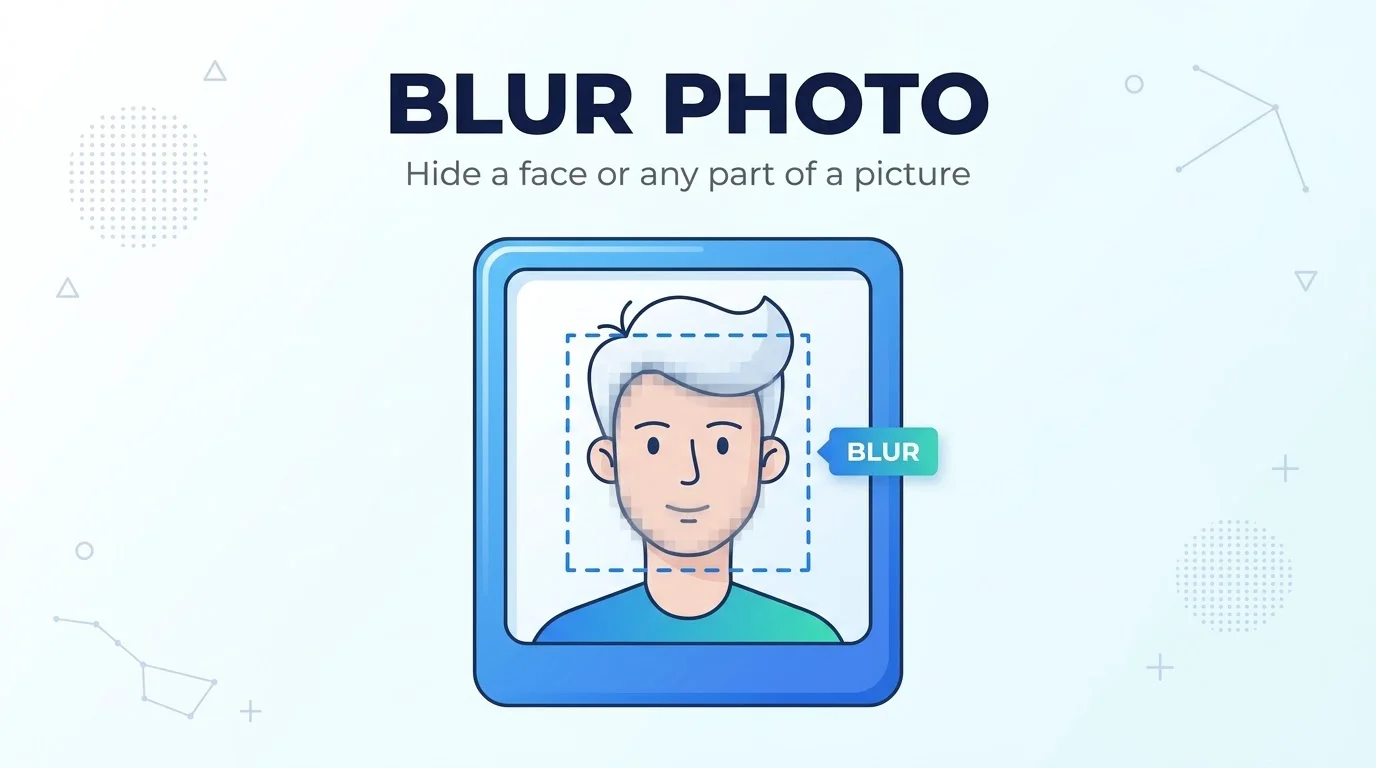
Blur Photo
Blur the whole photo or only the area with a face, a license plate or personal details in it.
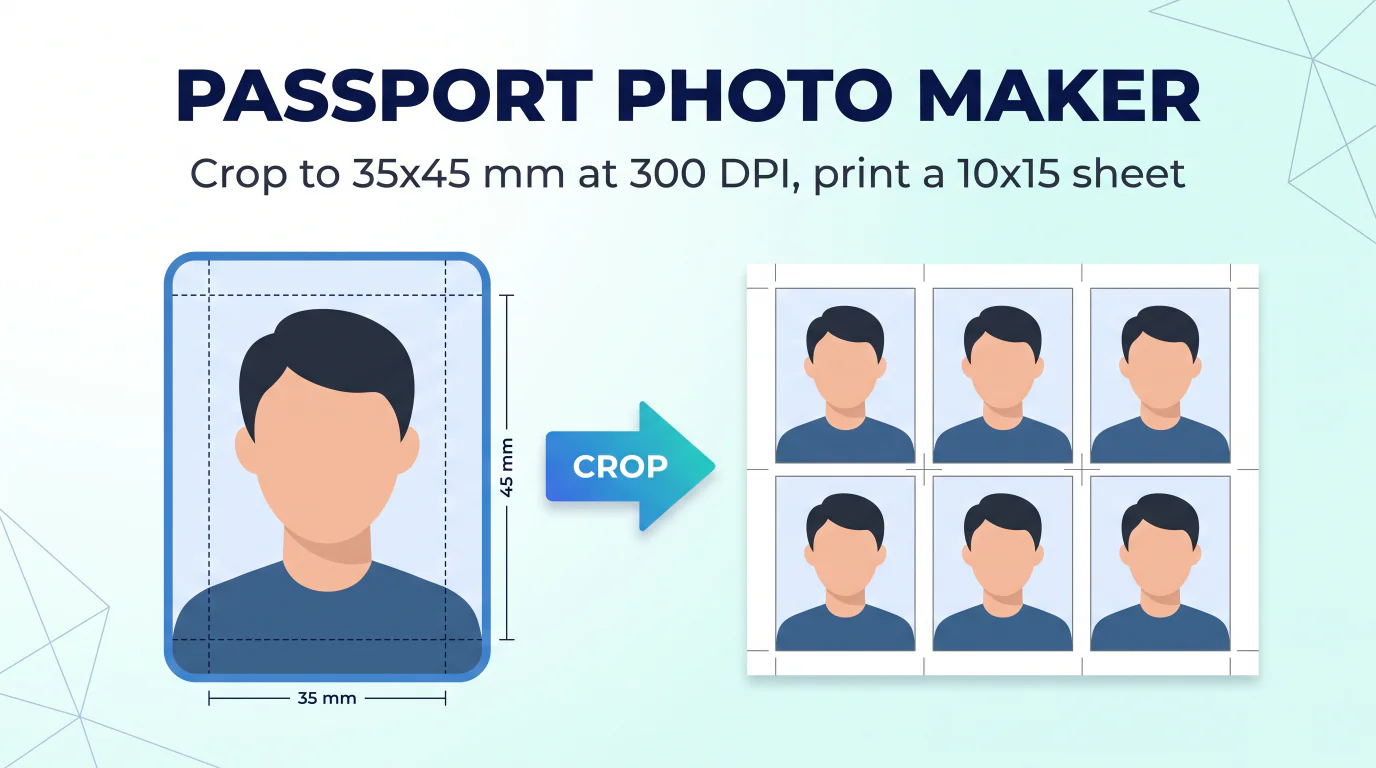
Photo for Documents
Crop a photo to standard passport, visa and ID sizes (3×4, 3.5×4.5, 5×5), then download one photo or a print-ready 10×15 sheet.
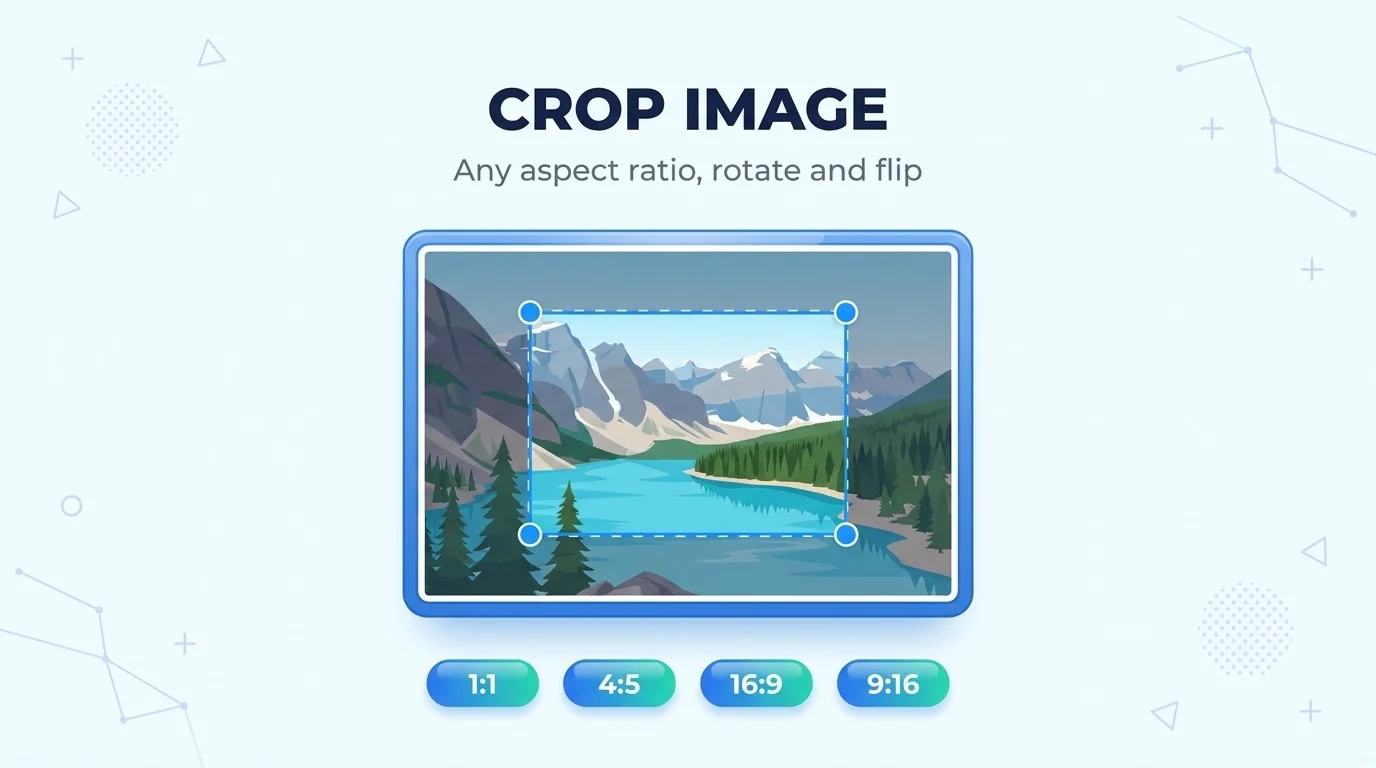
Crop Photo
Crop to any size or aspect ratio, freeform or 1:1, 4:5 and 16:9, with rotate and flip.
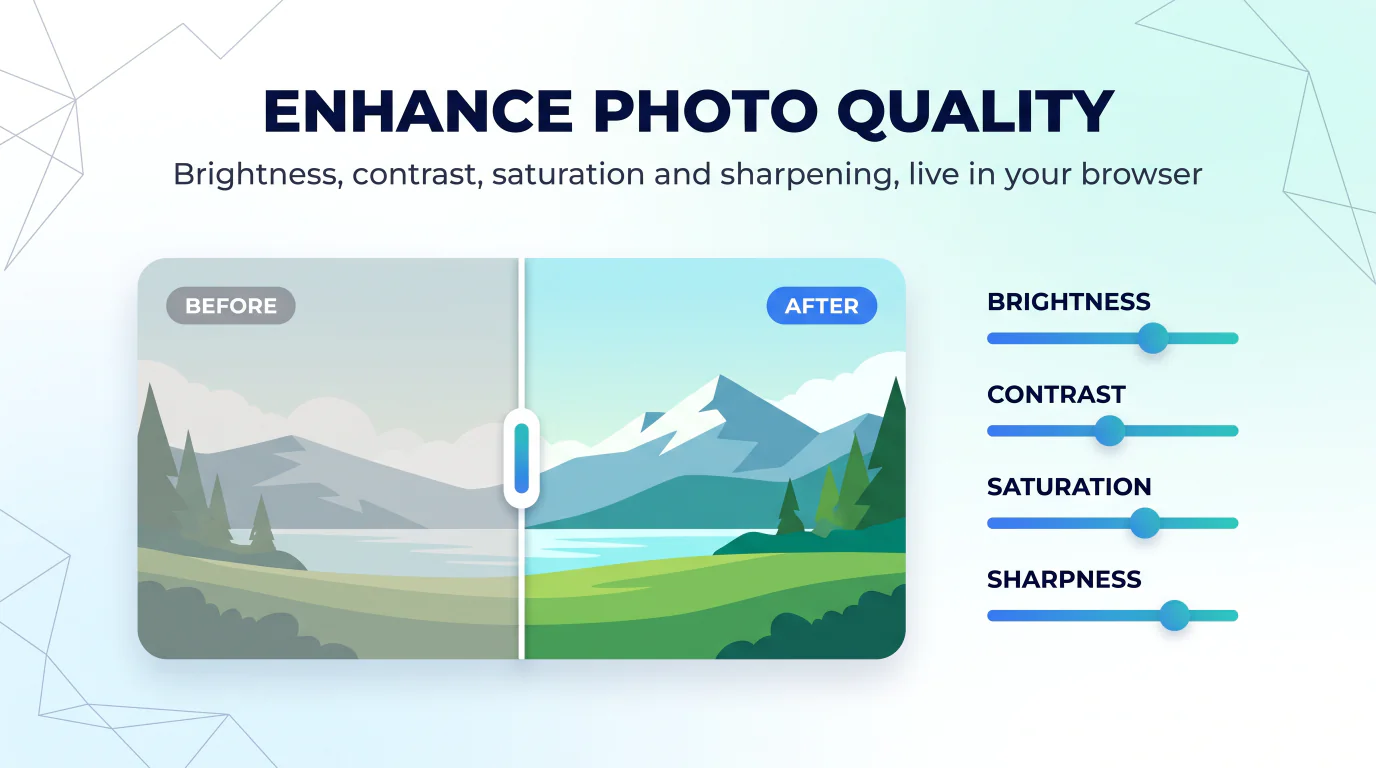
Enhance Photo Quality
Brightness, contrast, saturation and sharpness with a live preview, plus a 2x upscale.
HEIC to JPG
Turn iPhone HEIC and HEIF photos into ordinary JPG files, a whole batch at once, with no visible quality loss.
HEIC to PNG
iPhone HEIC and HEIF photos saved as lossless PNG, in batches and without uploading them.
AVIF to JPG
Convert AVIF images to JPG with a quality slider, one file or a whole batch.
AVIF to PNG
Lossless PNG from AVIF files, transparency included, converted in batches.
SVG to PNG
Renders SVG vector files as PNG and keeps the transparent background, for single files or batches.
SVG to JPG
SVG vector graphics to JPG on a white background, with a quality slider and batch conversion.
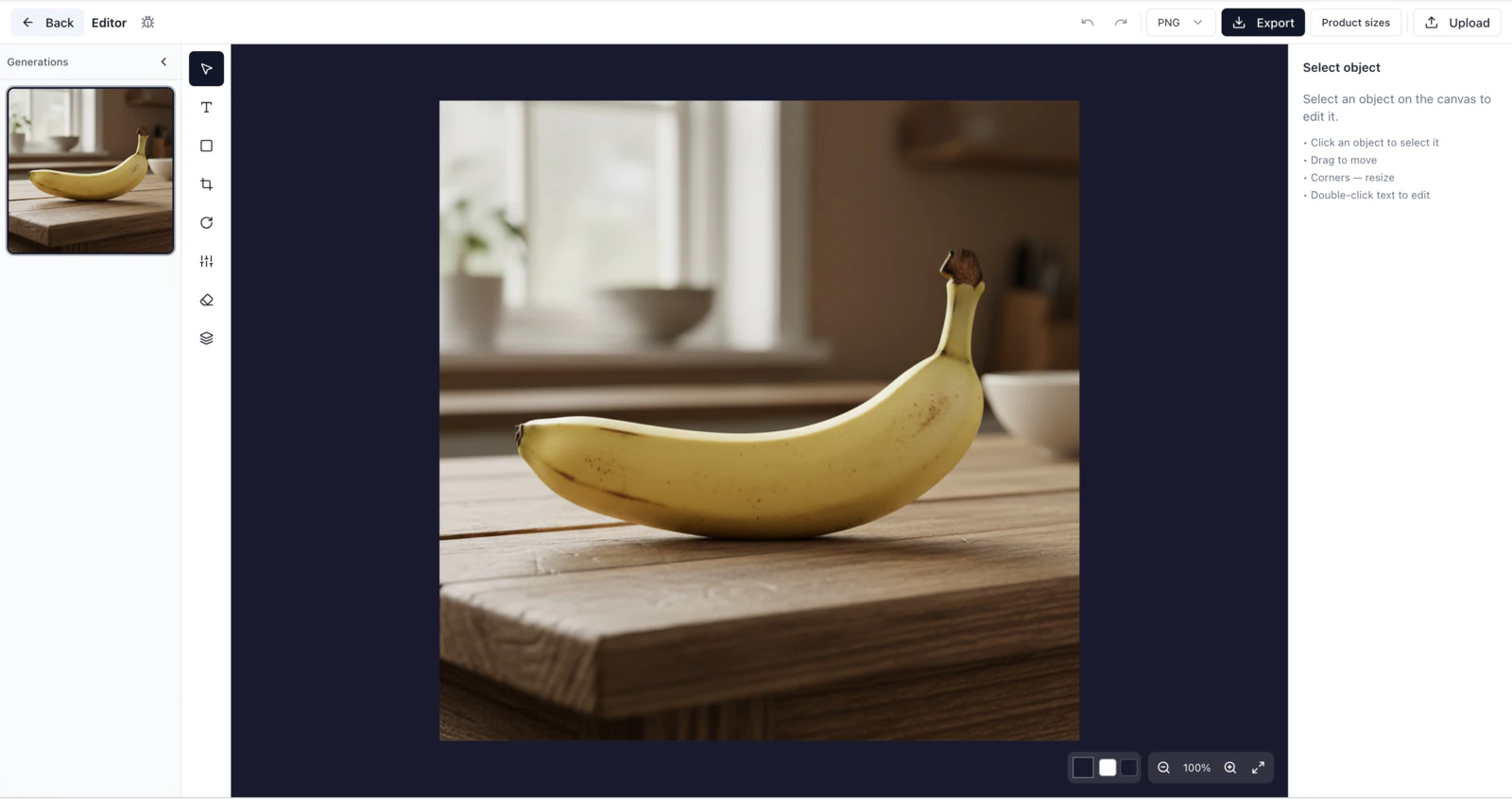
Azurade Editor
Our full online editor, with cropping, text, shapes, filters and layers and preset sizes for marketplace listings, Instagram and Stories.
Image Converter
Converts between PNG, JPG, WebP and AVIF in batches, and you control the quality.
Image Compressor
Smaller files with no visible quality loss, using marketplace presets or a compression level you set, in batches.
Photo Resizer
Resize a photo to the dimensions marketplaces and social networks ask for, with presets for Amazon, Etsy, Instagram and others.
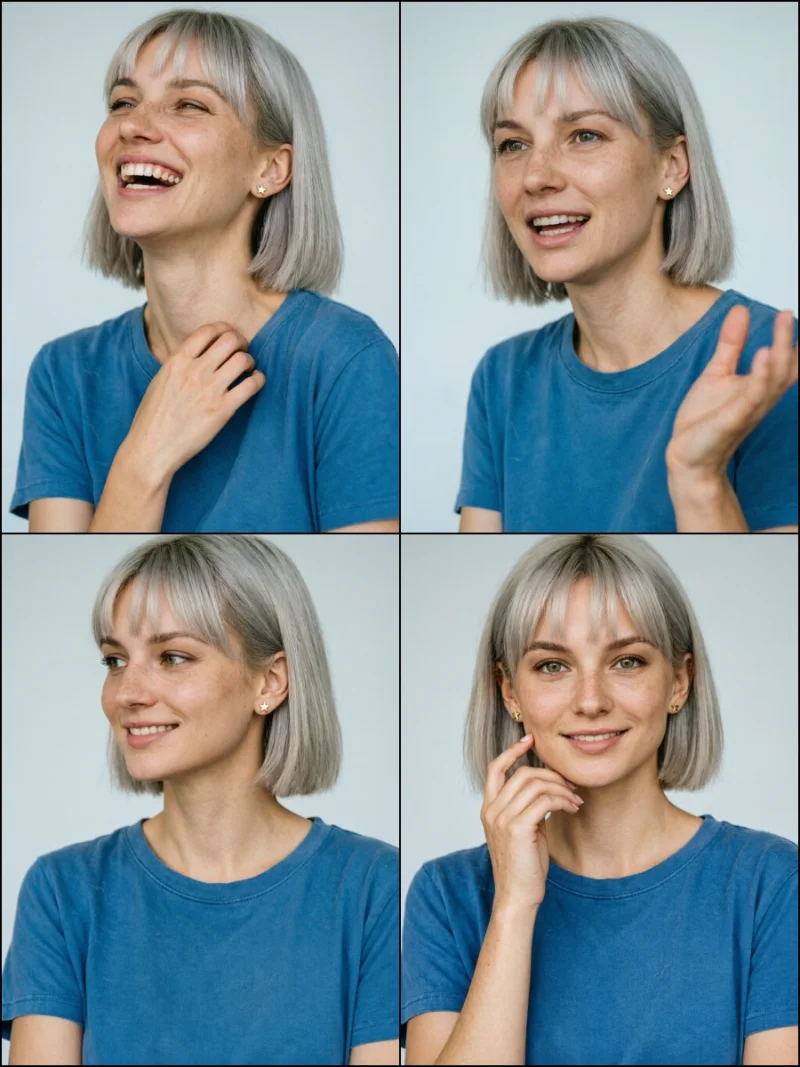
Collage Maker
Put 2-6 photos into one collage for a product card, starting from a marketplace template with adjustable spacing and background.
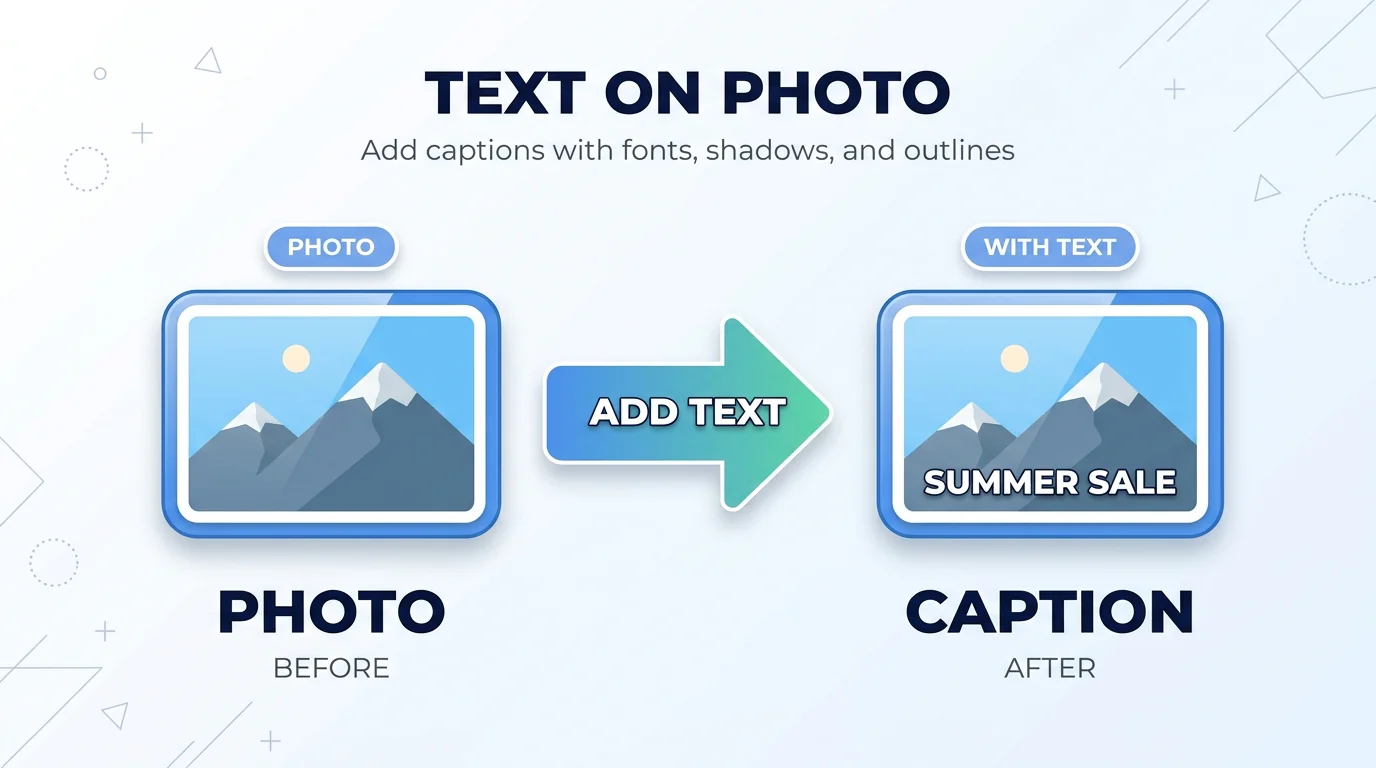
Text on Photo
Write on an image in your own font, with a shadow, an outline or a background behind the text, or start from a story or post template.
Need more?
The AI side lives in the Azurade AI studio: image and video generation, background removal, AI photoshoots and a lot more.
Try it free