
Bring your photos to life
with AI
Upload an ordinary image and the AI adds movement, emotion and atmosphere until it's a clip that catches the eye. Use it on social media, in a presentation or in an ad, without complicated software or a studio.
Our Advantages
Every Model, One Account
45 models, including Nano Banana, Seedream, Veo and Wan, behind one login and one balance, instead of a separate subscription for each.
Low Prices
Nano Banana from $0.04 per image, Wan 2.7 from $0.80 per five-second clip. You pay per generation, nothing else.
Latest AI Models
Veo 3.1, Seedance 2.5, Nano Banana Pro and other recent models.
Tools for the next generation of creators
Fast, good-quality AI generation with control over the result, in one platform.
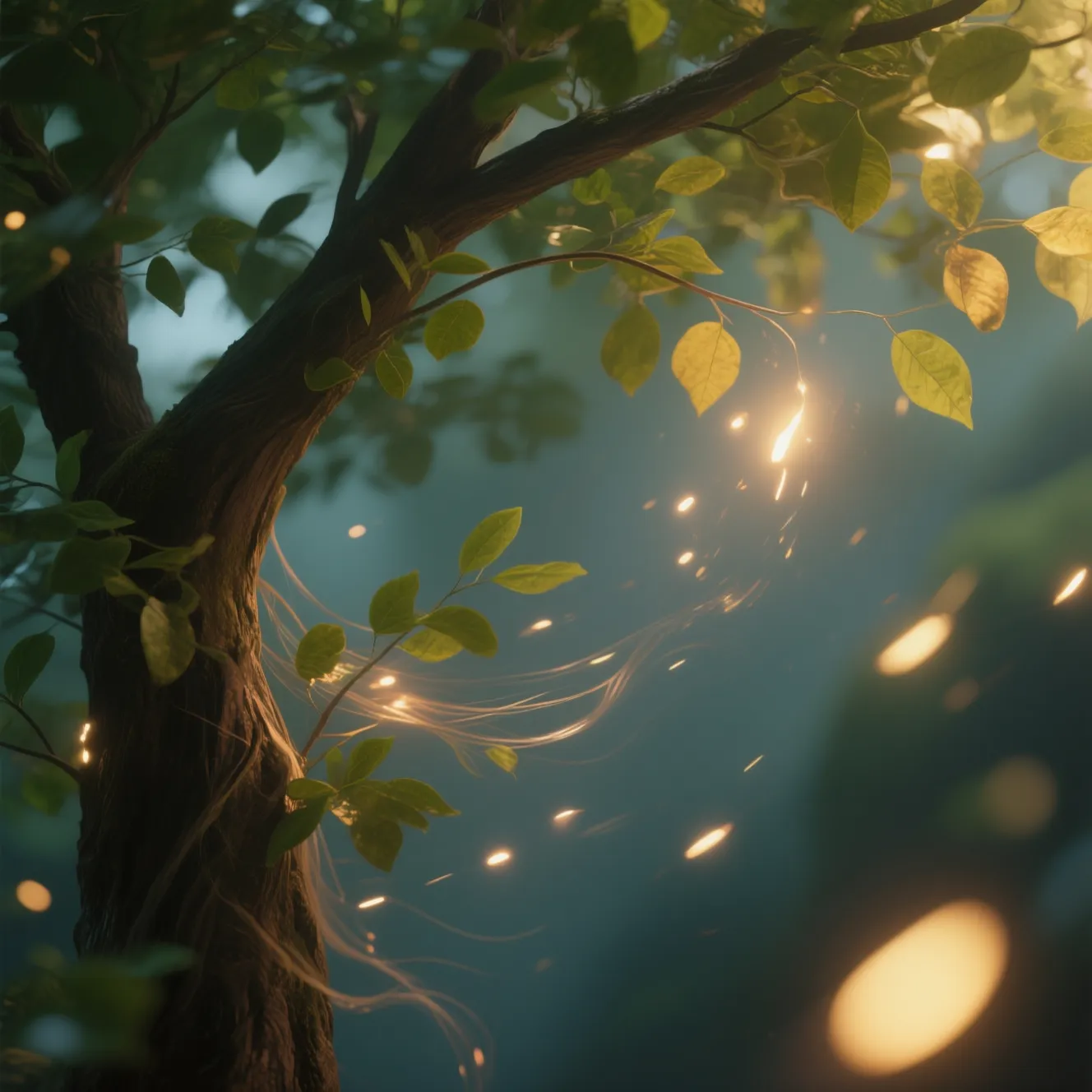
Animate objects in a photo
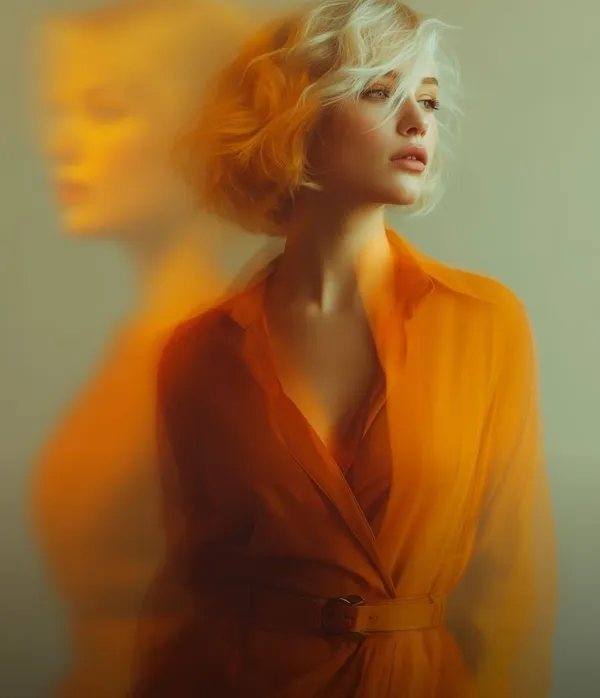
The AI sets the still parts of a photo moving, hair in the wind or leaves on a tree, and it can make a light flicker.
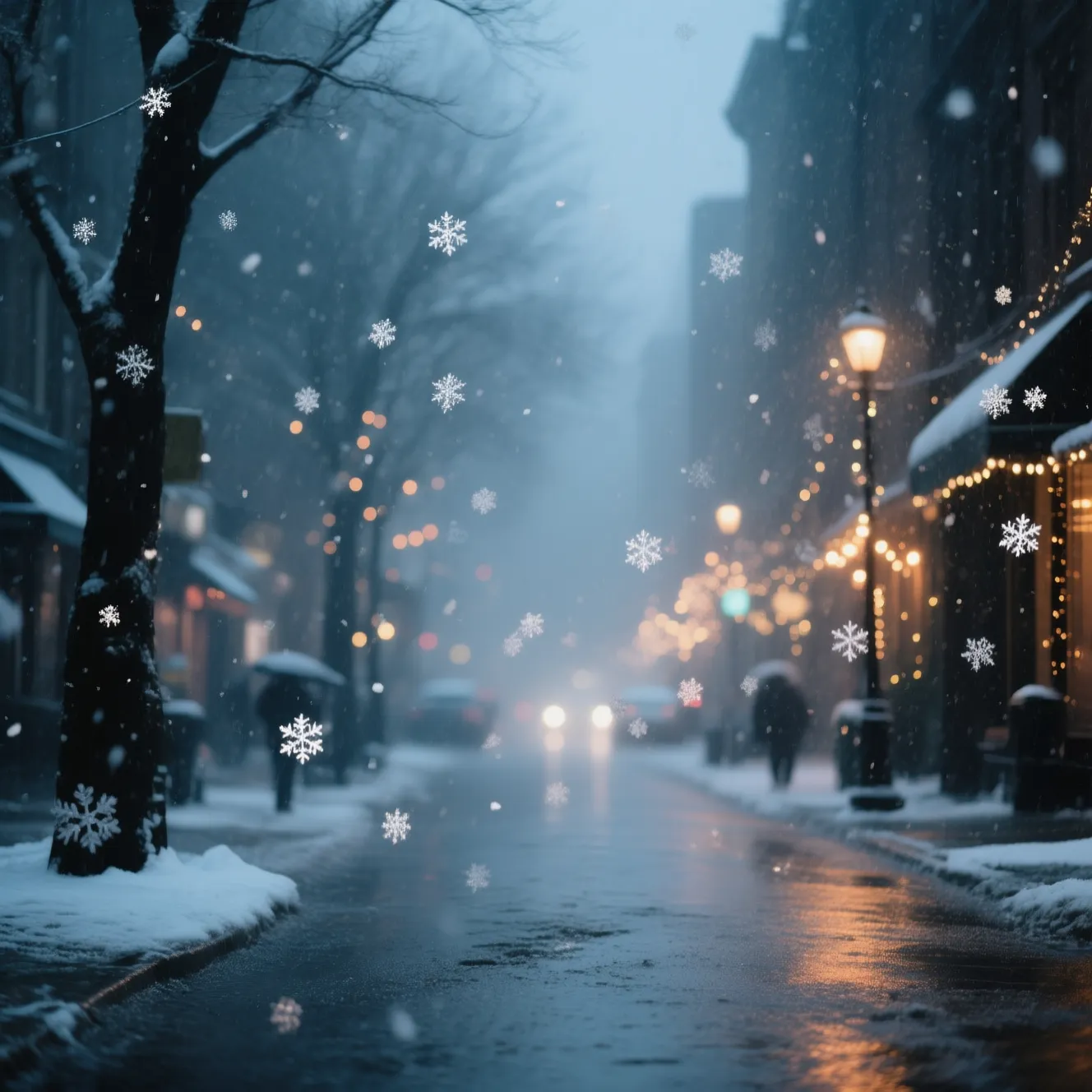
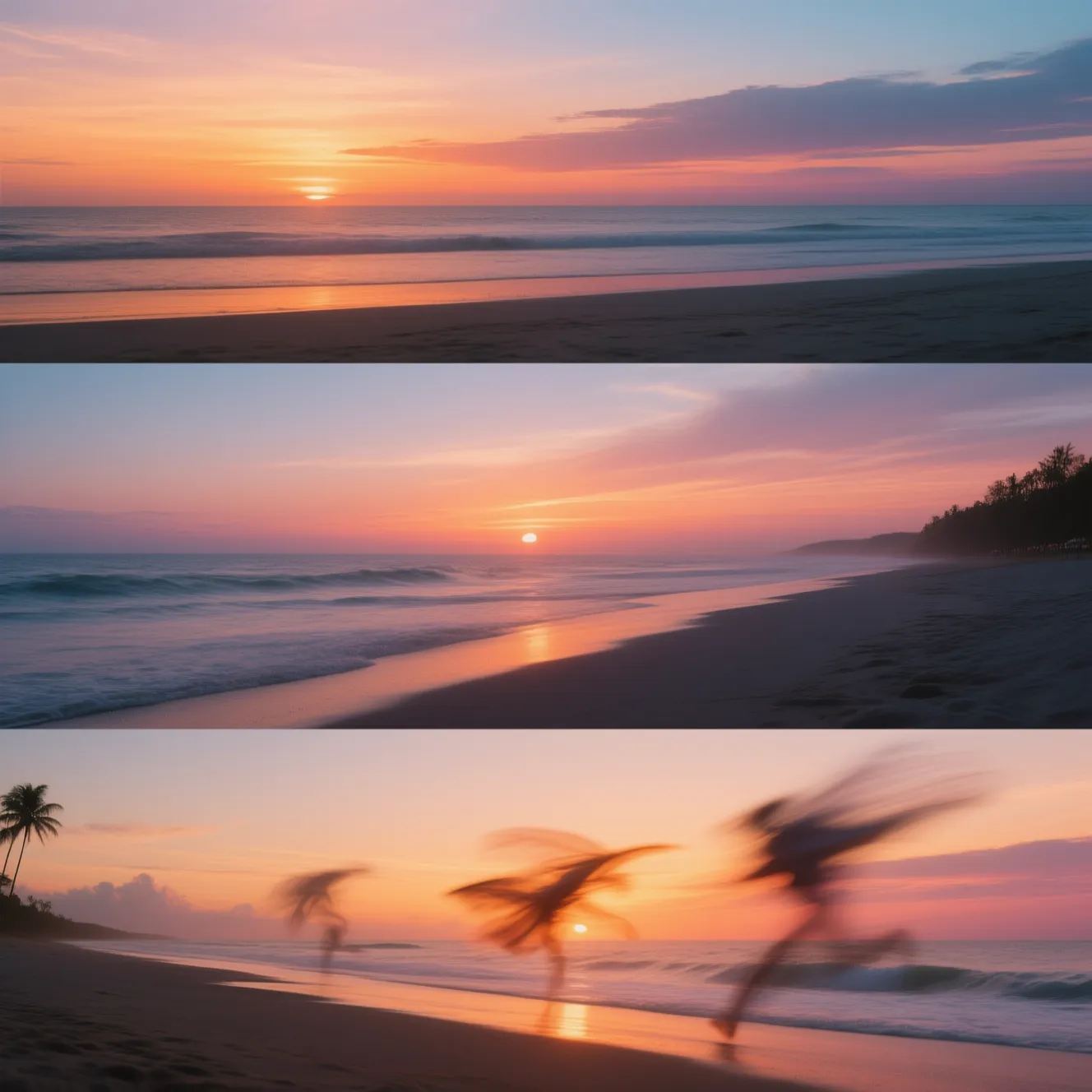
Create a moving atmosphere
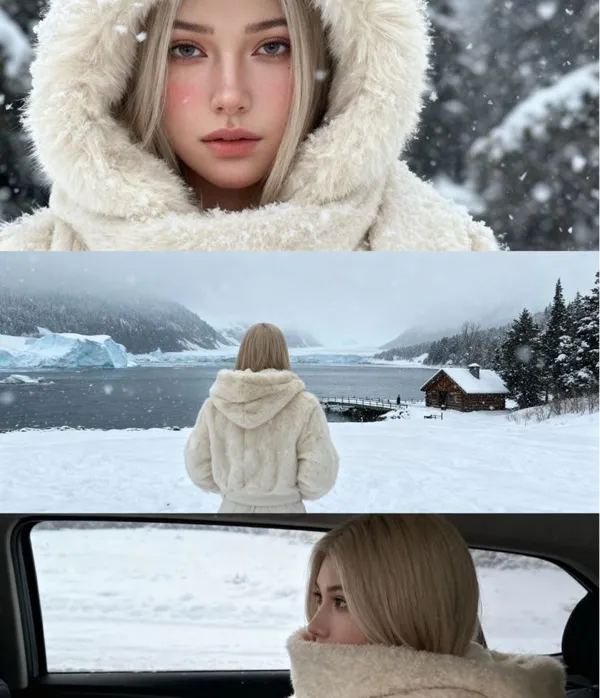
Add rain, snow, fog or light that shifts across the frame to give a still photo some weather and mood.
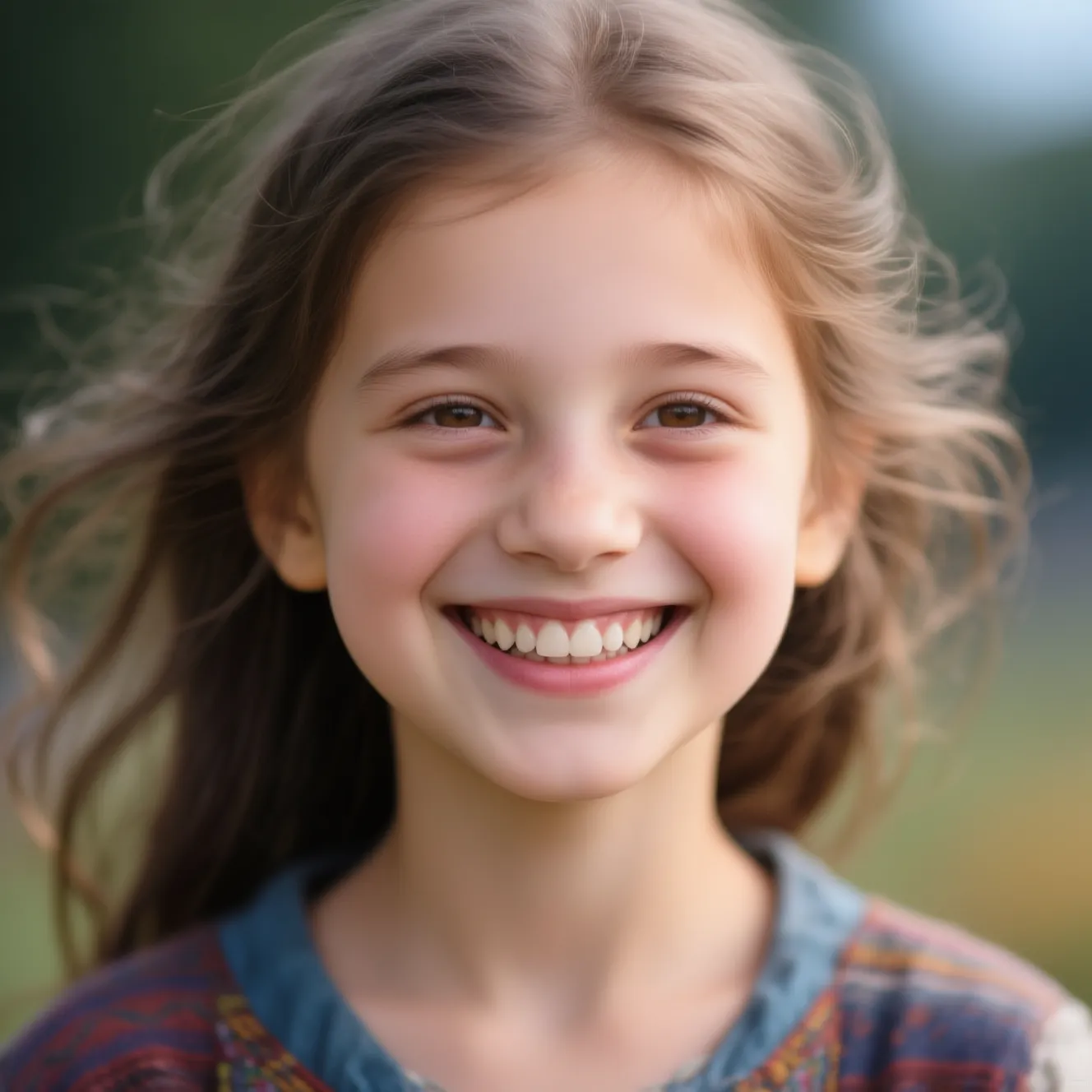
Bring people and characters to life
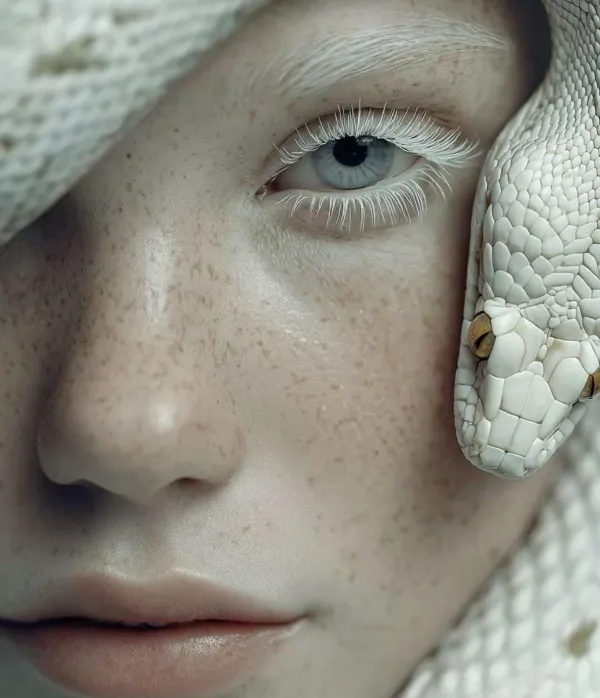
Faces get small movements, a smile or a glance at the camera, and still look natural.
Turn a photo into a short video
Upload an image and get back a short clip with smooth motion, ready to post on Reels, TikTok or Stories.
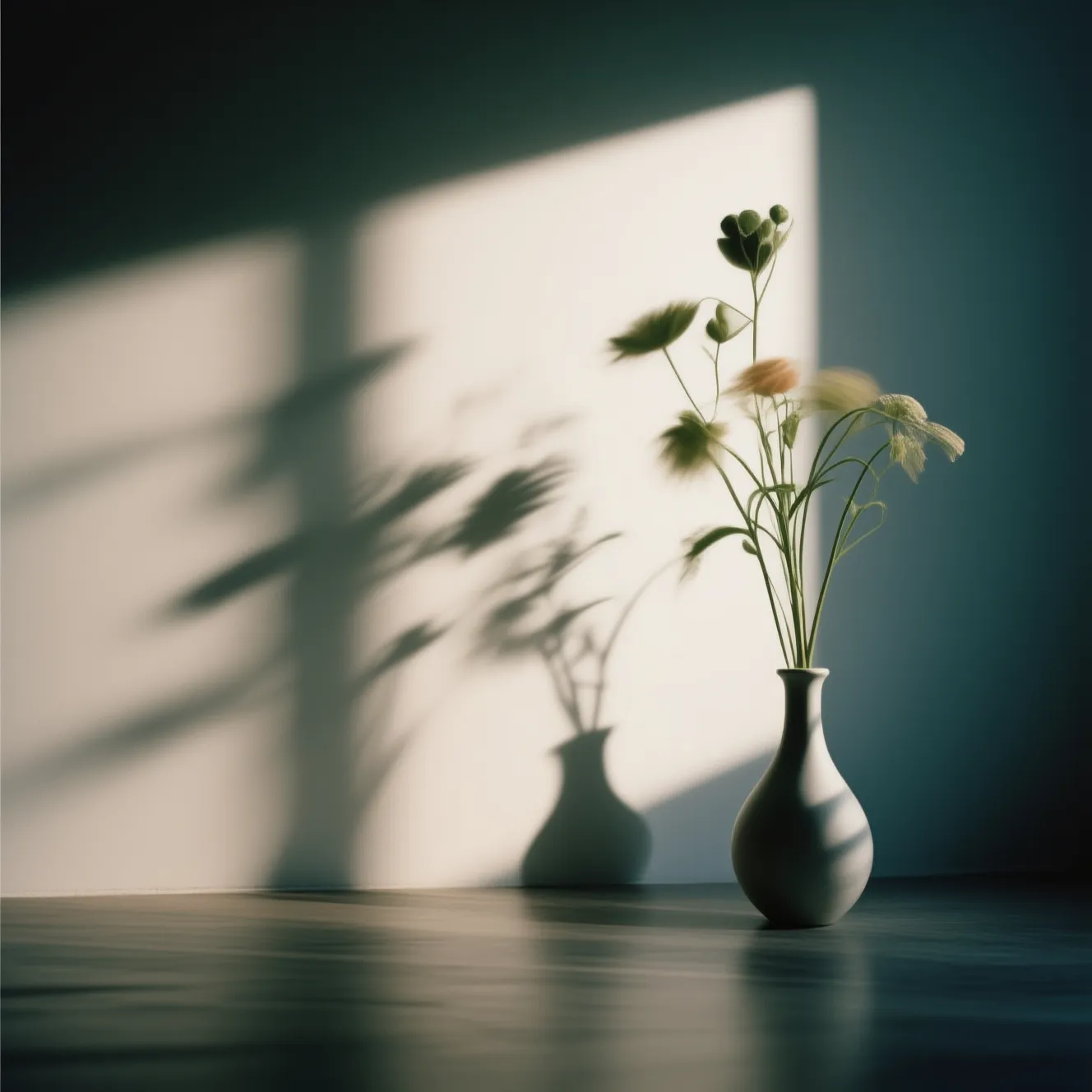
Style the motion to match the emotion
Pick a mood, joyful, energetic or calm, and the AI chooses the motion that strengthens it.
Frequently Asked Questions
Old photos, clip length, commercial use and what happens when a run fails.
How do I bring a photograph to life?
Upload the photo and describe the movement: a smile, a turn of the head, drifting hair, a slow camera push. The model generates real frames from the still, so the subject moves rather than the image sliding around.
Does it work on old or family photographs?
Yes, it is one of the things it does best. If the scan is damaged, restore it first and animate it after that. Faces move convincingly, though the motion stays gentle, so don't expect anything dramatic.
How long is an animated photo?
A few seconds, which is the natural length for this. Longer runs give the model room to drift away from the original face, so short clips look better and cost less.
What kind of photo animates well?
A sharp photo with a clearly visible subject and a bit of space around it. Blurry, very dark or heavily cropped photos give the model too little to work from, and it shows in the result.
Can I use the animated photo commercially?
Yes, the clip is yours to use in advertising, on a website or in paid work, the only limits are the ones every AI service has, such as impersonating a real person who did not agree to it.
What happens if the animation fails?
A failed run is refunded to your balance automatically, you are not charged for compute that produced nothing, and if a job looks stuck give it a minute before you run it again.