
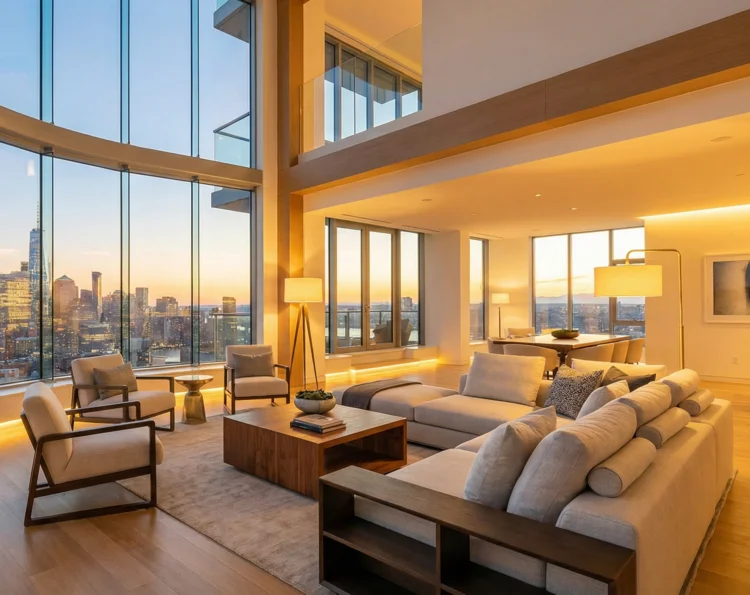
Virtual staging AI
for empty rooms, in about a minute
Upload a photo of an empty room and get it back furnished, with the walls, windows, floor and the view outside exactly as you shot them. Each photo costs a few cents, paid from credits that never expire.
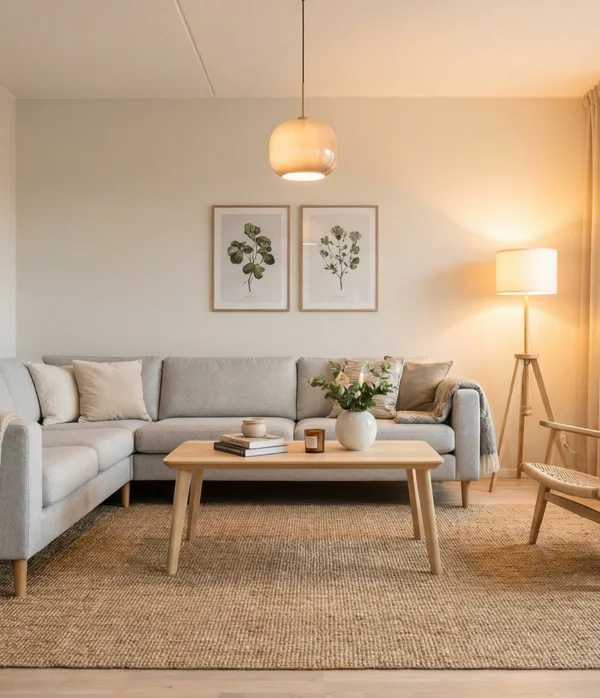
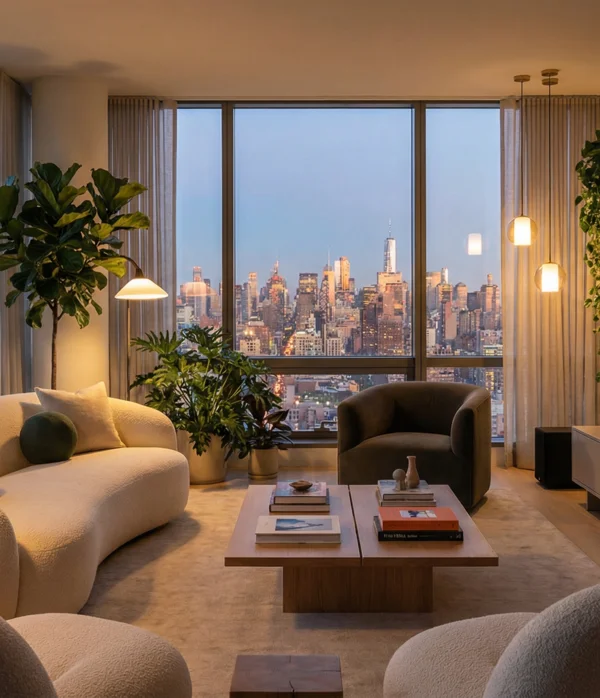
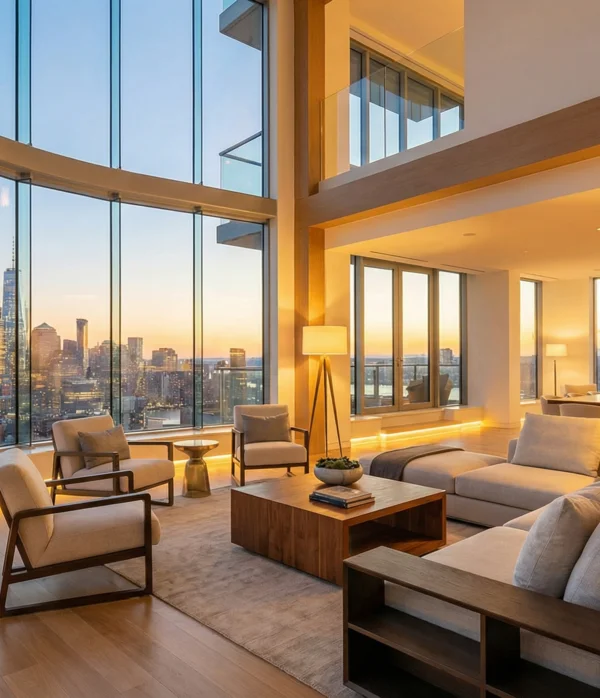

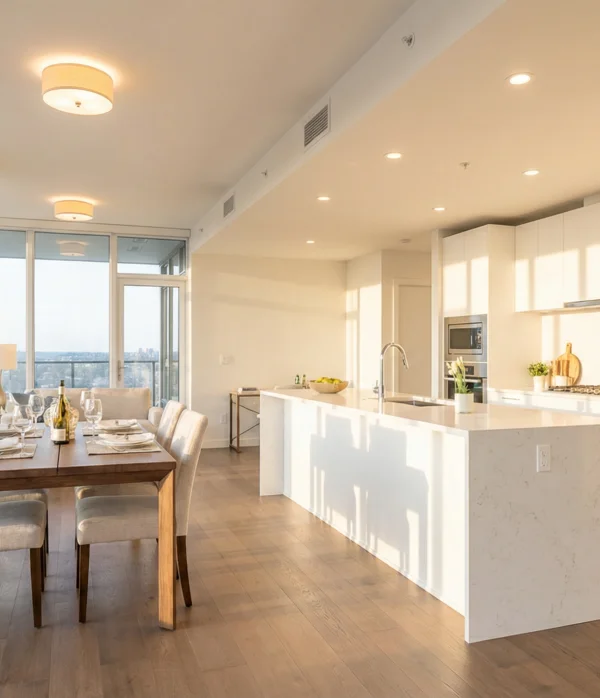
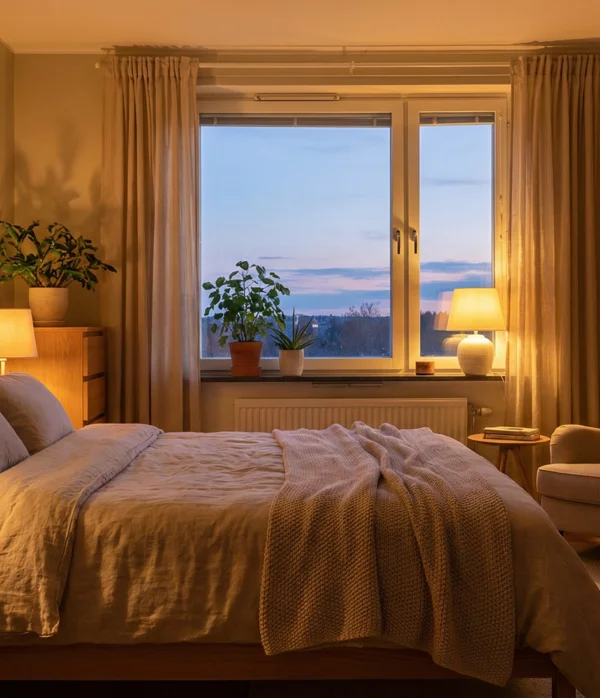
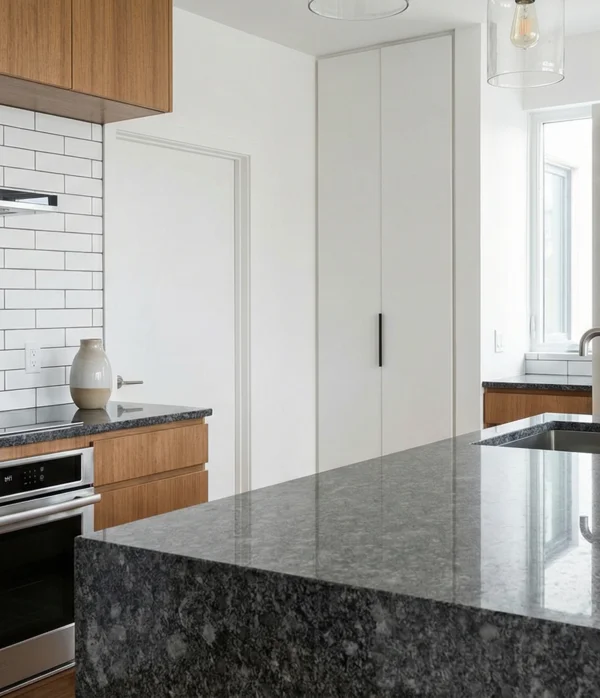
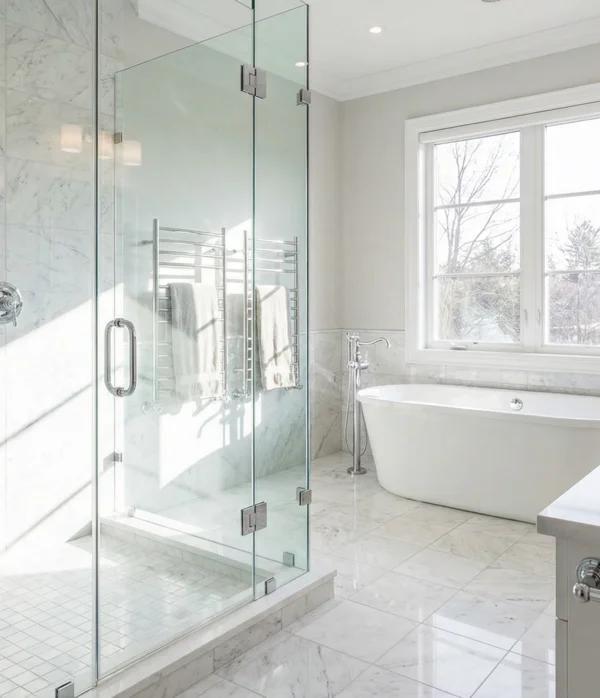
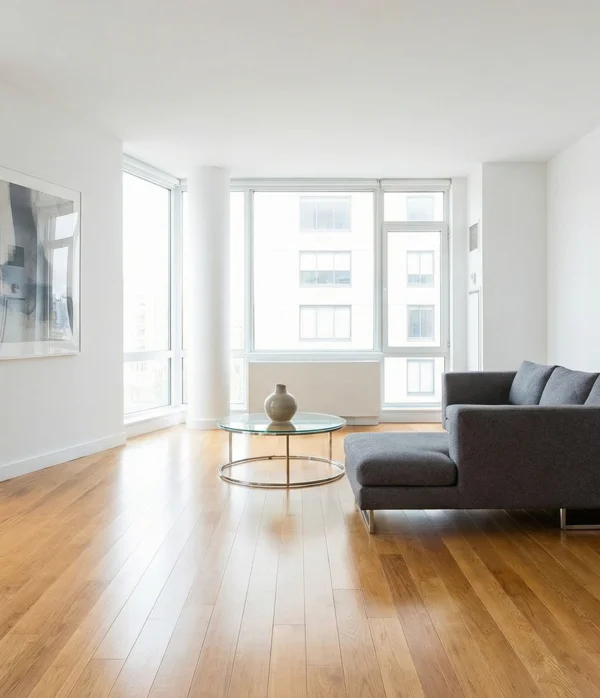
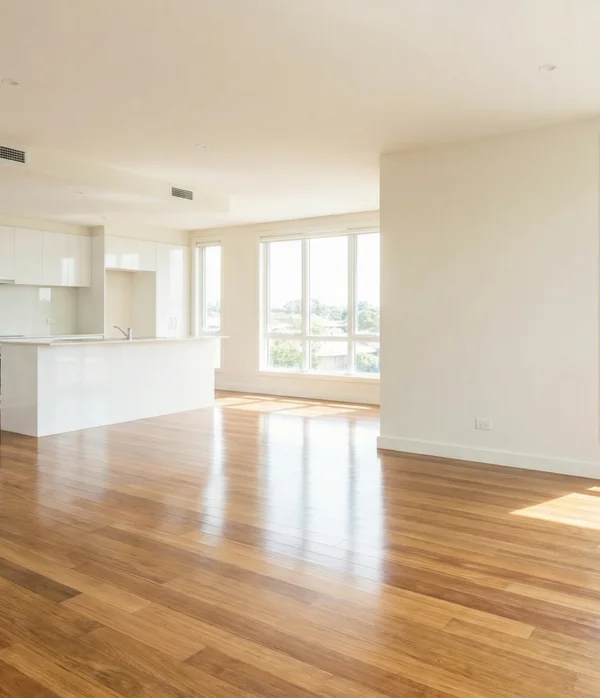
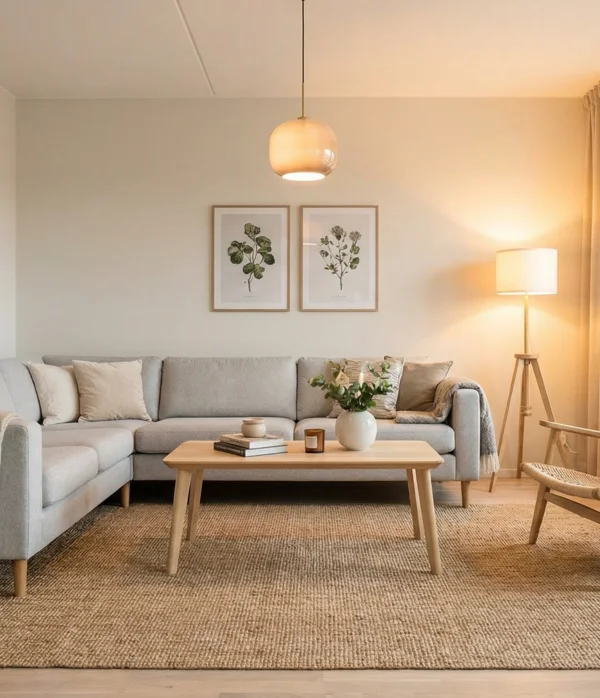

Virtual staging before and after
What the virtual staging mode produced from the empty room.
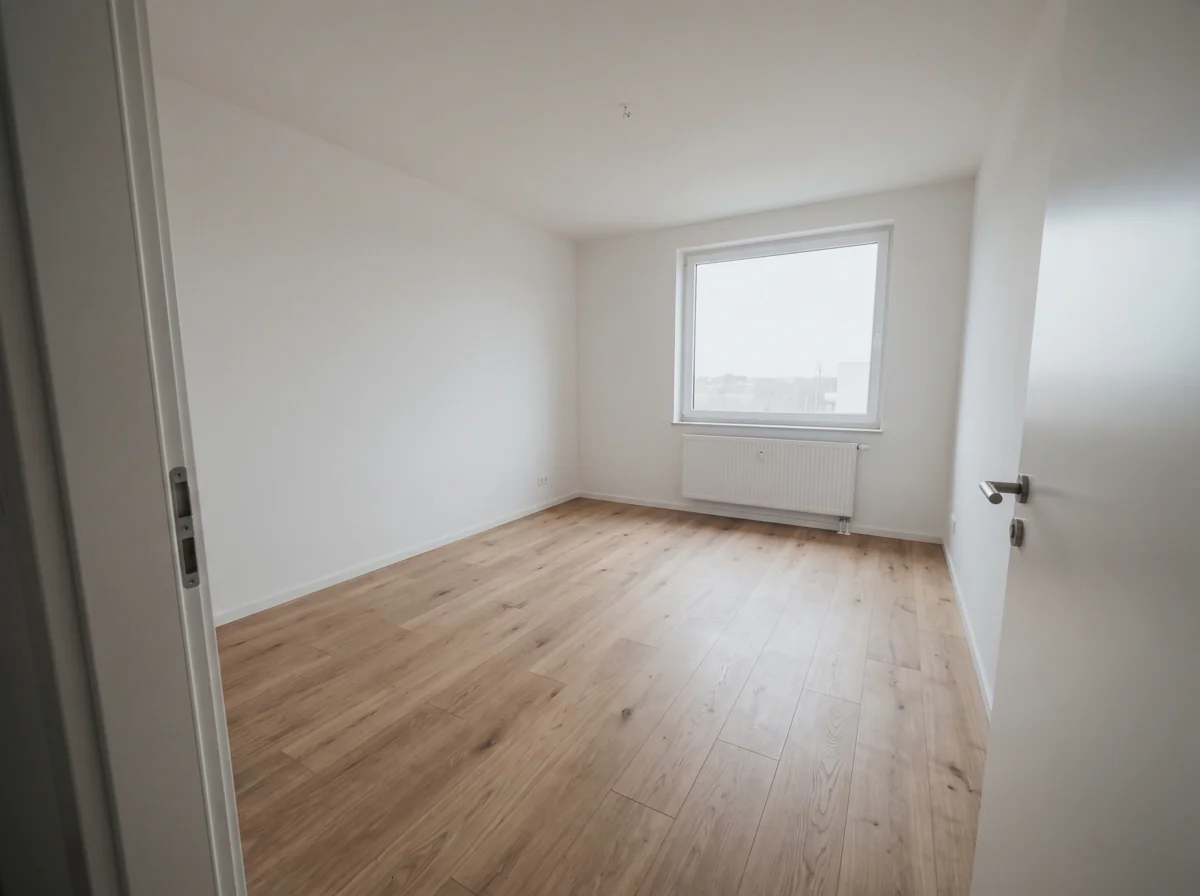 Before
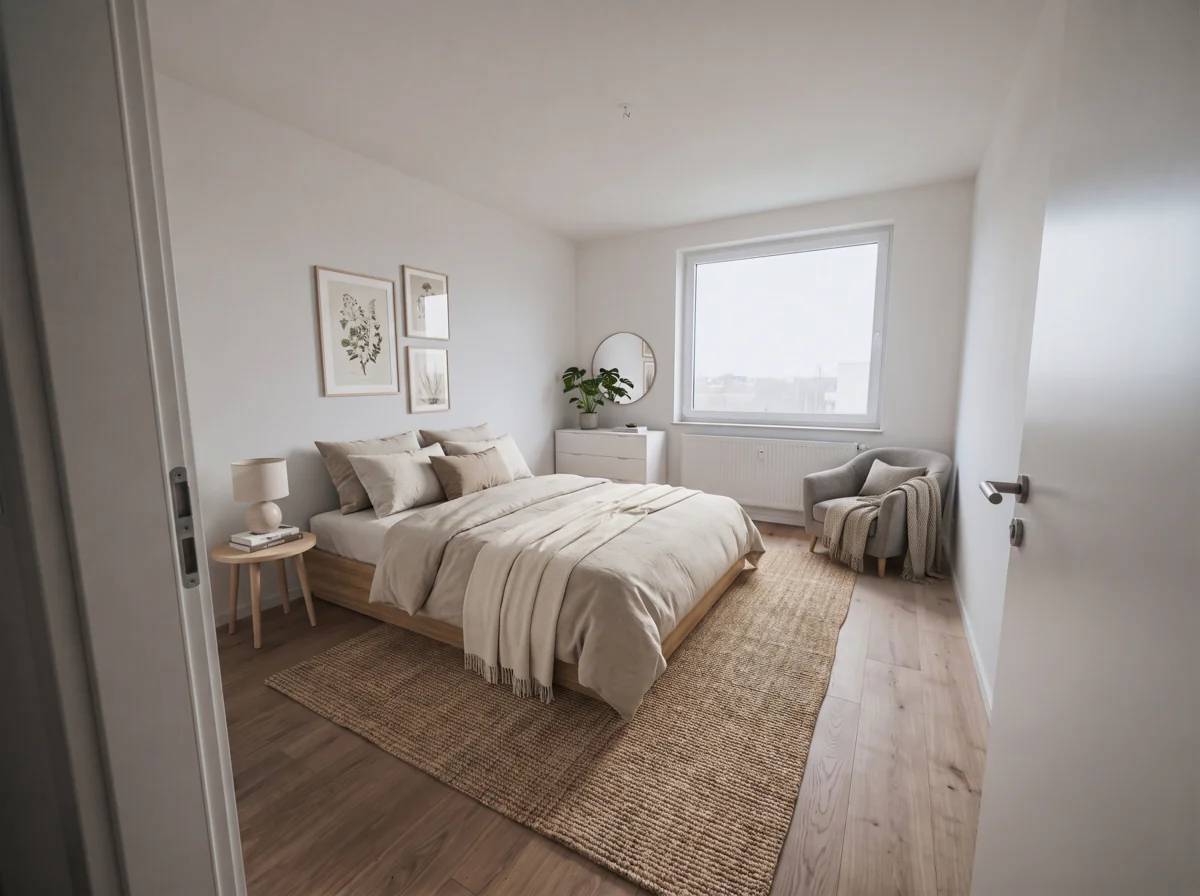 After
AfterHow to virtually stage a photo
You don't need design skills.
- 1
Upload the empty room photo
A phone photo is fine, taken from a corner at chest height with the whole floor in frame.
- 2
Name the style, or leave it blank
Scandinavian, mid-century, coastal, whatever suits the property, or leave it blank for a neutral modern set.
- 3
Download and label it
Check the walls and windows against the original, then add a "virtually staged" label with the free text tool before it goes on the portal.
Why agents virtually stage here
Ready in about a minute
Upload at the viewing and the staged photo is waiting before you get back to the office. There's no brief to write and no two-day turnaround with revision rounds.
Only the furniture changes
The staging prompt is written to leave the walls, windows, doors, floor and the view outside as they were.
No subscription for one listing
Each photo comes out of a credit balance that never expires. If a run fails, the credits go back automatically, and a one-off listing doesn't need a subscription.
AI modes for virtual staging and listing photos
Stage the empty rooms, tidy the occupied ones, fix the light and sharpen the file, all from one credit balance.
Virtual staging for empty rooms
Upload the empty room and the mode places a bed or a sofa, a rug, lamps and a few pieces of decor at the right scale for the space, with shadows that match the window light, so buyers see a home.
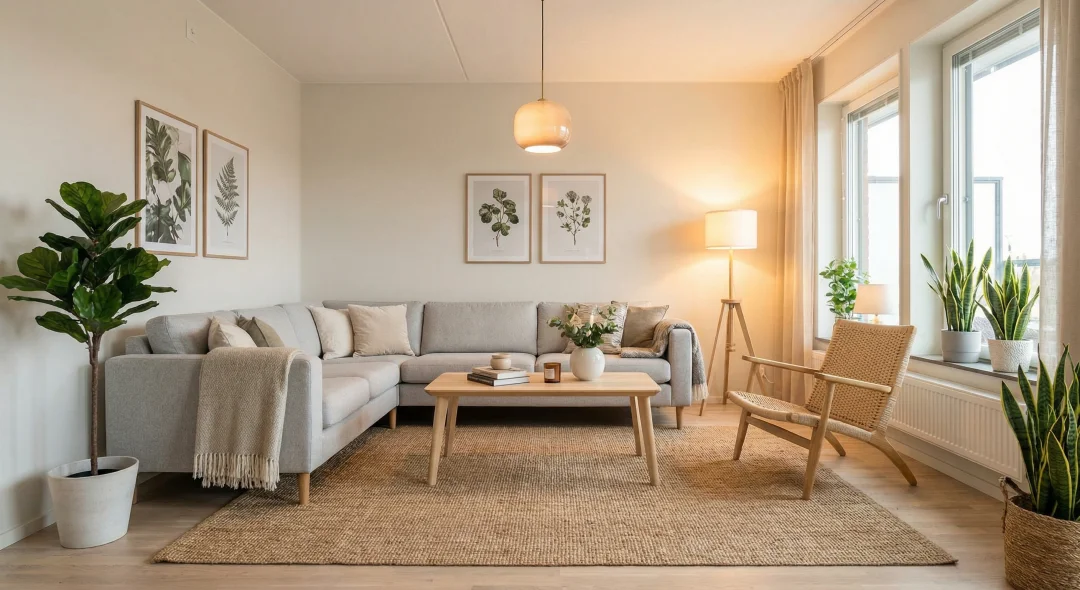
Pick the style the seller wants
Type a style in the prompt box: modern, Scandinavian, mid-century, farmhouse, coastal, luxury. Leave it empty and you get a neutral modern set that suits most listings. Run three styles and keep the one the seller likes.
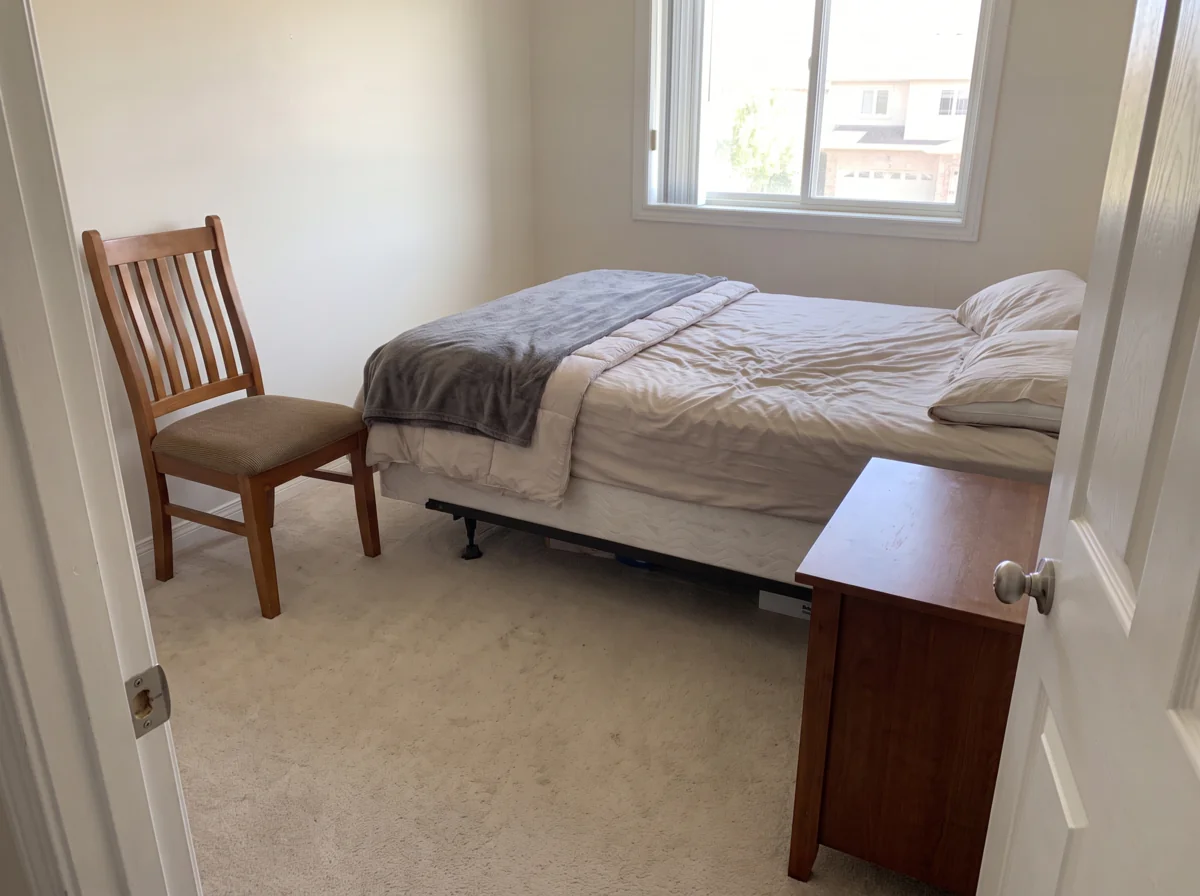
Declutter a lived-in room first
Not every listing is empty. In an occupied room the declutter mode clears out clothes, boxes, cables and personal items, rebuilds what they covered and leaves furniture and fixtures in place.
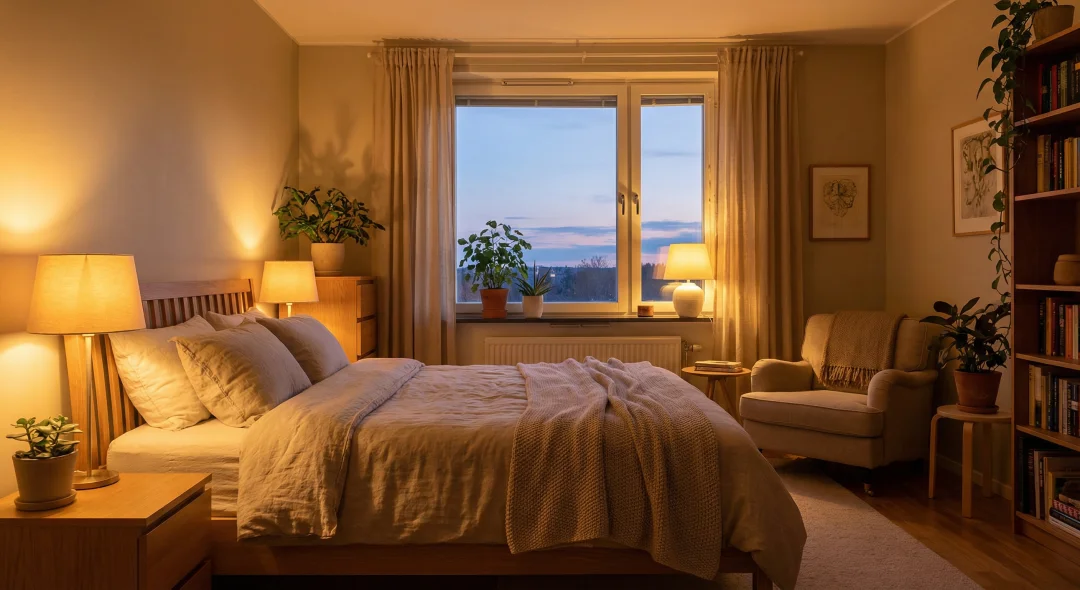
Fix dark listing photos
A room that faces north, or one shot at an evening viewing, comes out dim on a phone. Lighting restoration lifts the shadows and tames the window without washing out the walls, so the staged version looks like a daytime photo.
Upscale for portals and print
Phone photos look soft once a buyer opens them full size. The upscale mode sharpens edges and texture to 4K, enough for a printed brochure or a window card too.
What virtual staging is, and when to use it
Virtual staging means furnishing a room in the photo instead of in the property. A photographer shoots the empty space, a staging tool adds the furniture, and the listing goes live with pictures of a home rather than a box. Physical staging does the same job with a truck, a crew and a monthly rental fee.
It suits vacant listings, new builds still smelling of paint, rentals between tenants, and any room the seller emptied before the shoot. A buyer who visits will see the empty room, so the staged photo should show its real proportions and light, which is why this mode is written to leave the architecture alone.
AI virtual staging is the same idea done by an image model instead of a designer: faster and far cheaper, and you check the result yourself instead of a person doing it for you.
What AI virtual staging costs
One staged photo costs 2 credits, about $0.04 at the 500-credit pack rate. Ten rooms for a whole apartment come to 20 credits, about $0.40. Checkout charges the same, since the page reads the current price list when it's built.
For comparison, virtual staging services list per-image prices from roughly $10 to $40 a photo on their own pricing pages (September 2026), and physical staging is quoted by the month and runs into four figures. Here you can stage the same room in three styles and still spend less than a dollar.
An agent with one vacant property a quarter buys a pack with no subscription, and the leftover credits are still there next quarter because they don't expire. If a run fails, the credits come straight back.
Label it: the disclosure rules
Most markets require virtually staged photos to be marked as such. In the United States the NAR Code of Ethics asks members for a true picture in advertising, and most MLSs spell out that staged images must be labeled. The same rule of thumb holds for a listing on Realtor.ca, Rightmove, Zoopla, realestate.com.au, Domain or Trade Me: label it. Buyers who feel misled at the viewing do not make offers, so the label helps you as much as it protects you.
Two habits cover it: put "virtually staged" on the image itself with the free text on image tool, and keep the unstaged original in the listing next to it.
Tips for a photo that stages well
Shoot level from a corner or the doorway, at chest height, with the whole floor in frame, because the model can only put furniture on floor it can see. Daylight beats ceiling lights. If the room is dim, run lighting restoration first and stage the brighter version.
Rooms that stage well: living rooms, bedrooms, dining rooms, home offices, open-plan kitchens. Bathrooms and hallways rarely need it. If the result moved a window or a door, run it again; each run is independent and a failed one is refunded.
Credits work like a deposit
You put money in, you spend it. That is all.
- Credits never expire, and there is no monthly reset or rollover cap.
- Subscription credits stack on top of the balance you already have.
- A failed generation is refunded automatically, without a ticket.
- Credit packs need no subscription. Buy once, spend whenever.
- Cancel from your profile without emailing anyone. It runs to the end of the period you paid for, and you see the date.
- A person answers support@azurade.com.
The long version of why we will not sell expiring credits is on the blog.
Related tools for listings
Add the label and crop in the Azurade online editor
Put a "virtually staged" caption on the photo, add your agency watermark and crop to the portal's ratio, all free in the browser.
Open Azurade EditorFrequently Asked Questions
Everything worth knowing about virtual staging with AI.
What is virtual staging?
Virtual staging is furnishing an empty room in the photo instead of in reality. You upload a picture of the empty space and get it back with furniture, rugs, lamps and decor, so a buyer scrolling a portal sees a home and not bare walls. Physical staging does the same job with a truck and a crew.
How much does AI virtual staging cost?
AI virtual staging here costs a few cents per photo, paid from a credit balance that never expires. Physical staging runs into the thousands per listing and virtual staging services charge per image, while a whole empty apartment staged here costs about as much as a coffee. The cost section of this page has the exact figure for this mode.
Do I have to disclose that a photo is virtually staged?
In most markets, yes. In the US the NAR Code of Ethics and most MLS rules require virtually staged photos to be labeled, and portals in the UK and Australia have similar guidance. Put "virtually staged" on the image or in the caption and keep the unstaged original in the listing too.
Does virtual staging change the room itself?
It should not, since the mode is written to keep walls, windows, doors, floor, ceiling and the view outside exactly as photographed. Compare the result with the original before publishing and run it again if anything structural has moved. A failed run is refunded automatically.
Which rooms and styles can be staged?
Living rooms, bedrooms, dining rooms, home offices and open-plan kitchens all work, in whichever style you name: modern, Scandinavian, mid-century, farmhouse, coastal or luxury. Leave the style blank and you get a neutral modern set that suits most listings.
Can I stage a photo taken on a phone?
Yes, a wide photo of an empty room from a recent phone stages as well as a camera shot. Shoot from a corner at chest height, keep the phone level and get the whole floor in frame, because furniture only goes on floor the model can see.
Is my generation history saved?
Yes, every generation stays in your account. You can download it again, reuse its prompt or branch from an earlier result instead of starting over.