
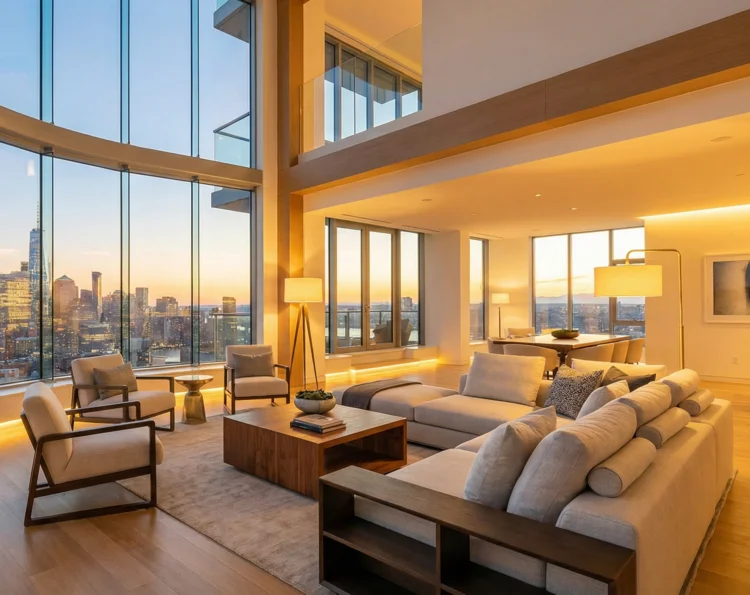
AI real estate photo editing
for listings that get the click
Brighten dark rooms, take out clutter and passers-by, and sharpen phone photos to portal size, so a listing shot at the viewing can go up the same day. Each photo costs a few cents and there's no subscription.
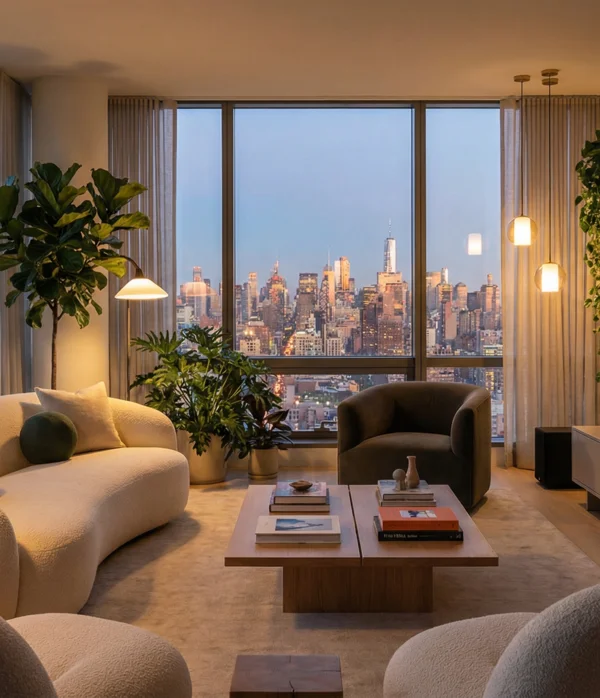
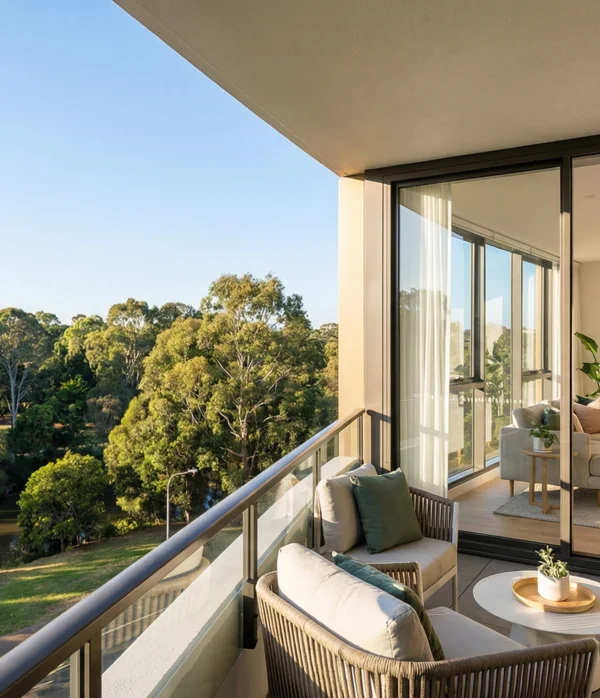
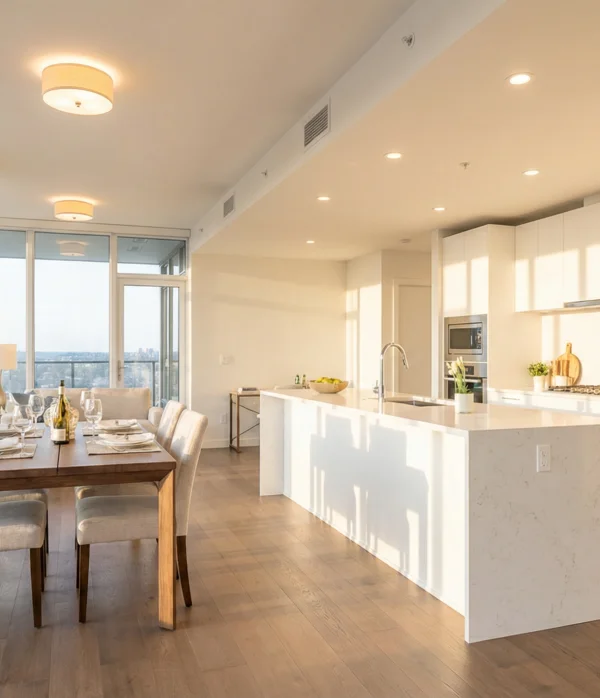
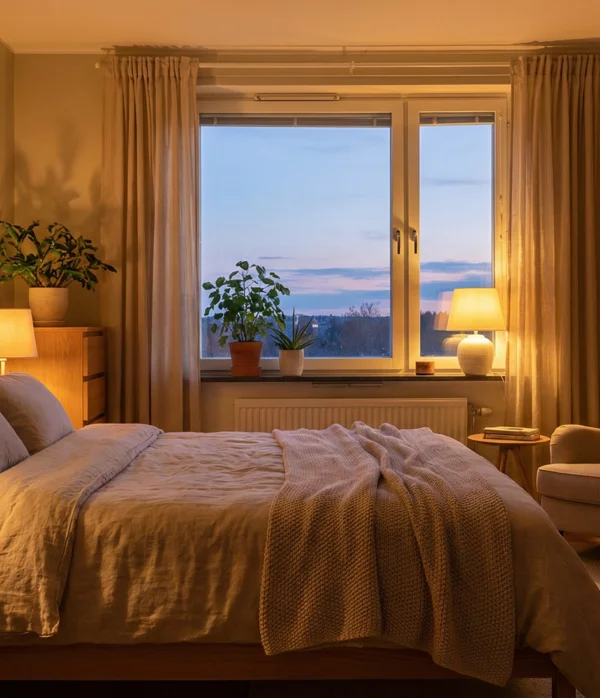
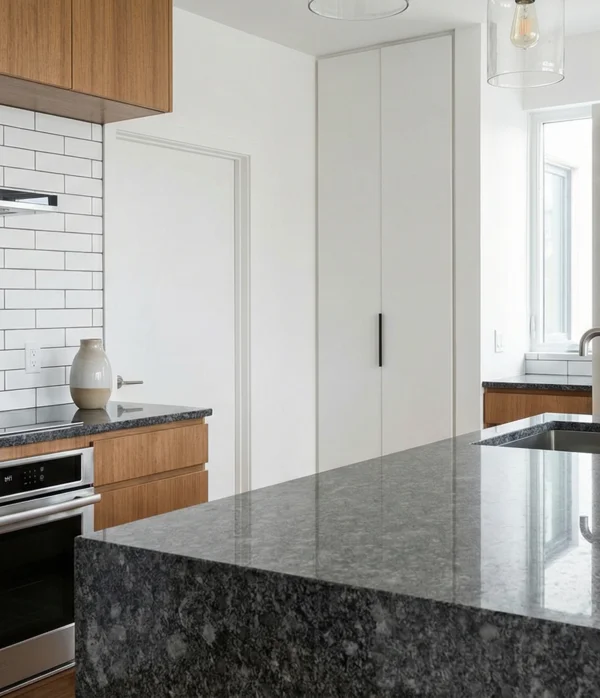
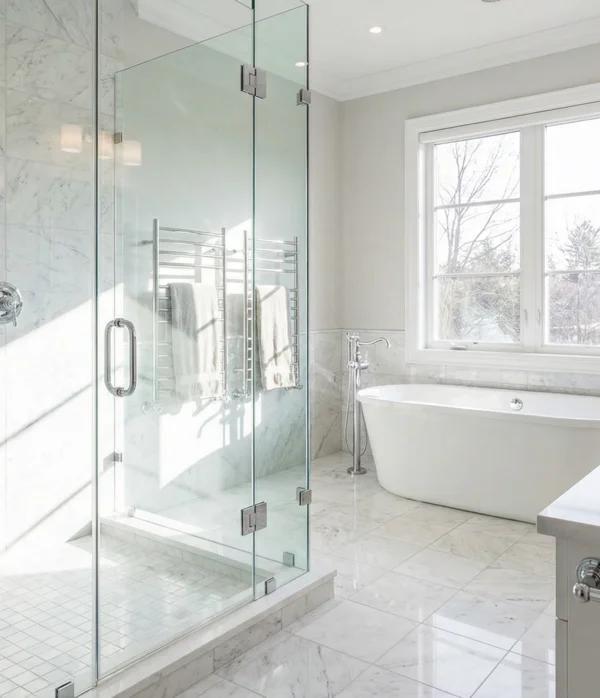
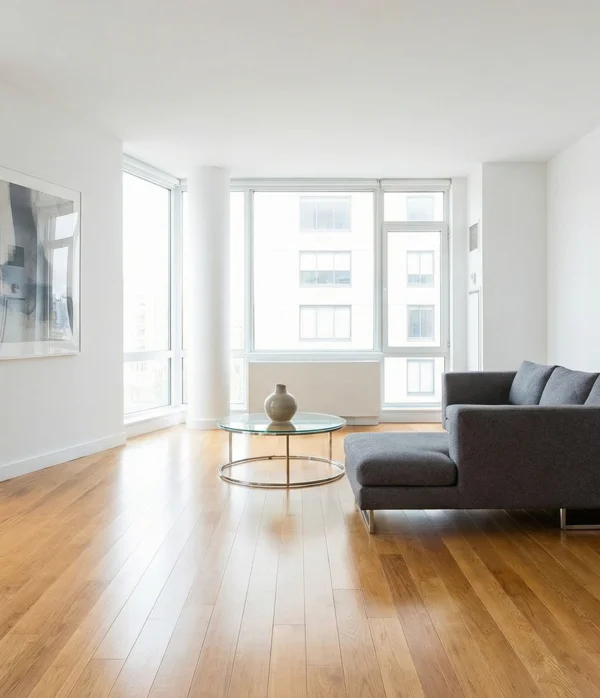
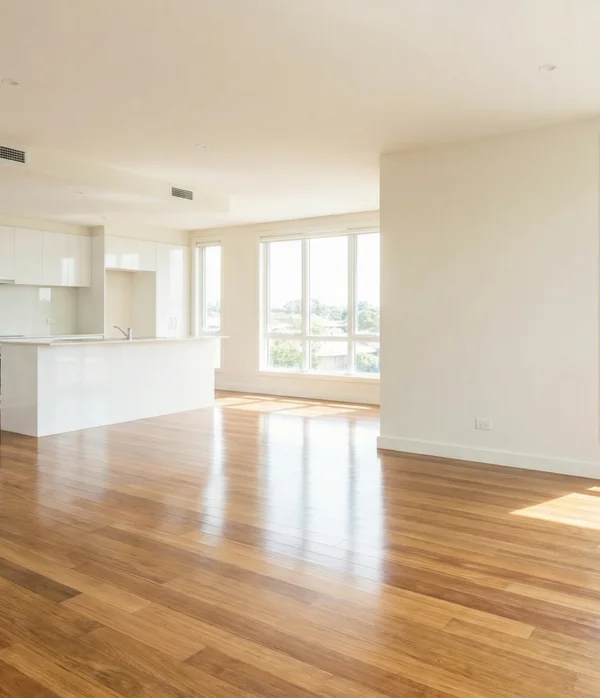
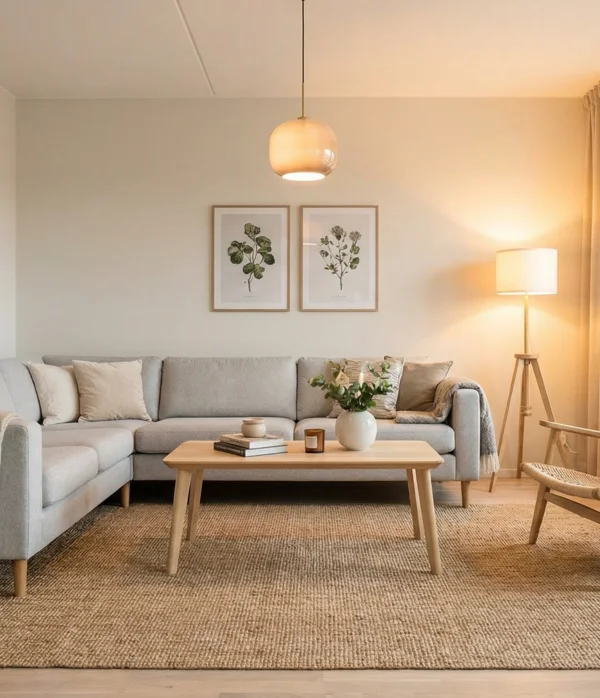
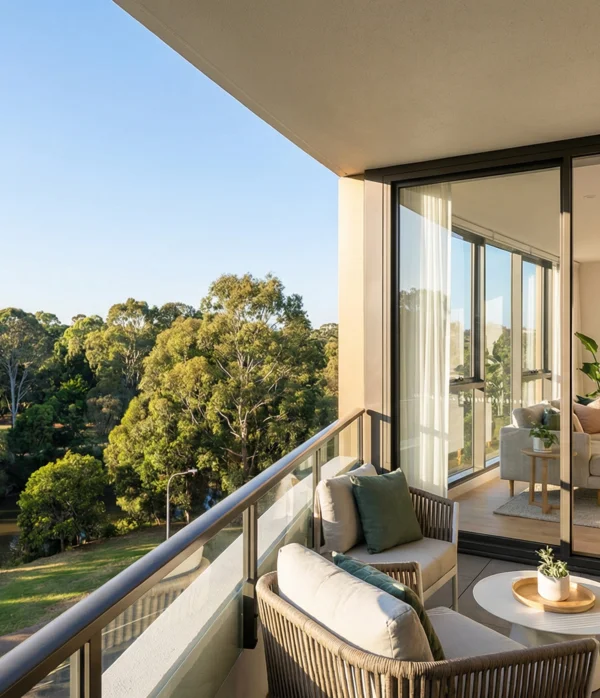
Real estate photo editing before and after
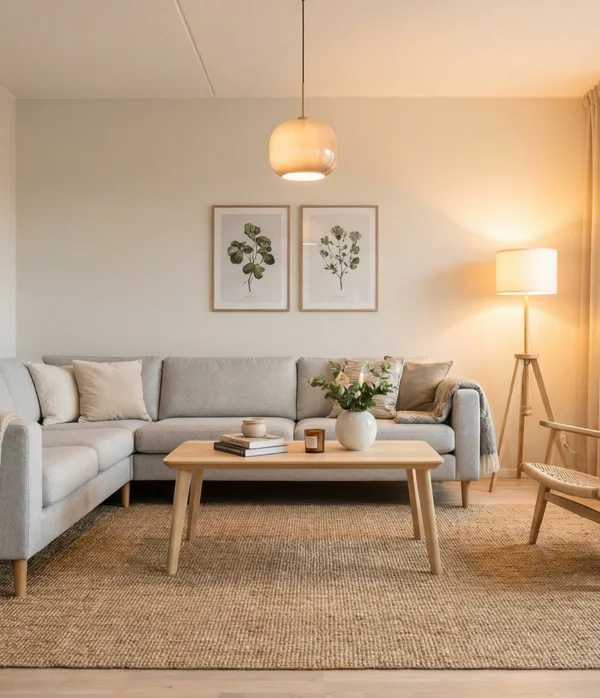
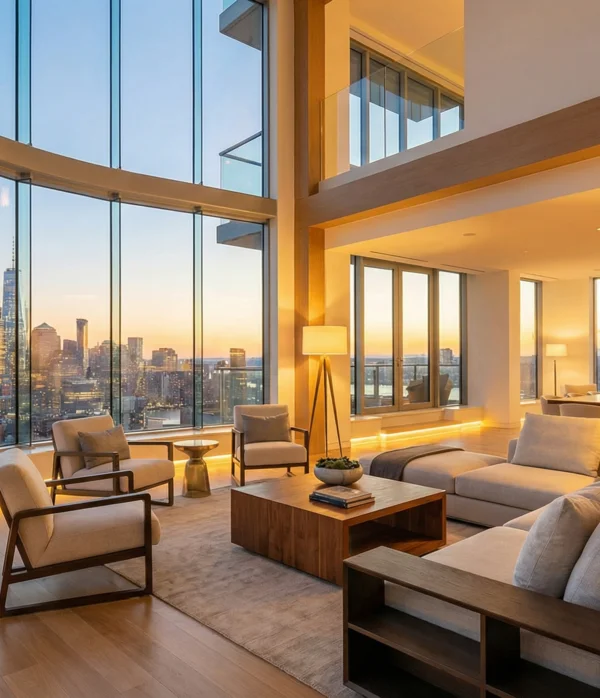
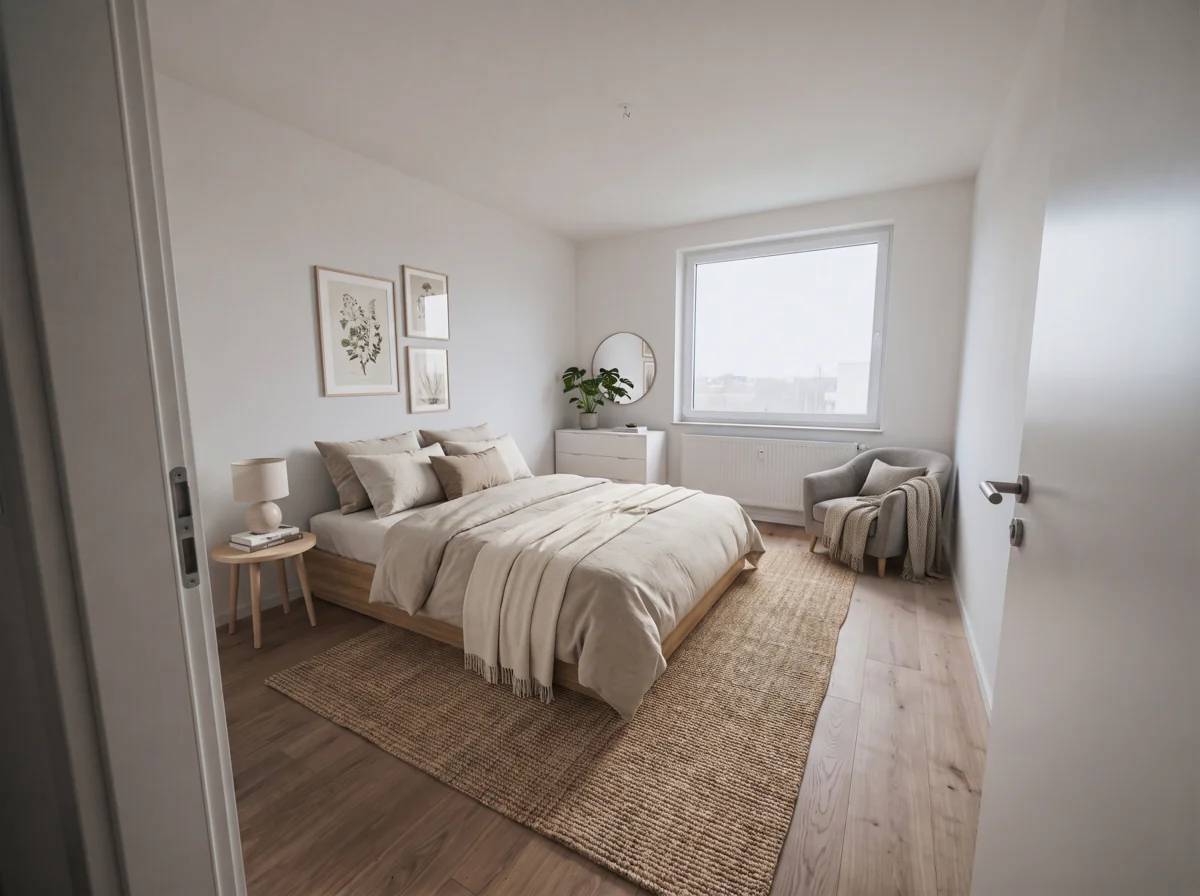
What the declutter mode returned for this bedroom.
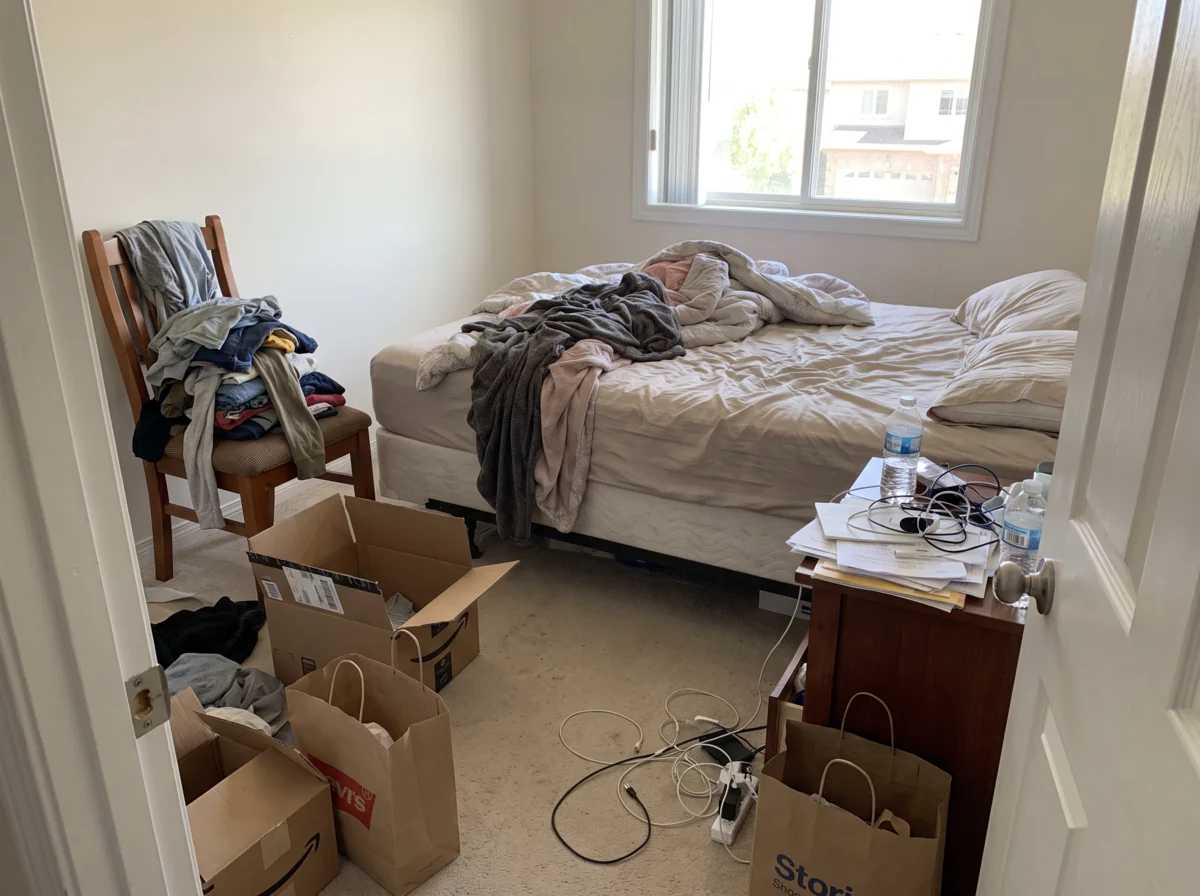 Before
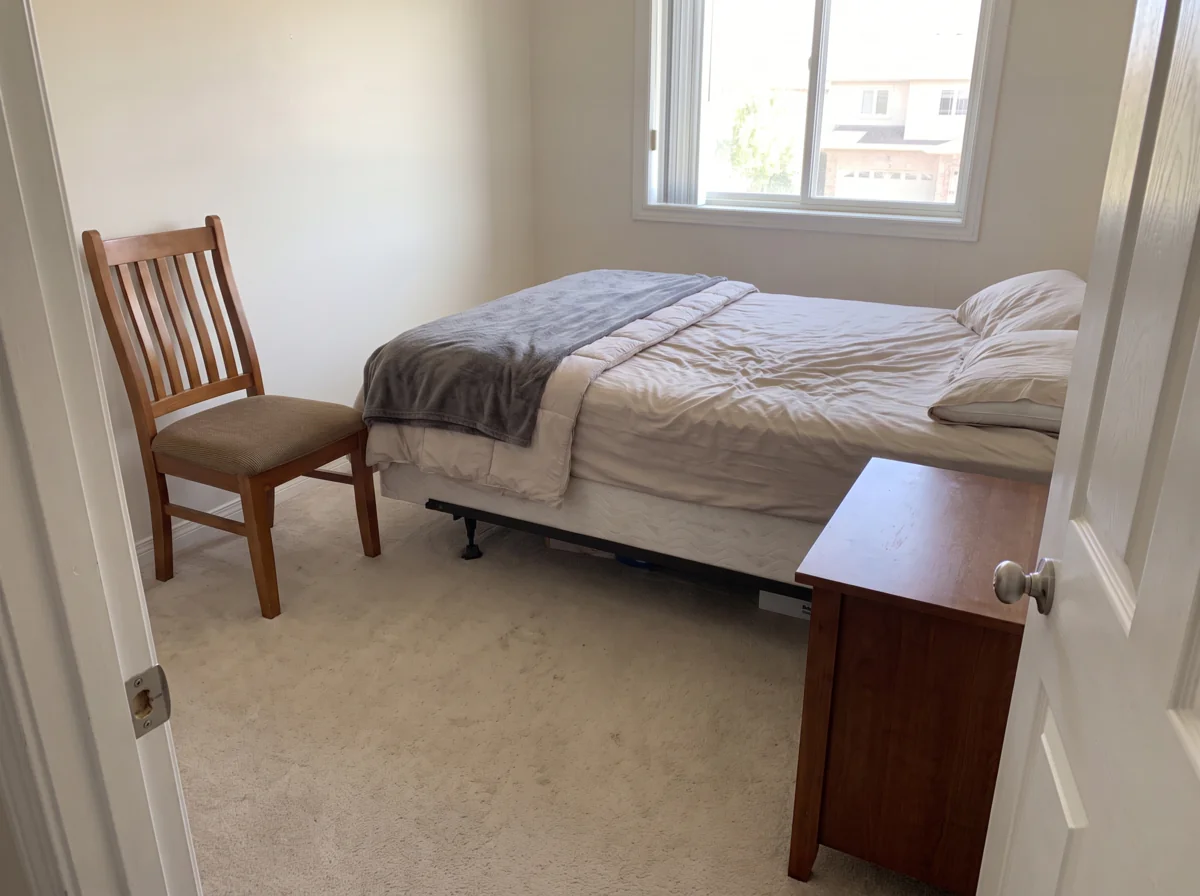 After
AfterHow to edit real estate photos with AI
From your phone to the portal.
- 1
Upload the photo
Straight from the phone, as JPEG, PNG, HEIC or WebP.
- 2
Pick the fix
Declutter, lighting, remove people or upscale. If a room has two problems, run two modes one after the other.
- 3
Download and resize
Save the result, then resize or compress it to the portal's limits with the free tools. Add a watermark in the editor if your agency uses one.
Why agents edit listing photos here
Same-day listings
Twenty photos are done in the time it takes to drive back from the viewing, and the first day live is the day a listing gets its views.
Every photo, not only the hero shot
At a few cents an image you edit the whole set: the second bedroom, the utility room, the parking space.
A failed run costs nothing
When a generation fails, the credits come back on their own, and the balance never expires or asks for a subscription.
AI modes for real estate photo editing
Clutter, light, people, resolution and empty rooms each have a mode of their own.
Declutter a room for the listing photo
Clothes on the chair, boxes on the floor, cables and bottles on the nightstand all go, and the declutter mode fills in the wall and floor they were hiding. It even makes the bed, while the furniture stays put.
Fix dark and uneven lighting
A blown-out window next to a dim corner is what a phone gives you in a north-facing room or at an evening viewing. Lighting restoration balances the two, so the walls show their real color and the room looks lit by daylight.
Remove people from property photos
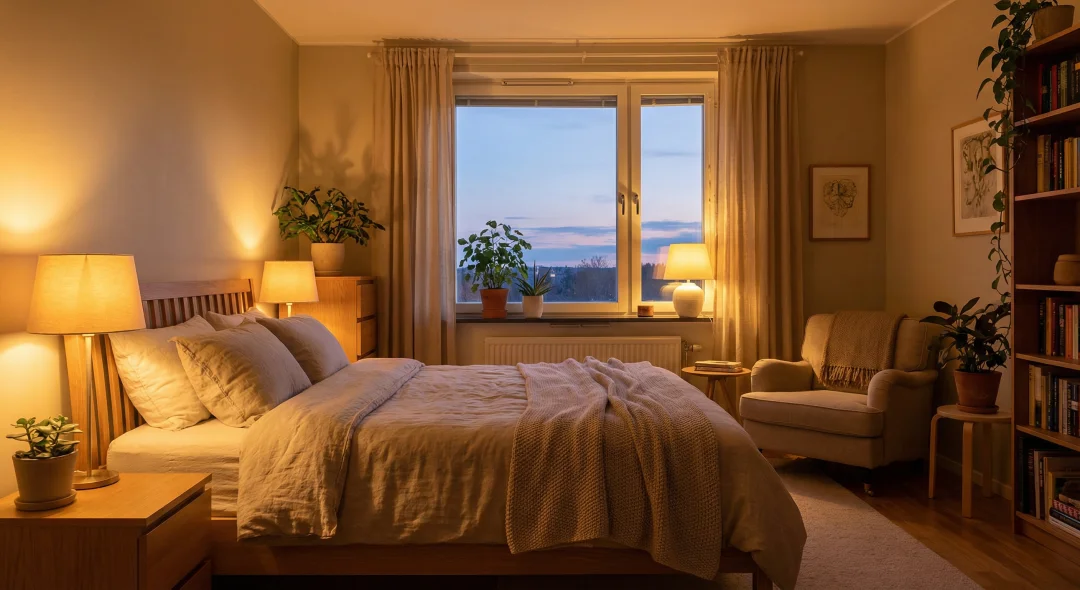
The seller's family in the kitchen, a neighbor on the balcony, the agent in the hallway mirror: remove them and the model fills the space with the same floor, wall and light.
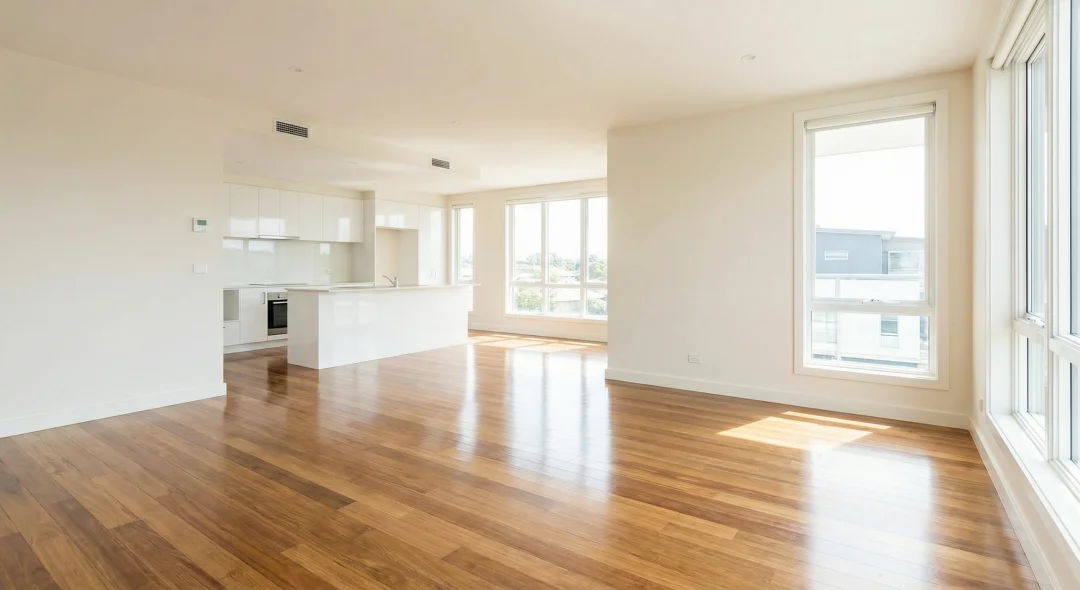
Upscale phone photos to 4K
Phone photos are soft, and while a portal thumbnail hides it, the full-size view doesn't. Upscaling sharpens edges and texture without inventing detail and holds up in a printed brochure.
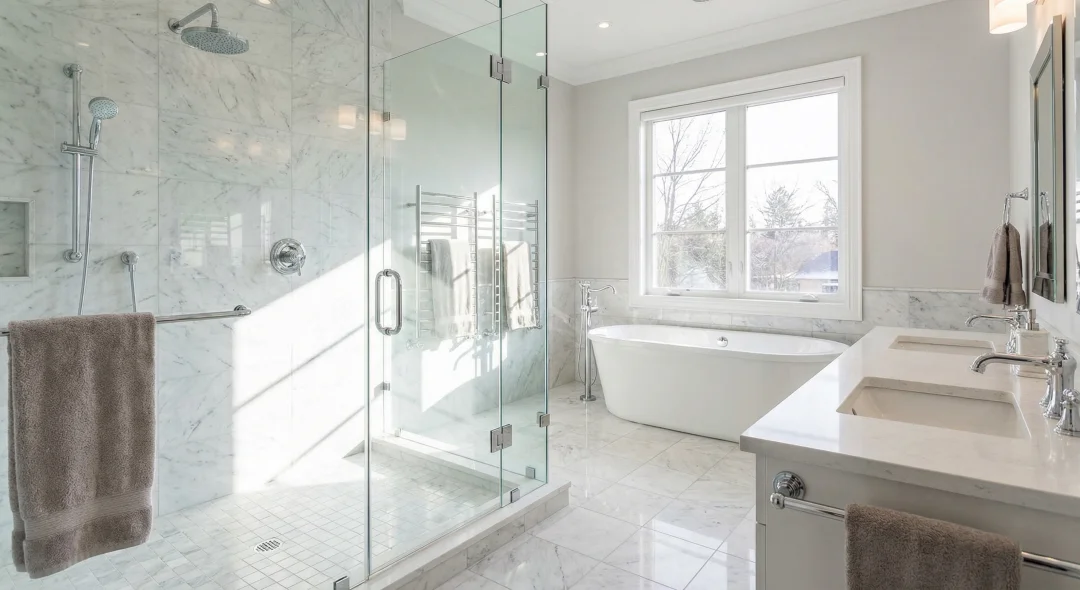
Virtual staging for empty rooms
Vacant listing? The virtual staging mode furnishes the empty room and leaves the architecture untouched. Its own page has before and after examples, costs and the disclosure rules.
What real estate photo editing with AI can and cannot do
Four jobs cover most of what agents send to a retoucher: brighten a dark room, take out clutter, take out people, and sharpen a soft phone photo. Each one is a mode here that takes about a minute and keeps the structure of the room as photographed.
It shouldn't misrepresent the property, though. Most listing rules treat removing a crack, a damp patch, a power line or the building next door as concealment. Light, color, movable clutter and passers-by are fair game; permanent features are not. Virtual staging is allowed almost everywhere but must be labeled, and the virtual staging page covers the rules.
You get a normal image file with no watermark and no account lock-in, and the same credits work in the API if you want to batch a whole portfolio.
What it costs per listing
Decluttering or removing people costs 2 credits a photo (about $0.04), lighting restoration 3 (about $0.06) and upscaling 2 (about $0.04), all at the 500-credit pack rate. A typical twenty-photo apartment with five rooms decluttered, ten photos relit and five upscaled comes to 50 credits, about $1.00.
The page reads these numbers from the live price list at build time, which is why checkout charges the same. Credits never expire, packs need no subscription, and a failed generation is refunded on its own.
Portal sizes and file limits
Zillow, Realtor.com, Realtor.ca, Rightmove, Zoopla, realestate.com.au, Domain, Trade Me and the MLS feeds each publish their own maximum pixel size and file size, and they change them. Upload the largest version a portal accepts and let it downscale; when the file is over the limit, the free image compressor brings it under without visible loss, and the image resizer sets an exact pixel size when a feed demands one.
Shoot in landscape. Portals crop portrait photos in thumbnails, and thumbnails are what a buyer scrolls.
Shoot so the edit has something to work with
No mode can reframe a photo afterwards, so stand in a corner or the doorway, hold the phone level at chest height and get the floor and ceiling line in frame. Turn on every light, open the blinds, and shoot with the window behind or beside you rather than in front.
Then let the modes do the rest: lighting first, declutter second, upscale last, because upscaling a photo you are about to edit again wastes the sharpening.
Credits work like a deposit
You put money in, you spend it. That is all.
- Credits never expire, and there is no monthly reset or rollover cap.
- Subscription credits stack on top of the balance you already have.
- A failed generation is refunded automatically, without a ticket.
- Credit packs need no subscription. Buy once, spend whenever.
- Cancel from your profile without emailing anyone. It runs to the end of the period you paid for, and you see the date.
- A person answers support@azurade.com.
The long version of why we will not sell expiring credits is on the blog.
Related tools for listings
Final touches in the Azurade online editor
Crop to a portal's ratio, add your agency watermark, and put the price or a "virtually staged" label on the image. It's free, runs in the browser and you won't need Photoshop.
Open Azurade EditorFrequently Asked Questions
Everything worth knowing about AI real estate photo editing.
What can AI real estate photo editing actually do?
AI real estate photo editing does four jobs realtors pay editors for: brightening a dark room and balancing the window light, removing clutter and personal items, taking people out of the frame, and sharpening a soft phone photo to print size. Virtual staging of empty rooms is a separate mode with its own page.
What does it cost to edit a property photo?
Editing a property photo costs a few cents, paid from a credit balance that never expires. A full listing of twenty photos comes to less than a coffee, where a retouching service charges per photo, and the pricing page lists the exact credit price for each mode.
Can dark or badly lit rooms be fixed?
Yes, and on most listings it is the single biggest improvement. The model lifts the shadows, balances the blown-out window and recovers the color of the walls and floor, so a room that looked like a basement looks like somewhere to live.
Can clutter be removed from a room?
Yes. The declutter mode takes out movable mess like clothes on a chair, boxes, cables, bottles on the nightstand or a drying rack, and reconstructs the wall or floor behind it. Furniture and fixtures stay where they are.
Which edits are allowed on listing photos?
Light, color, clutter and passers-by are fair game, since a professional retoucher would change them too. Removing a permanent defect such as a crack, a stain, a power line or a neighboring building misrepresents the property and can breach listing rules. Virtual staging has to be disclosed, and the virtual staging page explains how.
Are the results suitable for Zillow, Rightmove and the MLS?
Yes, at the sizes portals expect. Upload the largest version the portal accepts, and use the free resizer and compressor on this site to meet its exact pixel and file-size limits.
Can I write prompts in a language other than English?
Yes, write the prompt in your own language. It is translated before it reaches the model, so the output quality is the same as for a prompt written in English.