
Remove the background
from an image online in seconds
Upload a photo and the AI cuts the background away, leaving only the subject. Download it as a transparent PNG or put white, a color or another image behind it for a marketplace listing, a social post or a design.




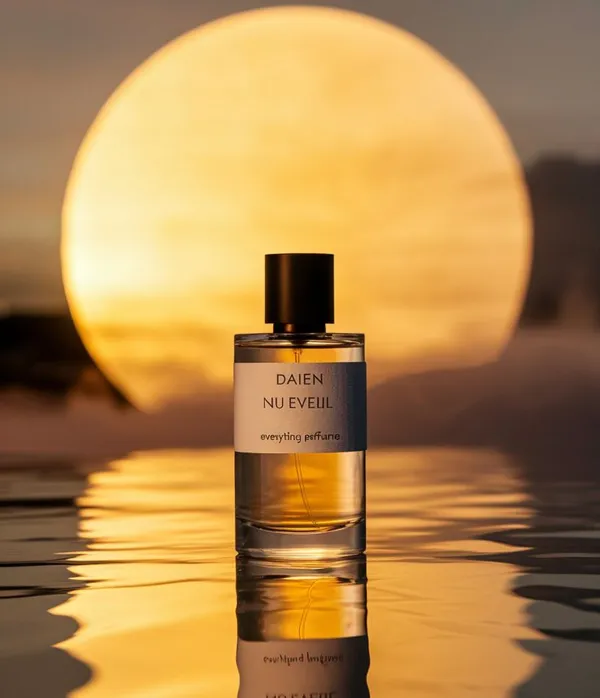
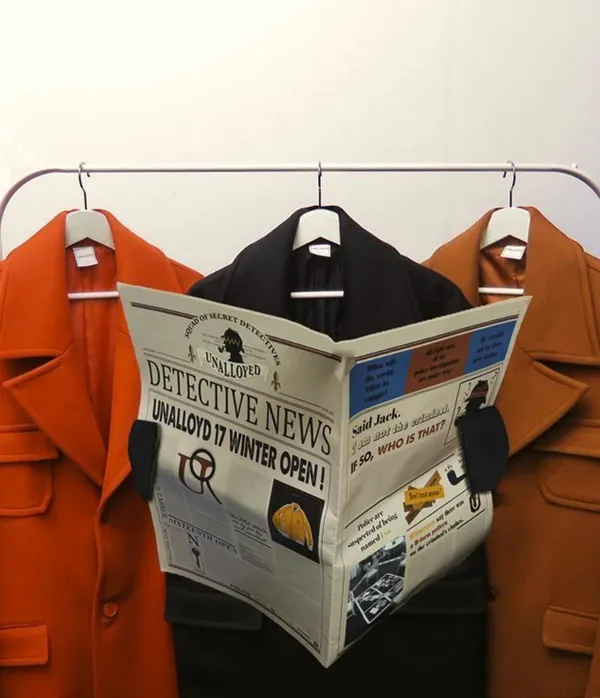
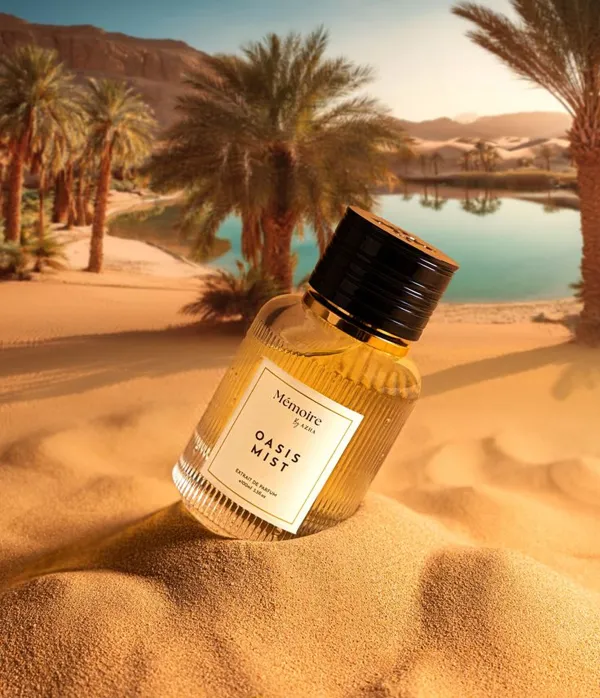
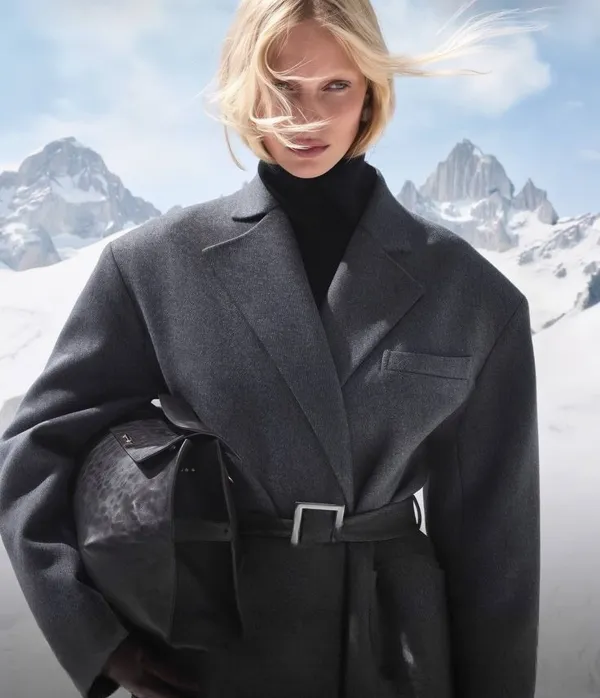




Our Advantages
Every Model, One Account
45 models, including Nano Banana, Seedream, Veo and Wan, behind one login and one balance, instead of a separate subscription for each.
Low Prices
Nano Banana from $0.04 per image, Wan 2.7 from $0.80 per five-second clip. You pay per generation, nothing else.
Latest AI Models
Veo 3.1, Seedance 2.5, Nano Banana Pro and other recent models.
Tools for the next generation of creators
Fast, good-quality AI generation with control over the result, in one platform.
Instant AI background removal
The AI finds the subject and removes the background by itself, so nobody traces outlines by hand, and it's precise enough to keep hair, fur and transparent parts intact.
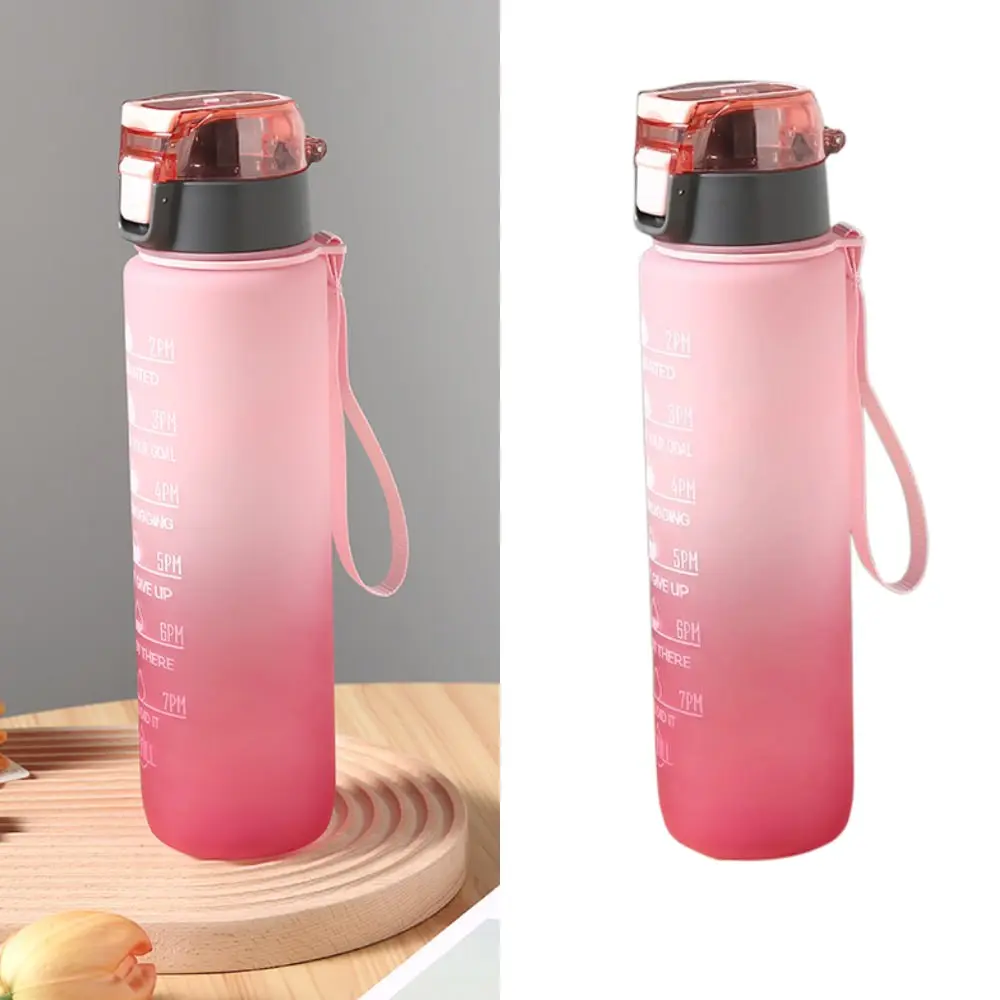
A transparent background for any purpose
Download a transparent PNG and drop it into a design, a marketplace listing or a social post, or use it for stickers, logos, product cards and collages.
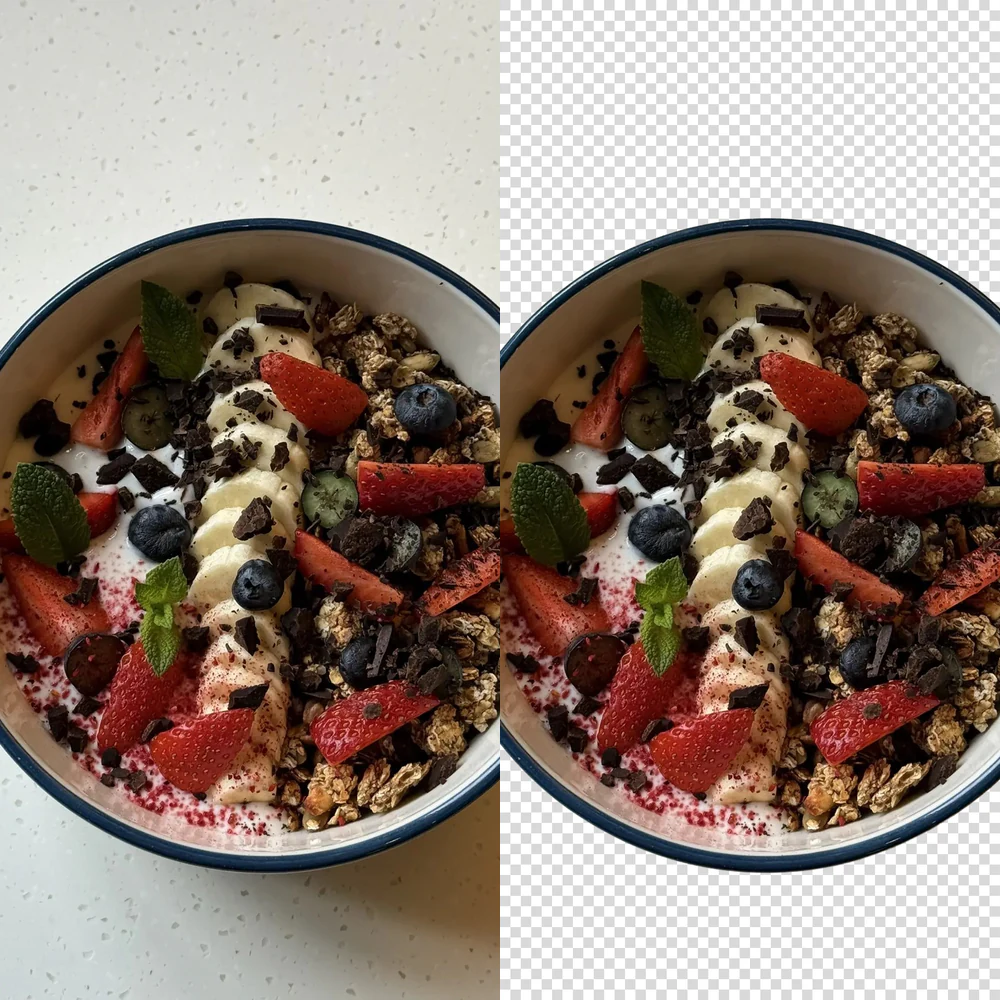
Replace the background with white, color, or custom
Once the background is gone you can put white behind the subject (what marketplaces want), a solid color or an image of your own, and the AI matches the light and shadows so it sits naturally in the new scene.
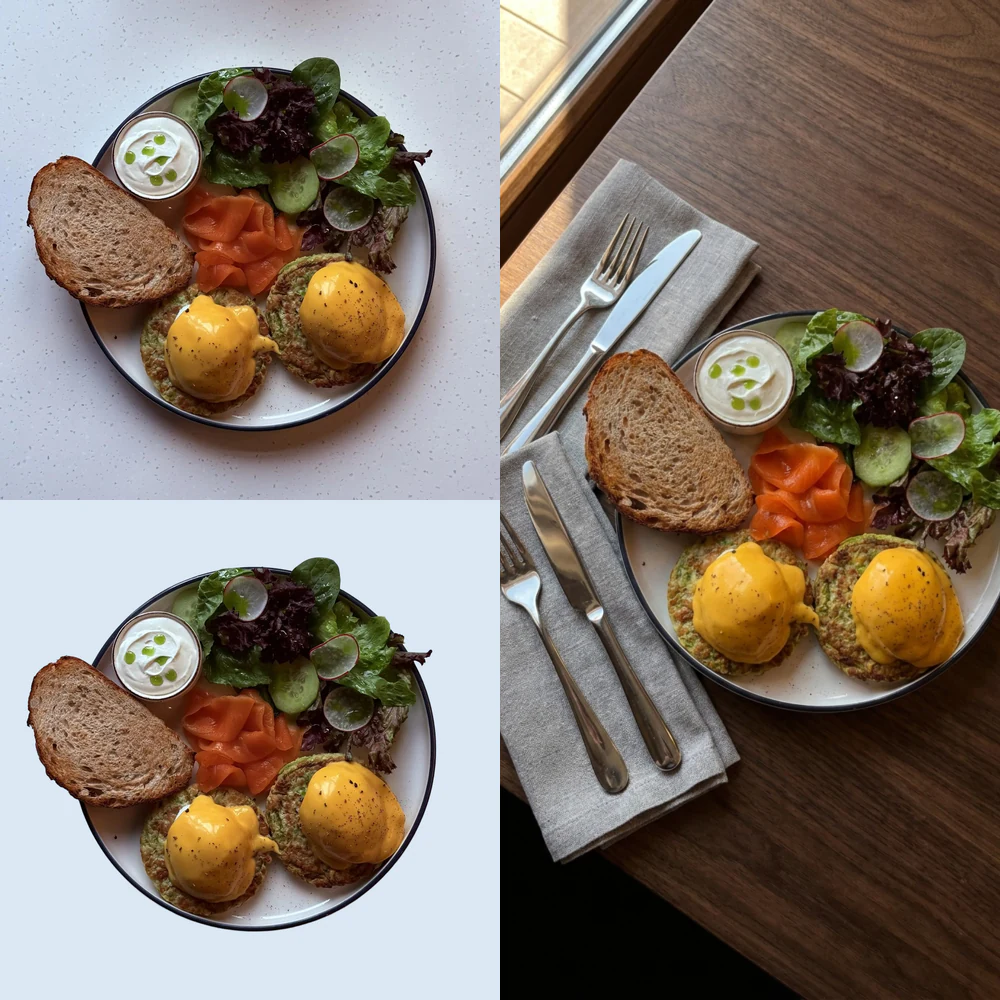
Clean white backgrounds for Amazon, Etsy and other marketplaces
A product photo on clean white meets the image rules of every major marketplace, and the quality is professional enough to pass moderation on the first try.
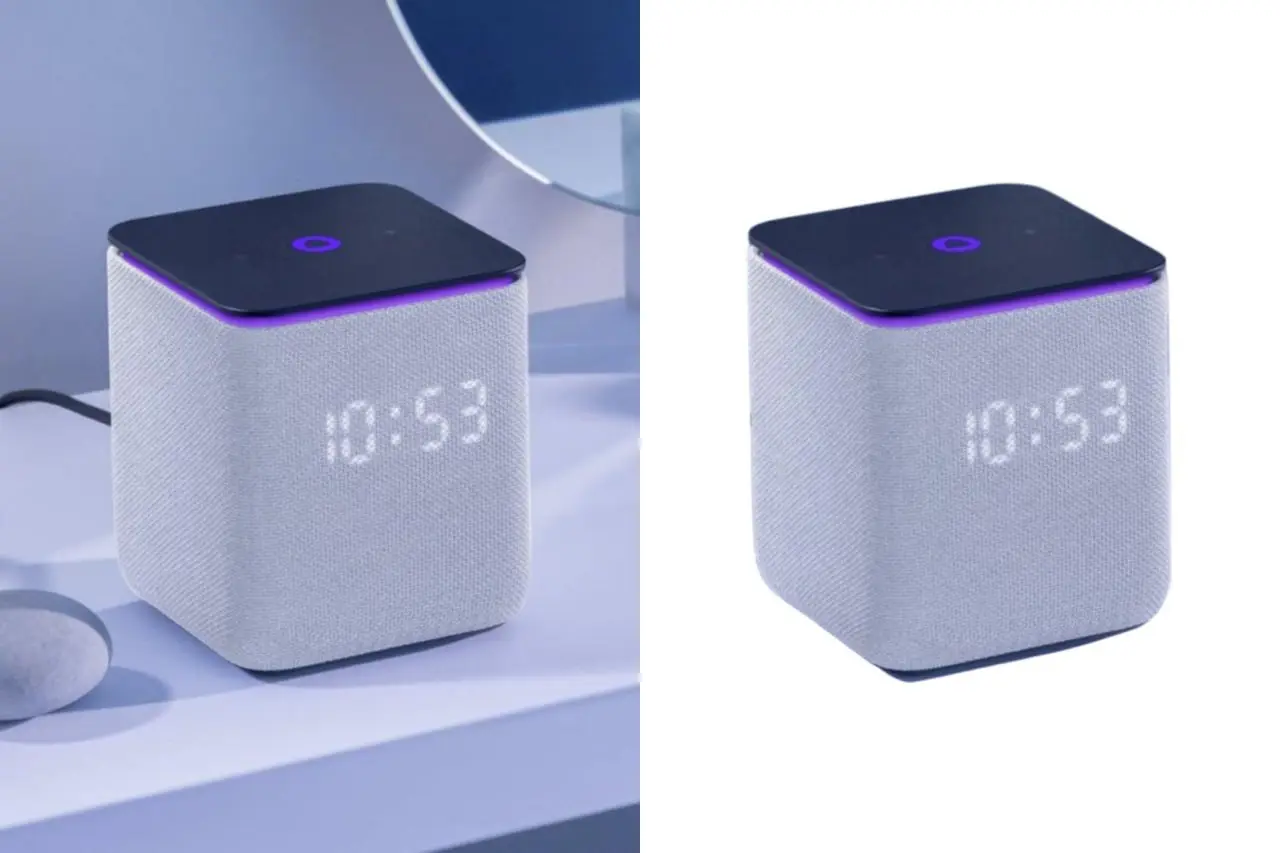
Frequently Asked Questions
Edges, formats, white backgrounds and what background removal costs.
How do I remove the background from an image online?
Upload the image and the model separates the subject from the background by itself, with no manual selection or masking, and a few seconds later you have a PNG with real transparency.
Can I remove a background for free?
The free credits you get at signup cover background removal, so the first batch costs you nothing. After that it is a few cents per image and you don't need a subscription.
Is background removal good enough for product listings?
Yes, that is what most people use it for. Remove the background and put the product on white, and the image meets the first-photo rule on Amazon, Etsy and eBay alike.
Can I put a white background in instead of transparency?
Yes. Pick a solid color instead of transparency and the white background comes out ready for the listing, with no second pass in an editor.
Does removal reduce image quality?
No, the subject keeps its original resolution and detail and only the background is thrown away. Export as PNG to keep the transparency, because a JPEG fills it back in with white.
Does it handle hair, fur and fine edges?
Better than a manual selection in most cases, hair, fur and see-through fabric usually come out clean, and very fine strands against a busy background are the one place you may still see a soft edge.
Can I process several images at once?
One image per run, but the runs do not wait for each other, so you can upload the next photo while the first one is still processing and get through a whole catalog that way.
Which formats can I upload?
JPEG, PNG, WebP and HEIC straight from an iPhone, which is converted on upload, and the result always comes back as a PNG so the transparency survives.