
Nano Banana 2 Lite:
Google's Flash-Lite speed
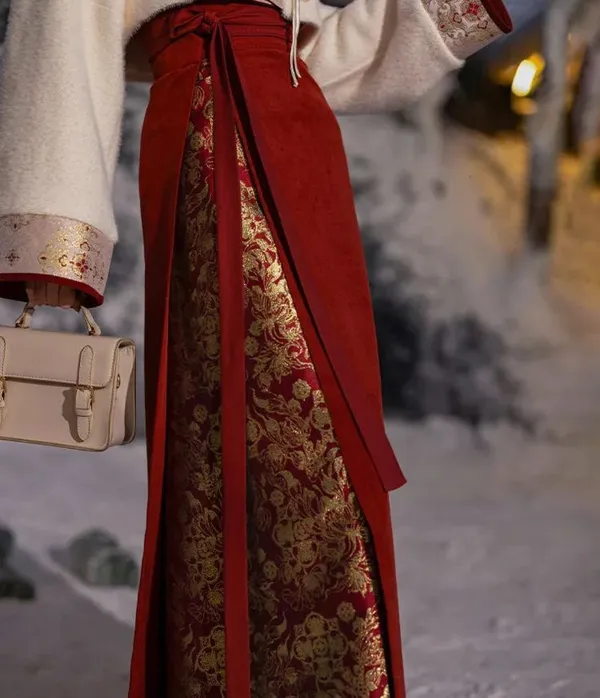
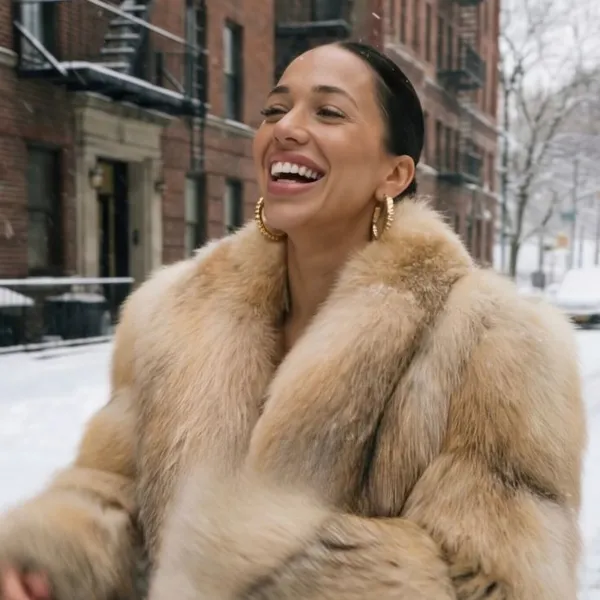
Nano Banana 2 Lite (Gemini 3.1 Flash-Lite Image) is Google's fast model for 1K images and quick edits, and it runs on Azurade AI. Text comes out accurate and editing a photo takes very little effort.
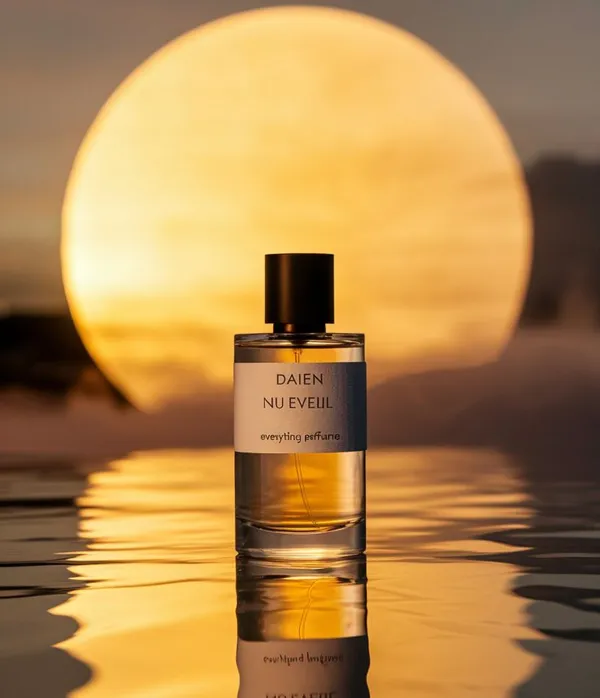
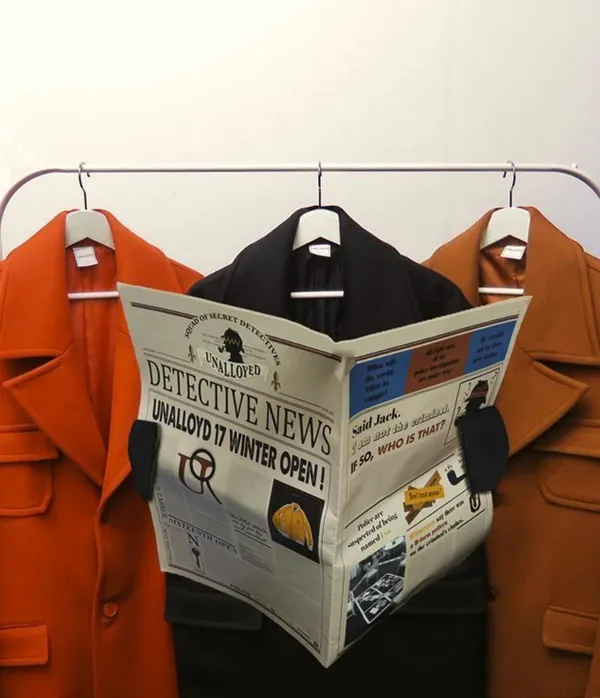
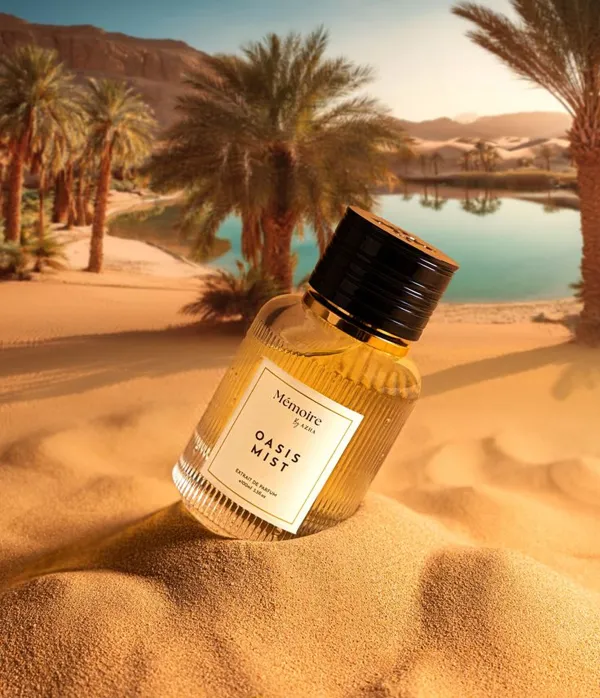
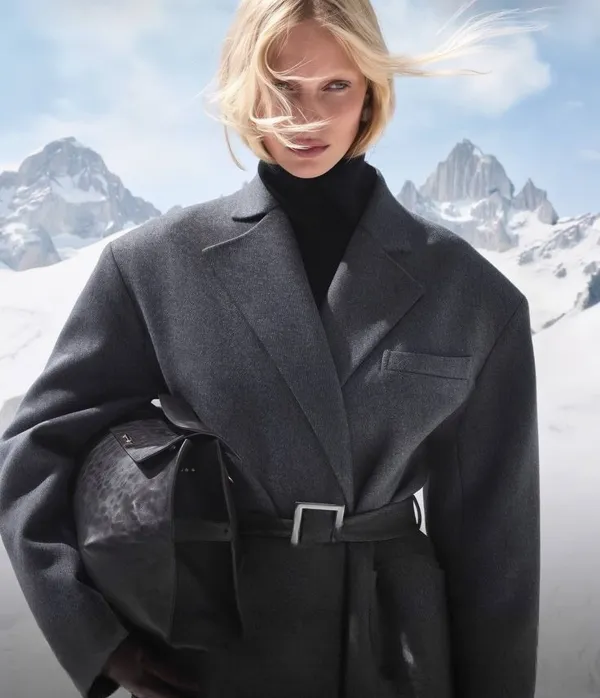
Our Advantages
Every Model, One Account
45 models, including Nano Banana, Seedream, Veo and Wan, behind one login and one balance, instead of a separate subscription for each.
Low Prices
Nano Banana from $0.04 per image, Wan 2.7 from $0.80 per five-second clip. You pay per generation, nothing else.
Latest AI Models
Veo 3.1, Seedance 2.5, Nano Banana Pro and other recent models.
Tools for the next generation of creators
Fast, good-quality AI generation with control over the result, in one platform.
Fast 1K generation
Nano Banana 2 Lite (Gemini 3.1 Flash-Lite Image) returns a good 1K image fast, so it's the one to use for drafts and for trying one idea after another when waiting is the problem.
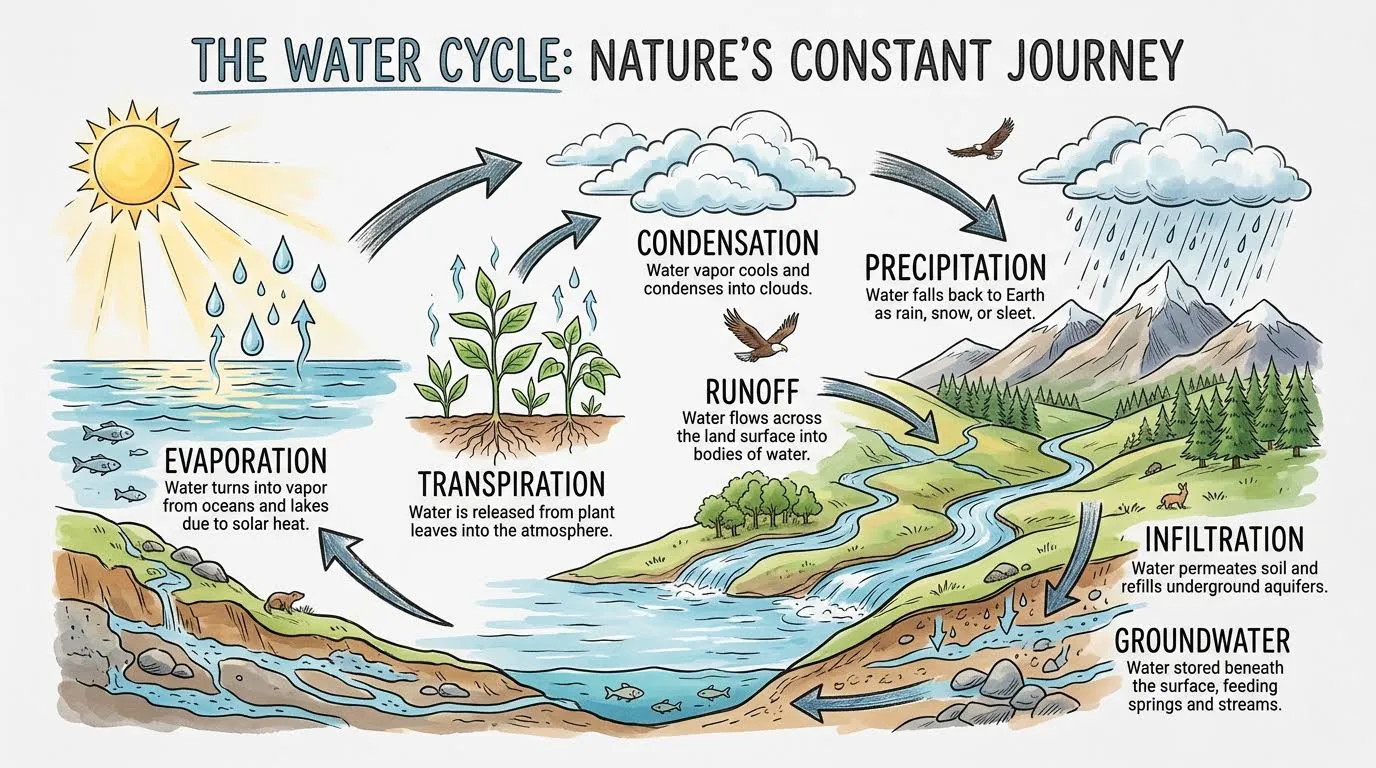
Accurate text rendering
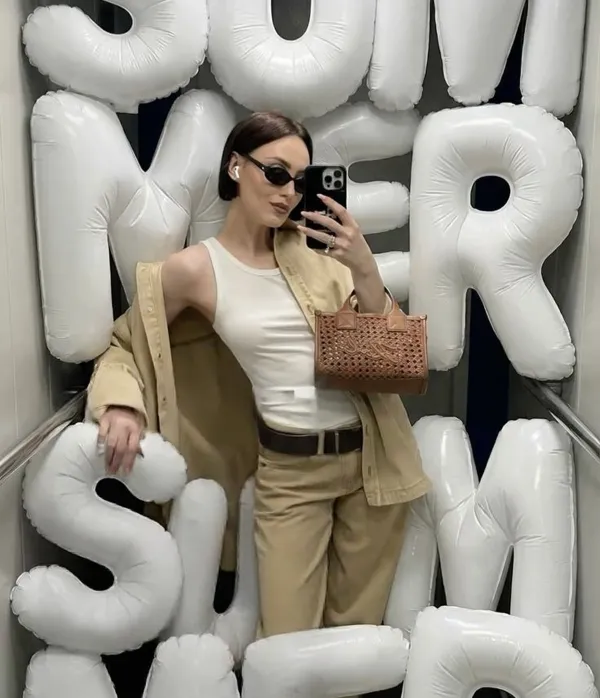
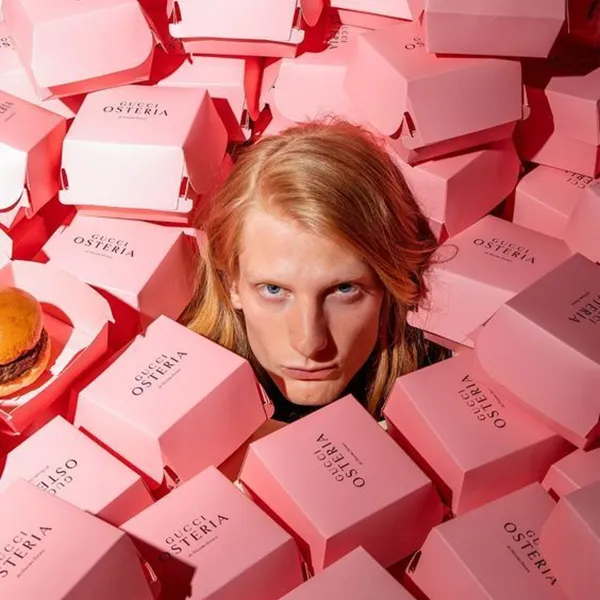
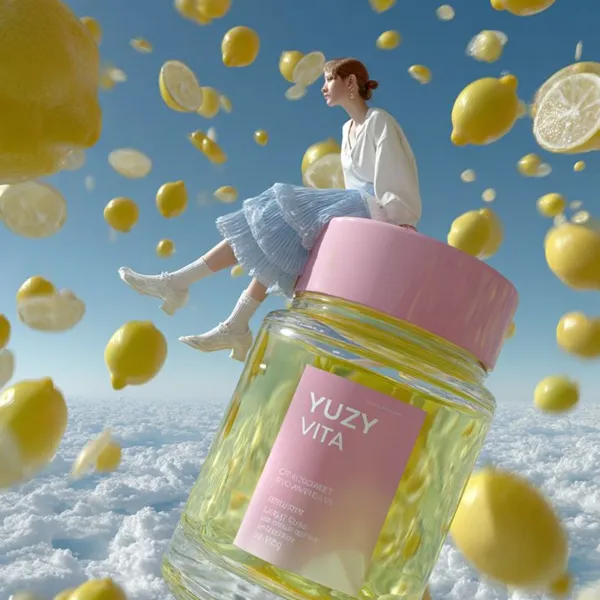
Put the words in quotes in your prompt and Lite sets them neatly into the frame, crisp enough to read on a marketing layout, a postcard or an infographic.
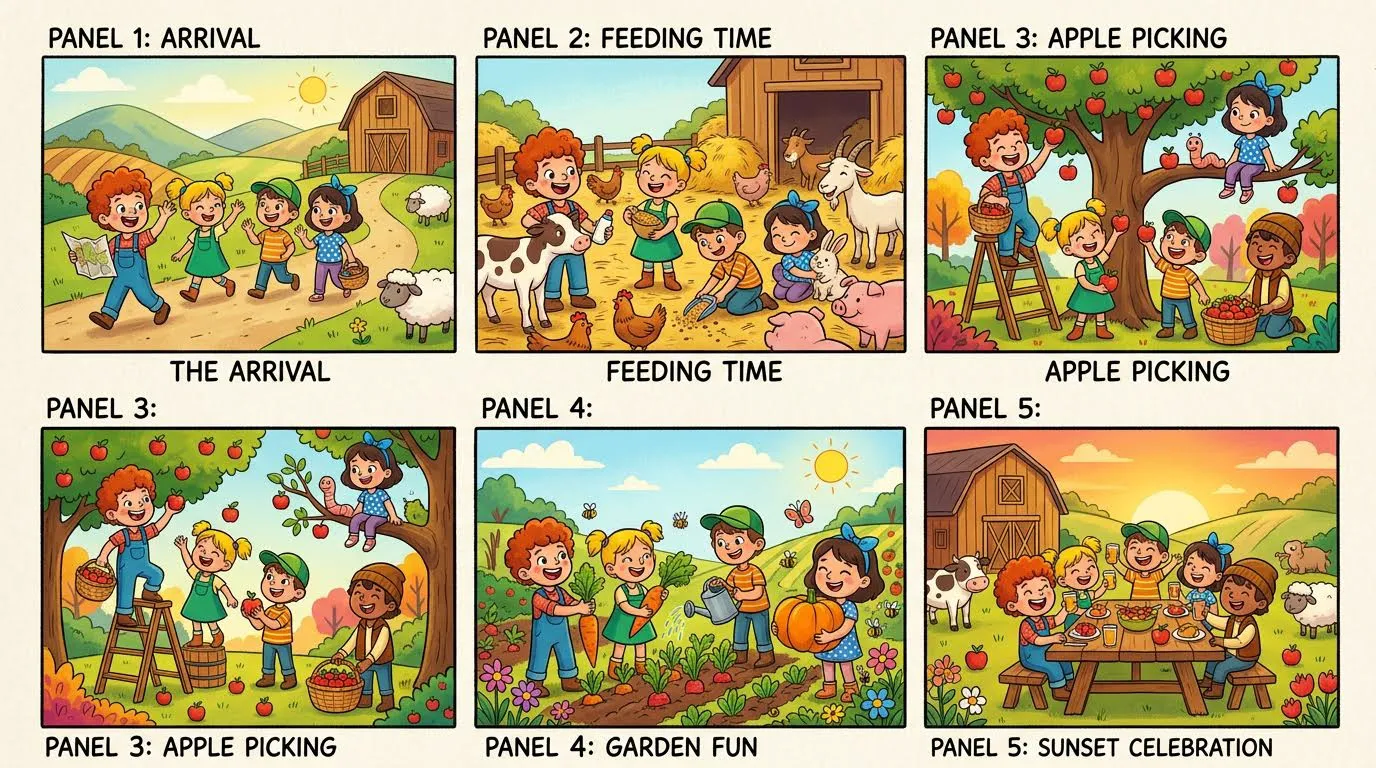
Image editing and restyling
Upload up to 10 photos to restyle them, add or remove elements or drop an object into a new scene. Lite follows the context and leaves the rest of each image as it was.
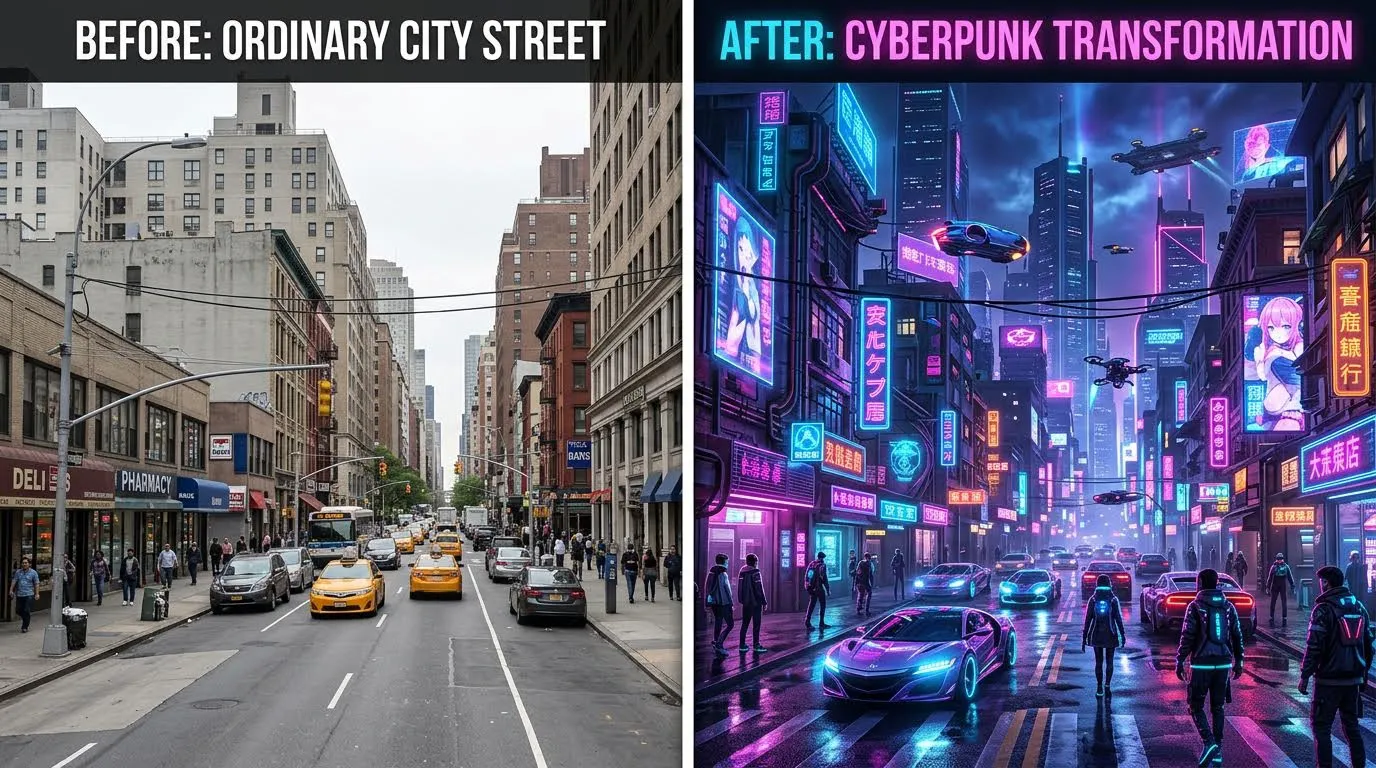
Character and object consistency
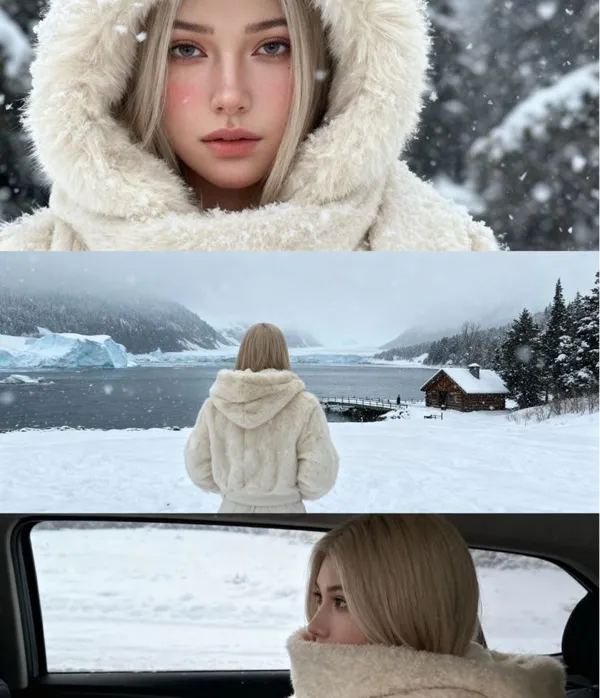
Characters and objects look the same from frame to frame, which is what a storyboard or an image series in one style needs.
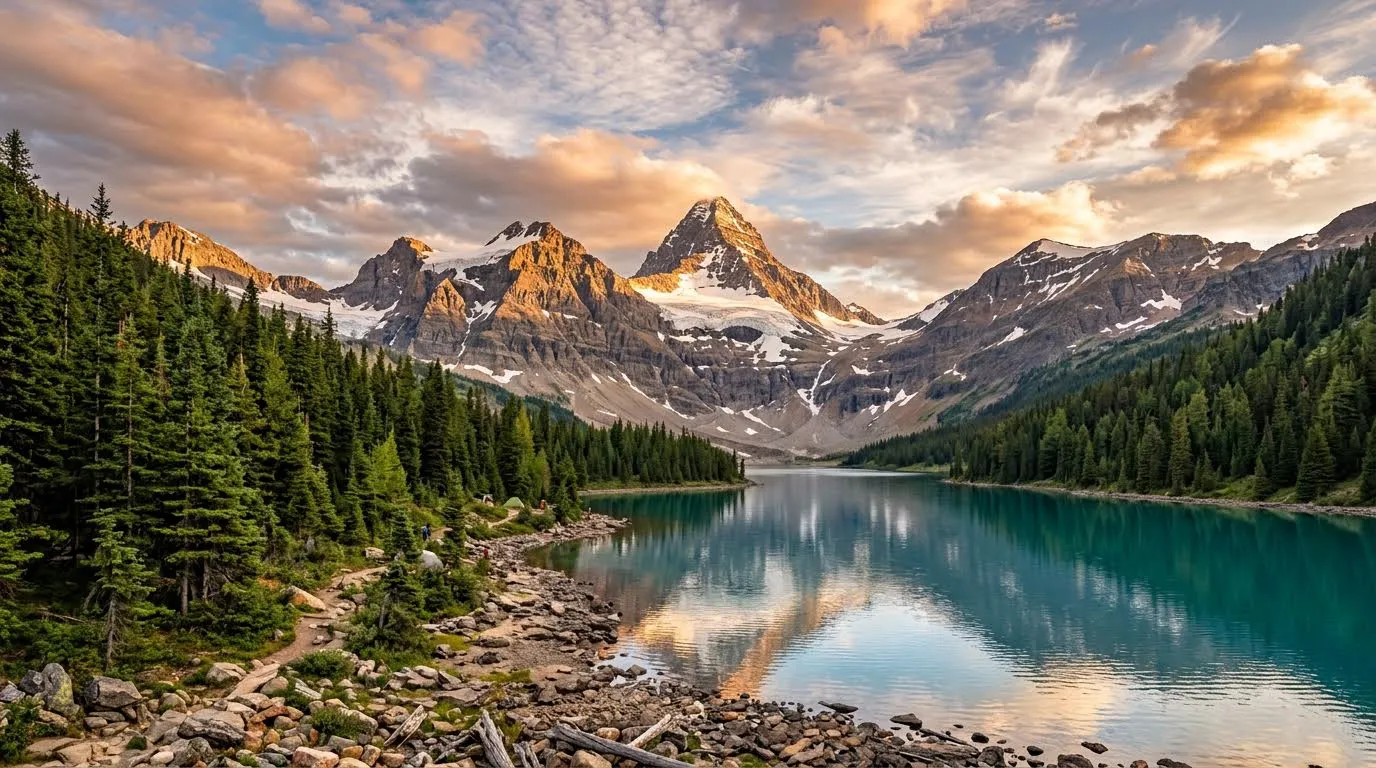
Flexible aspect ratios
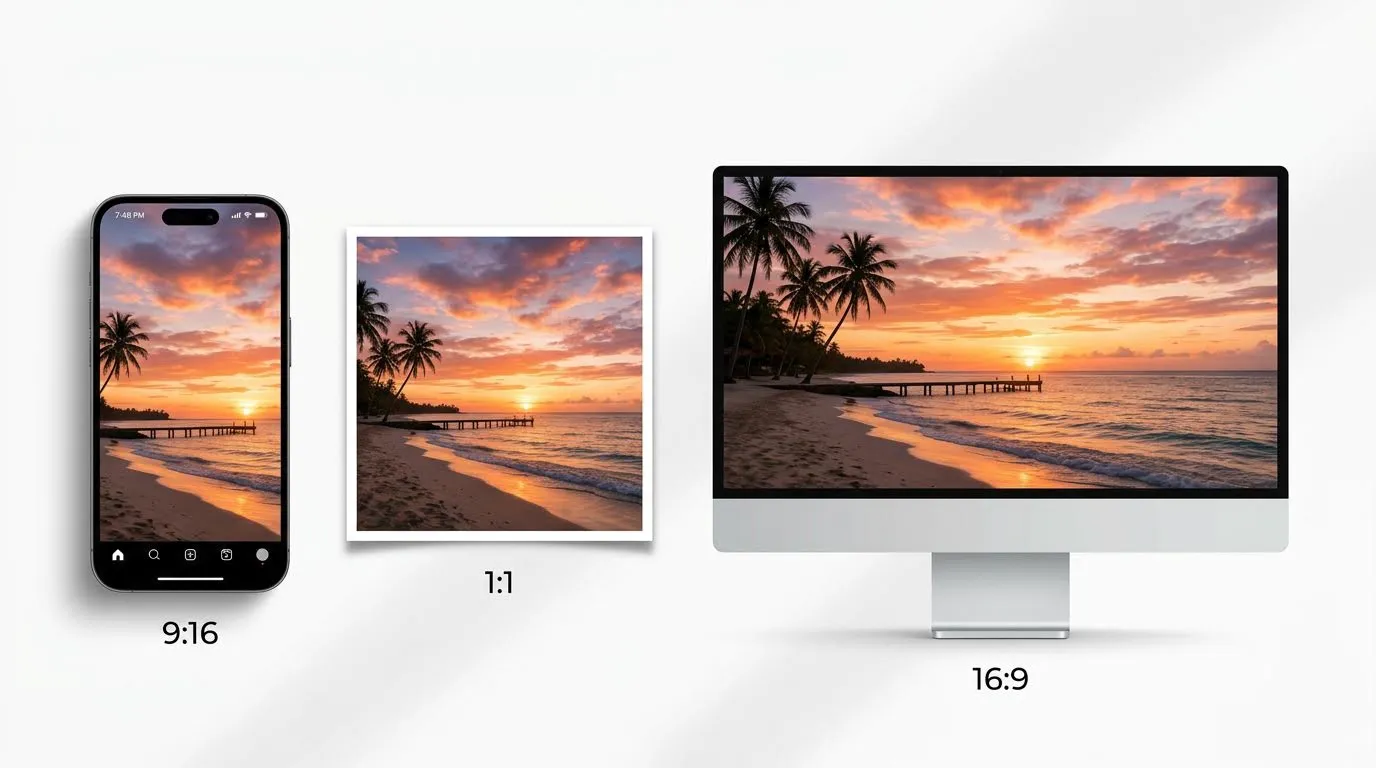
Choose from 14 formats, from a vertical post to a wide banner, or leave it on "Auto" and the model picks the composition.
Frequently Asked Questions
Everything worth knowing about generating images with AI.
What image styles can AI produce?
Almost any: photorealism, studio product photography, illustration, anime, watercolor, oil painting, 3D render, flat vector and most things in between. Name the style in the prompt and the model follows it.
Can I generate a specific size or aspect ratio?
Yes, you choose the aspect ratio before generating: 1:1 for feeds, 9:16 for Stories and Reels, 16:9 for presentations and thumbnails, 4:5 and 3:4 for marketplace listings. Set it up front, because cropping afterwards can cut off something important.
How do I get better results out of an image model?
Name the things that change the picture: subject, lighting, camera angle, background and mood. "White ceramic mug on a light oak table, soft window light from the left, shallow depth of field" beats "nice photo of a mug". After that, run the same prompt on a second model, since each one reads it a little differently.
Can I generate from a reference photo instead of text?
Yes. Upload the photo and describe the change (a new background, another style, cleaner light), and the model keeps the subject while redrawing the rest. For an object that already exists this is far more reliable than describing it from scratch.
Can I edit an image after it is generated?
Yes, you can regenerate part of it, add or remove objects, swap the background, or open the built-in editor to crop it and add text, shapes and filters.
Can AI put readable text on an image?
Short text, yes: newer models get a headline, a price or a label right. Long paragraphs still come out garbled on every model on the market, so for anything longer generate the image clean and set the text in the editor, where it stays exactly as you typed it.
How long does a generation take?
Most images are ready in 30 to 60 seconds. Video usually takes one to three minutes depending on the model and the clip length, and you can queue several generations at the same time.