
Create
social media content with AI
Spend less time making the visuals for your social posts and get ones that catch people's attention in the feed.
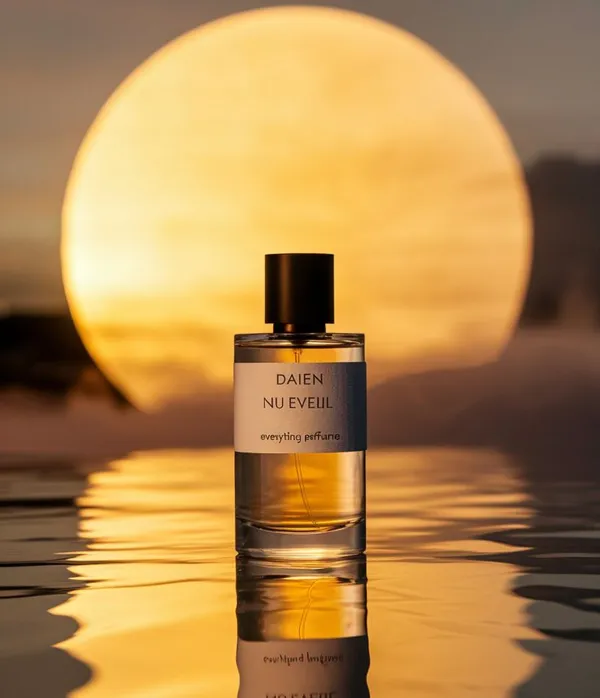
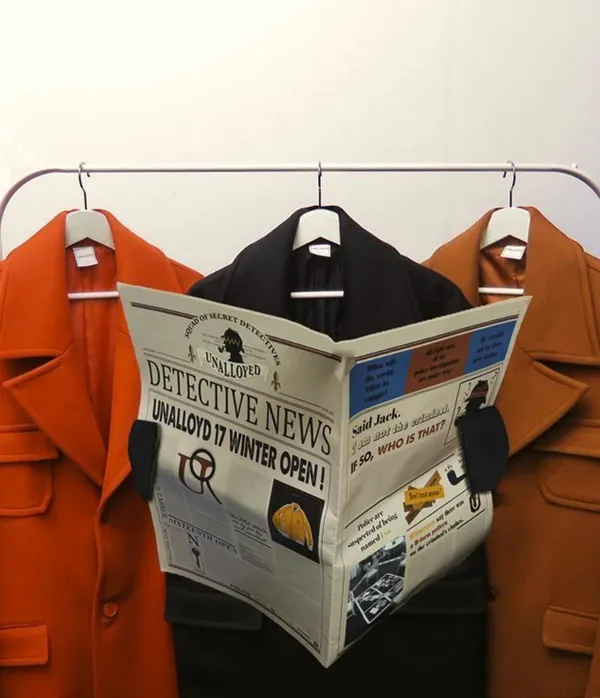
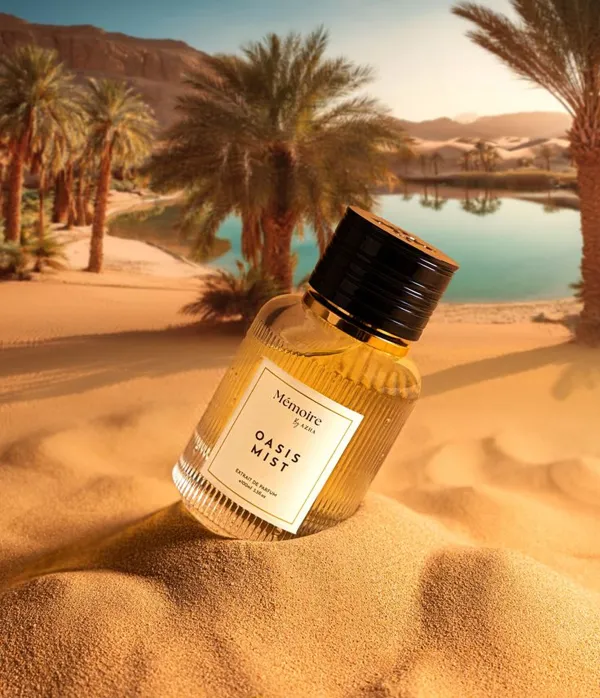
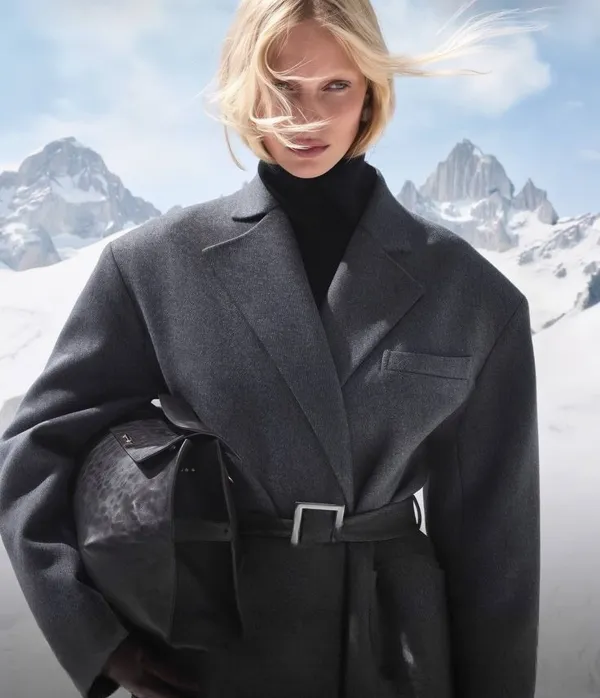
Our Advantages
Every Model, One Account
45 models, including Nano Banana, Seedream, Veo and Wan, behind one login and one balance, instead of a separate subscription for each.
Low Prices
Nano Banana from $0.04 per image, Wan 2.7 from $0.80 per five-second clip. You pay per generation, nothing else.
Latest AI Models
Veo 3.1, Seedance 2.5, Nano Banana Pro and other recent models.
Tools for the next generation of creators
Fast, good-quality AI generation with control over the result, in one platform.
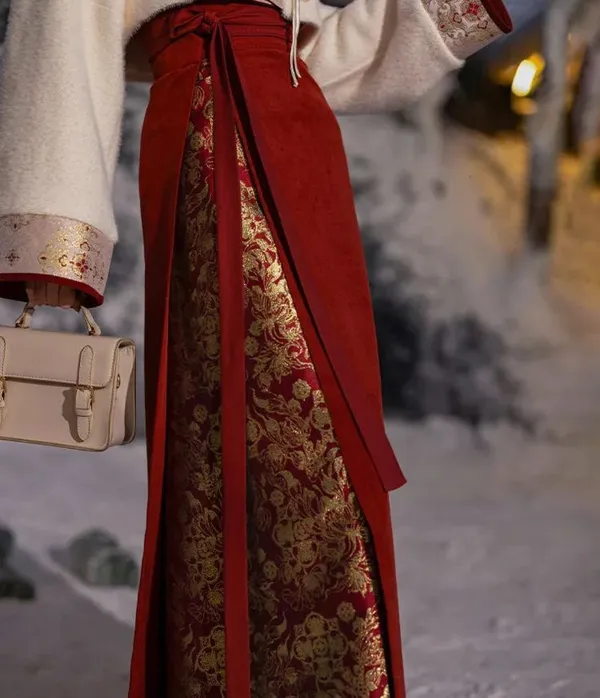
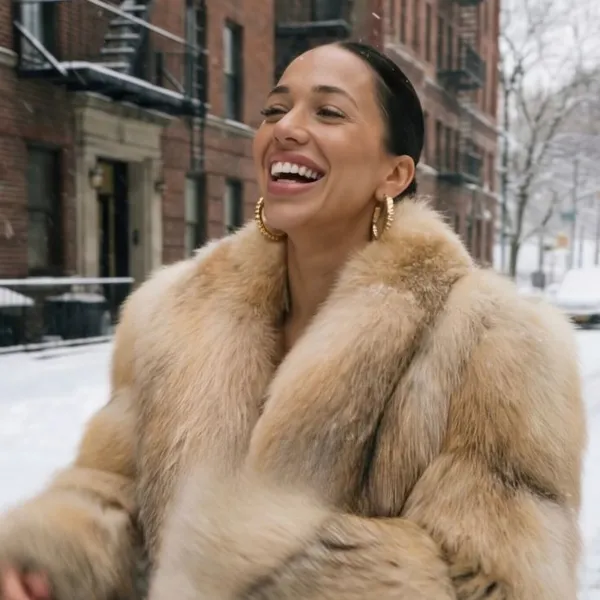
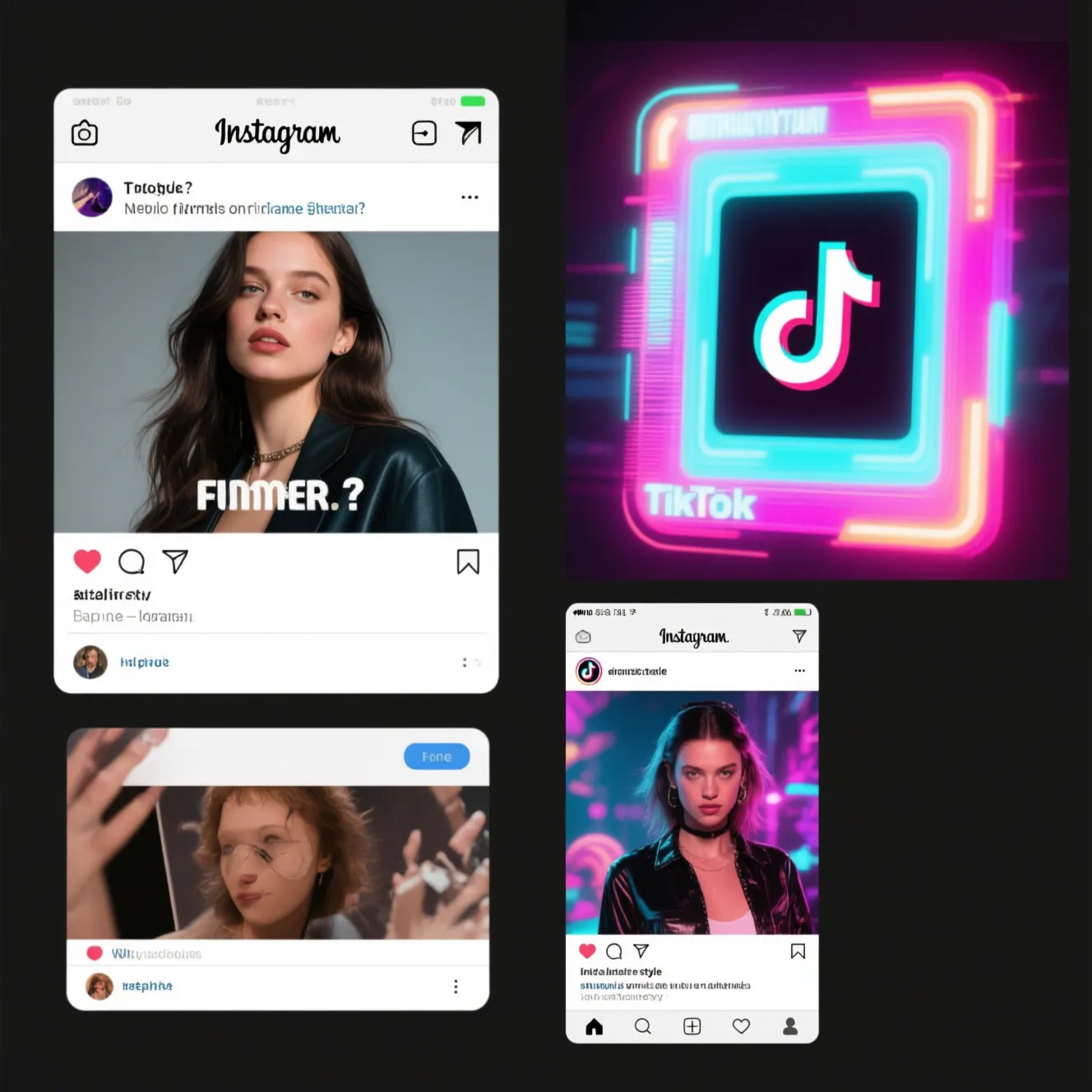
Generate visuals for social media trends
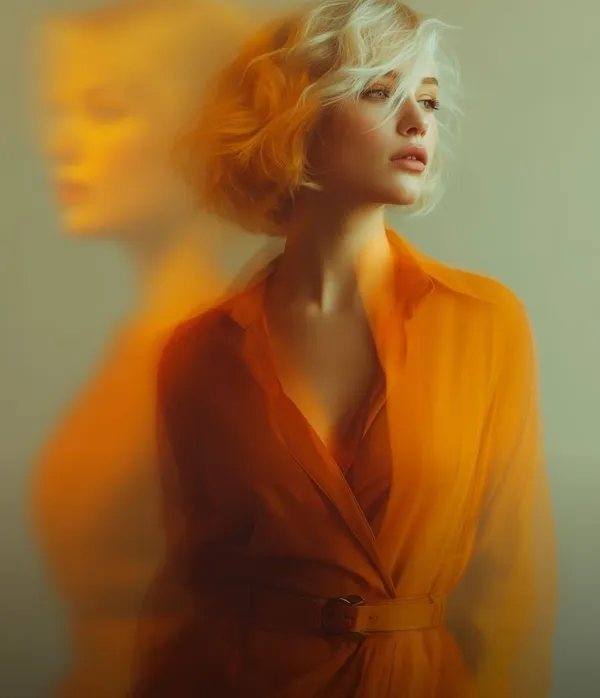
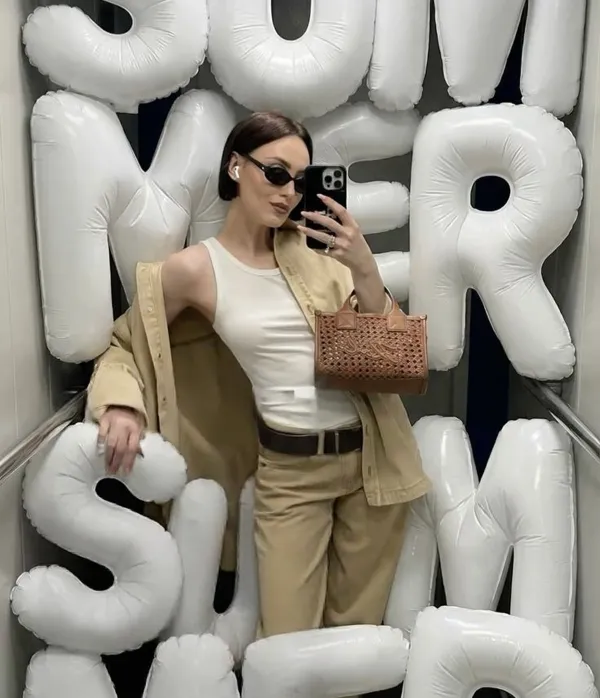
The AI looks at the memes, challenges and visual styles that are popular right now and makes images or short videos in that format, adapted to your brand and ready to post today.
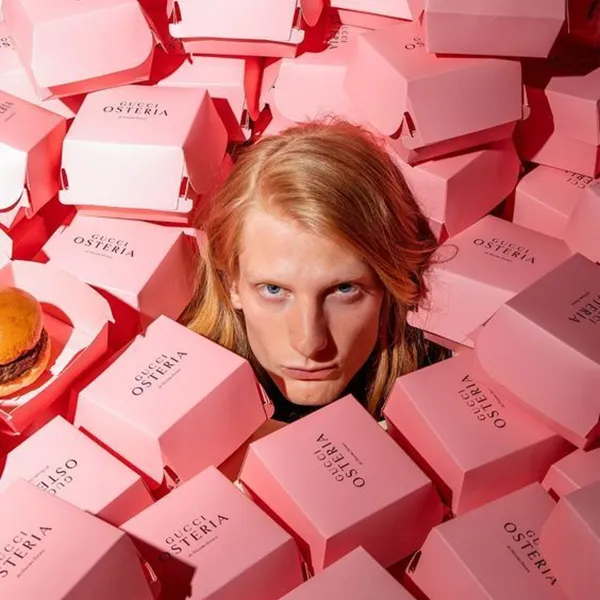
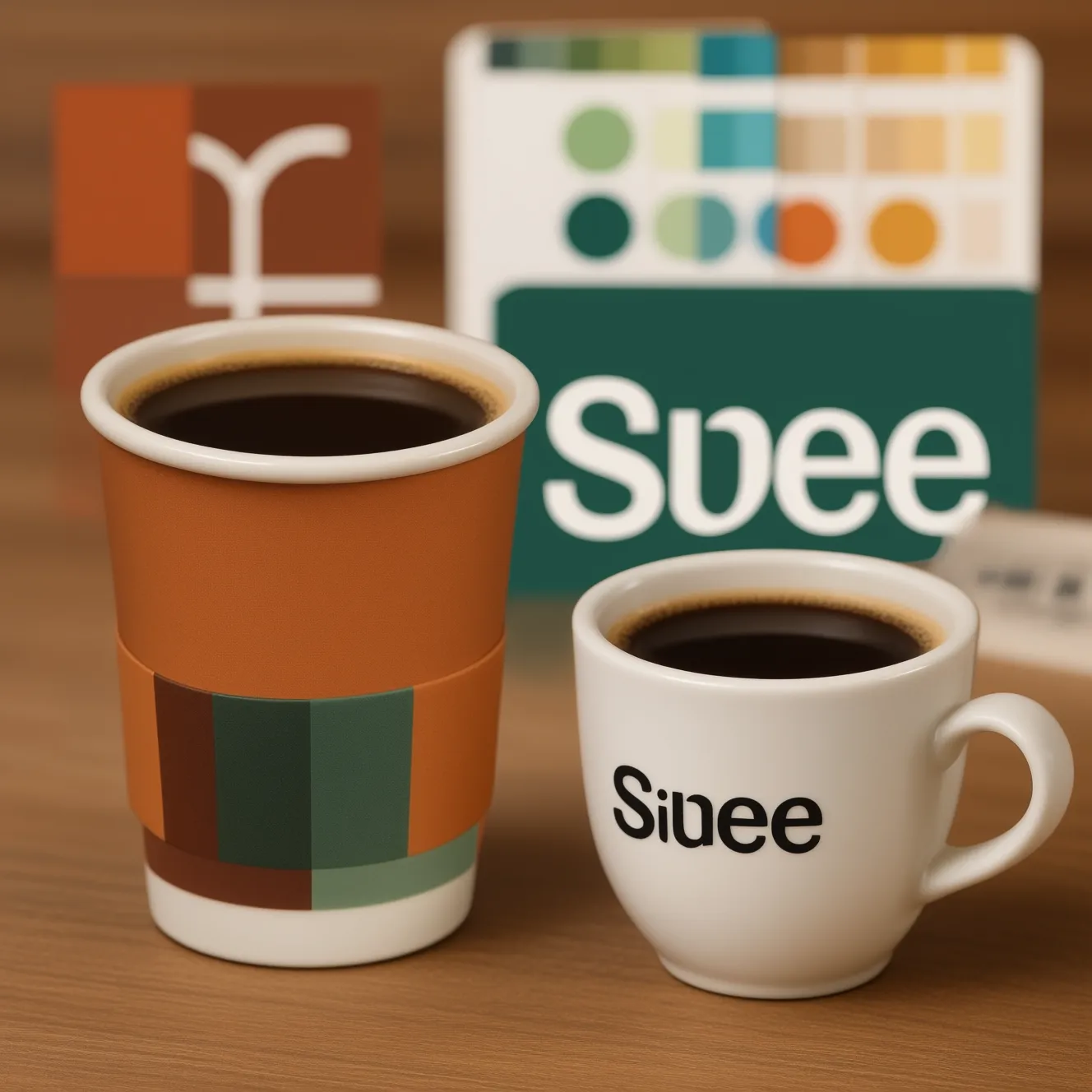
Instant brand styling
Upload your logo, your brand colors and a couple of past posts, and the AI makes images and videos that look like your designer did them, on-brand without manual fixes.
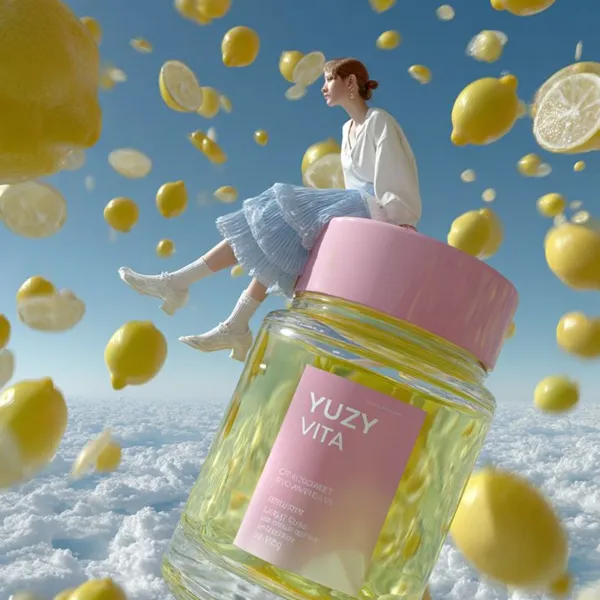
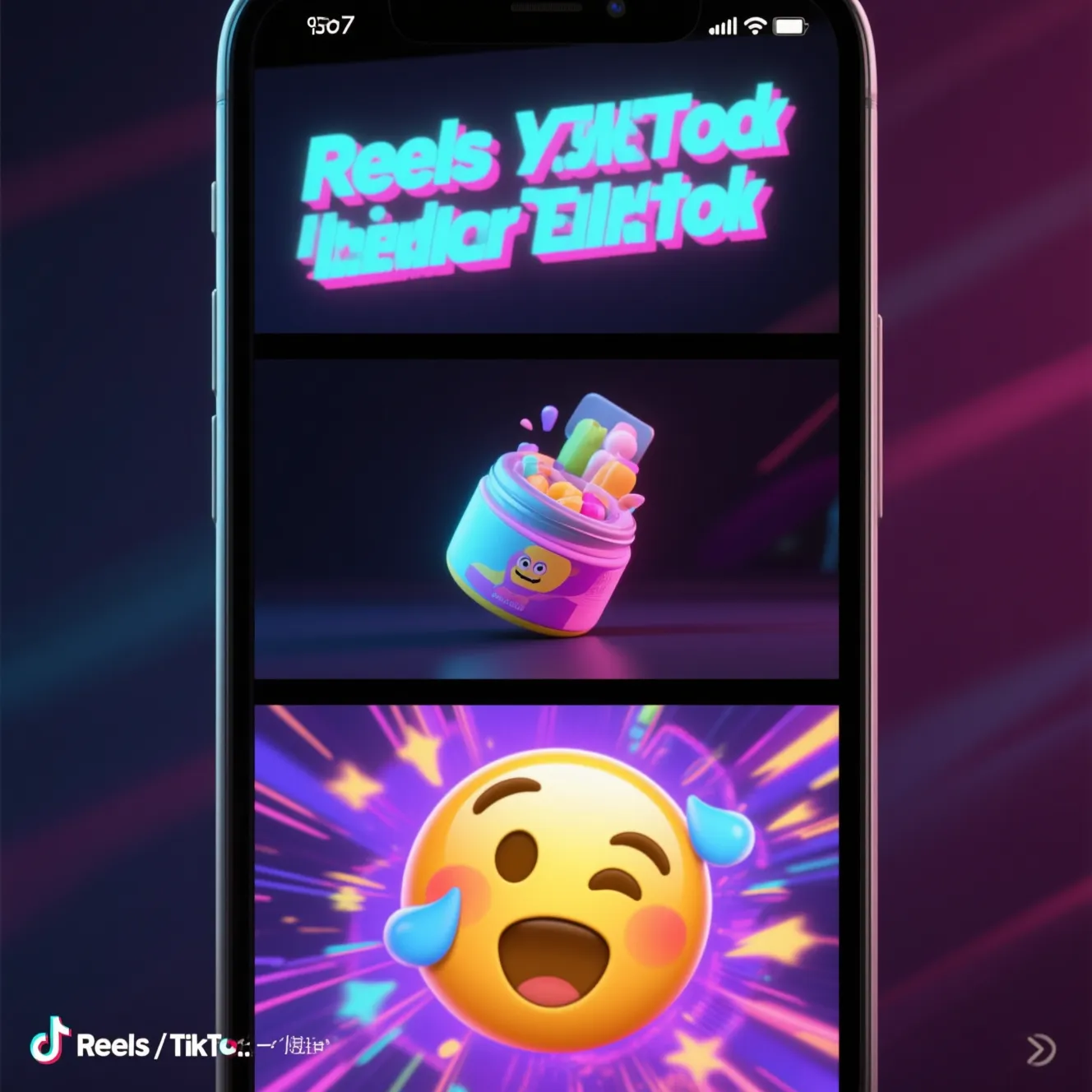
Create "viral" short videos
Describe a scenario or a feeling and the AI builds an eye-catching video of up to 15 seconds out of visuals and animation, sized for Reels or TikTok.
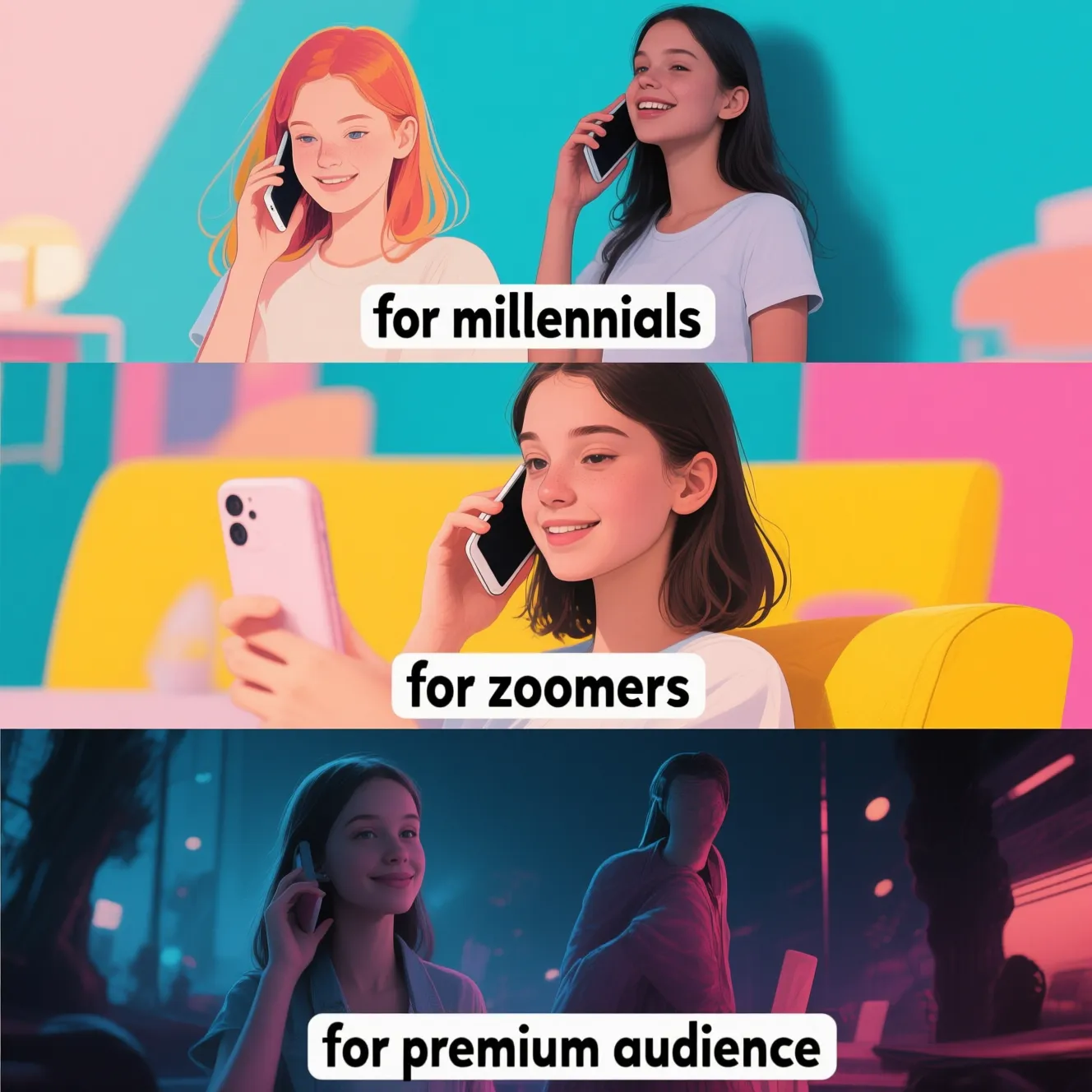
Personalize visuals for your audience
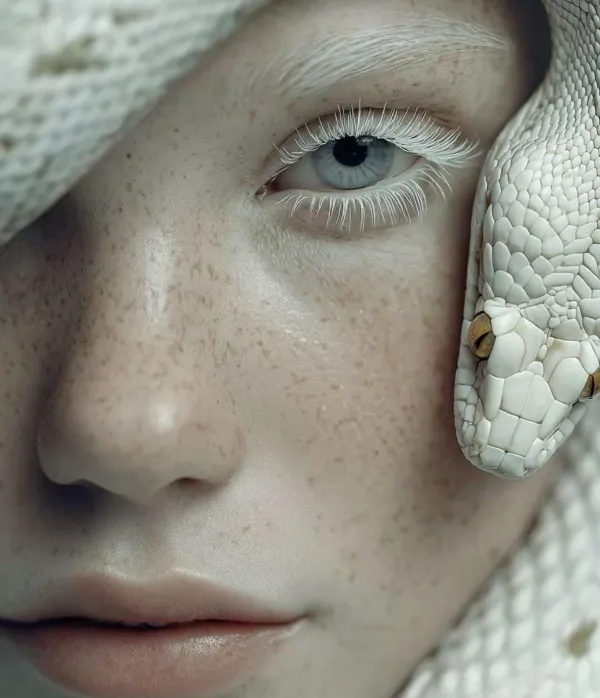
One idea comes back as several versions with different styles, colors and moods, so you can test which one your audience responds to.
Generate image series for Stories
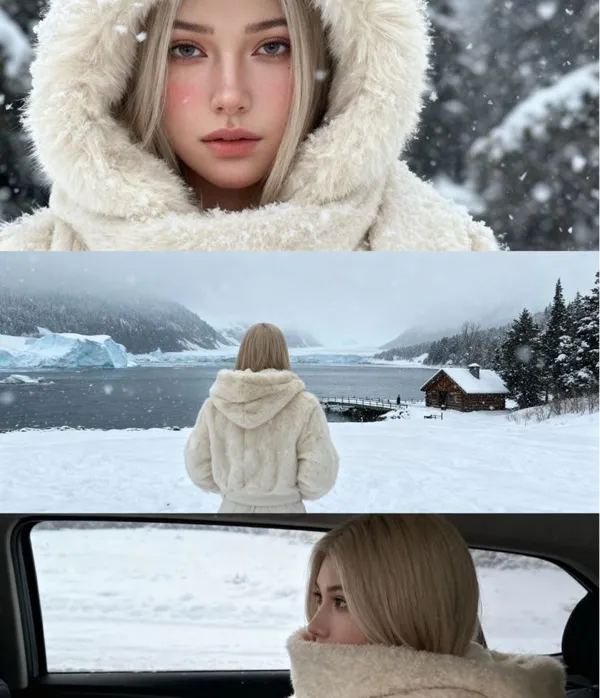
Get a set of images in one style and post them as a series in Stories, where they tell a short story frame by frame.
Put together a post or story in the Azurade online editor
The editor has 1080×1080, 1080×1350 and 1080×1920 presets for Instagram and Stories, plus text, shapes, filters and captions. It's free and runs in your browser.
Open Azurade EditorFrequently Asked Questions
Everything worth knowing about creating content for social media.
Can I create content sized for every social platform?
Yes, every platform ratio is there: 1:1 and 4:5 for feeds, 9:16 for Stories and Reels, 16:9 for YouTube and X. Make a separate version per format, since one image cropped down to all of them is how subjects end up half out of frame.
How do I make Instagram Stories with AI?
Generate at 1080×1920 with the concept and mood in the prompt, and keep anything important away from the top and bottom edges, where the Instagram interface sits. A run of them in one style gives you a week of Stories in an afternoon.
Can I keep everything in my brand style?
Yes. Settle on the wording for palette, lighting and composition, reuse it in every prompt with only the subject changed, and add the logo in the editor afterwards. A feed built that way looks designed.
How do I make a page or channel cover?
Generate it at the platform ratio (16:9 for YouTube, X and Facebook covers, a square for avatars) and describe the theme instead of the layout, then add the name in the editor so the type is exact.
How do I make content that suits TikTok and Reels?
Make it vertical and high contrast, with one clear subject and something moving in the first second. Where you can, generate a short clip instead of a still, because the feed rewards motion.
Can I make a matching set of Instagram highlight covers?
Yes. Generate every icon from one prompt and change only the subject, since the shared palette and style is what makes the row look deliberate. Keep them square and simple enough to read at the size of a coin.
Can I use what I generate commercially?
Yes, generated images and video can go into advertising, marketing, product listings and paid work. The terms of use have the full wording, including the few things no AI service permits, such as impersonating a real person.